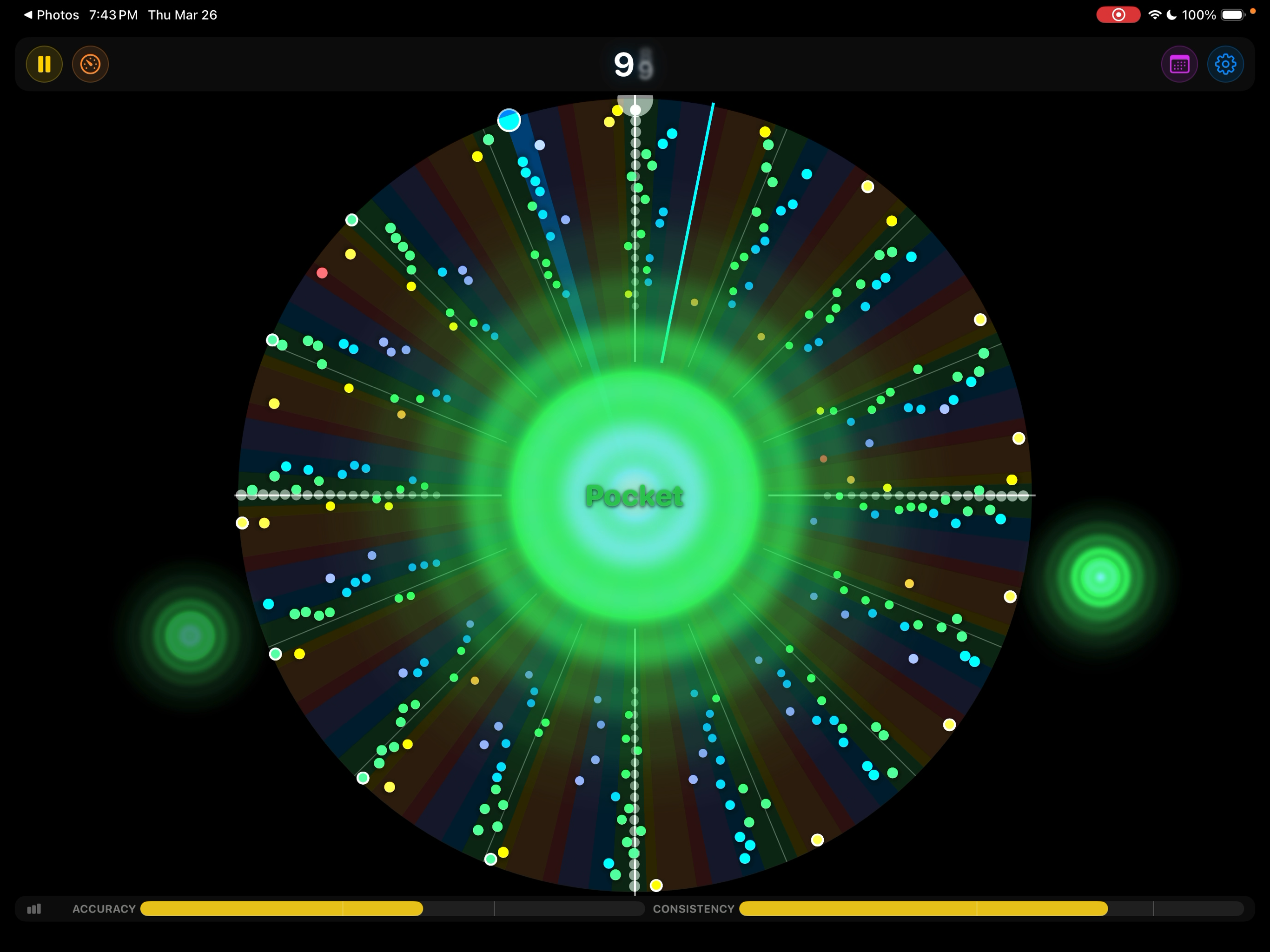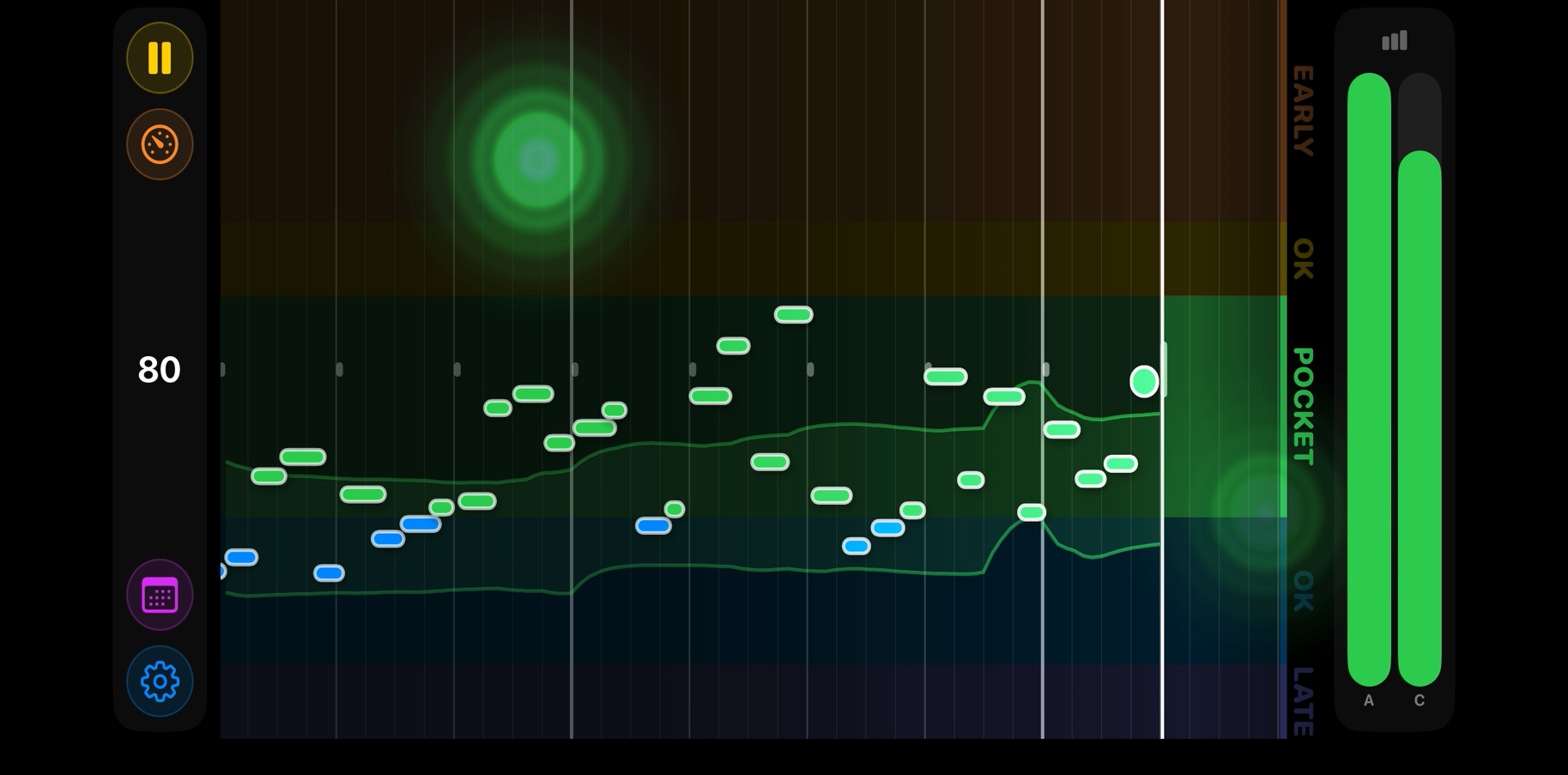
Metronome Hero scores the hits and note attacks you play, shows where you land relative to the beat, and can automatically adjust the tempo to help you improve.
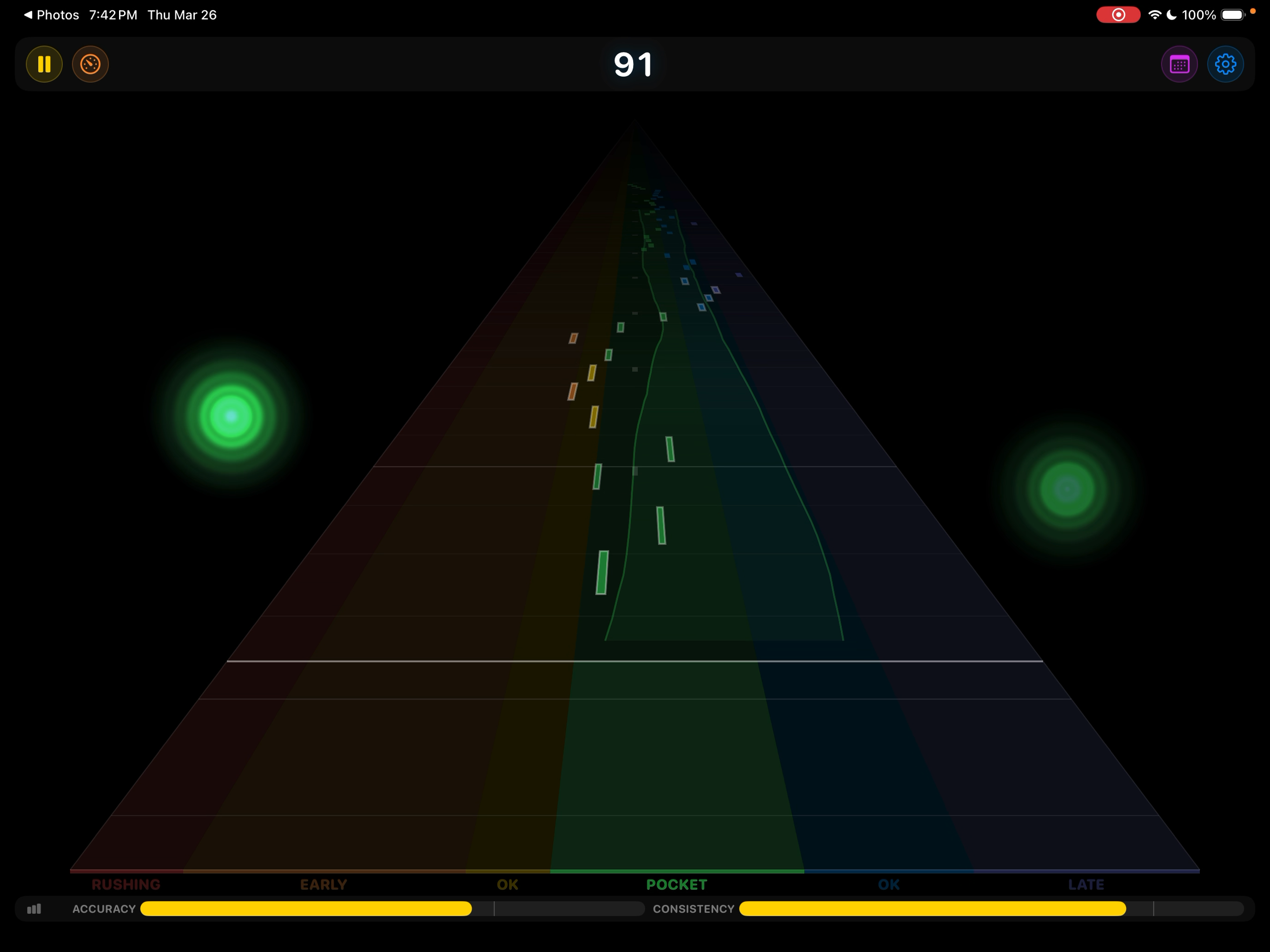
Rush a note and you see it instantly — while your hands still remember the mistake. No listening back to a recording. No waiting for someone to tell you. You feel it and you see it at the same time.
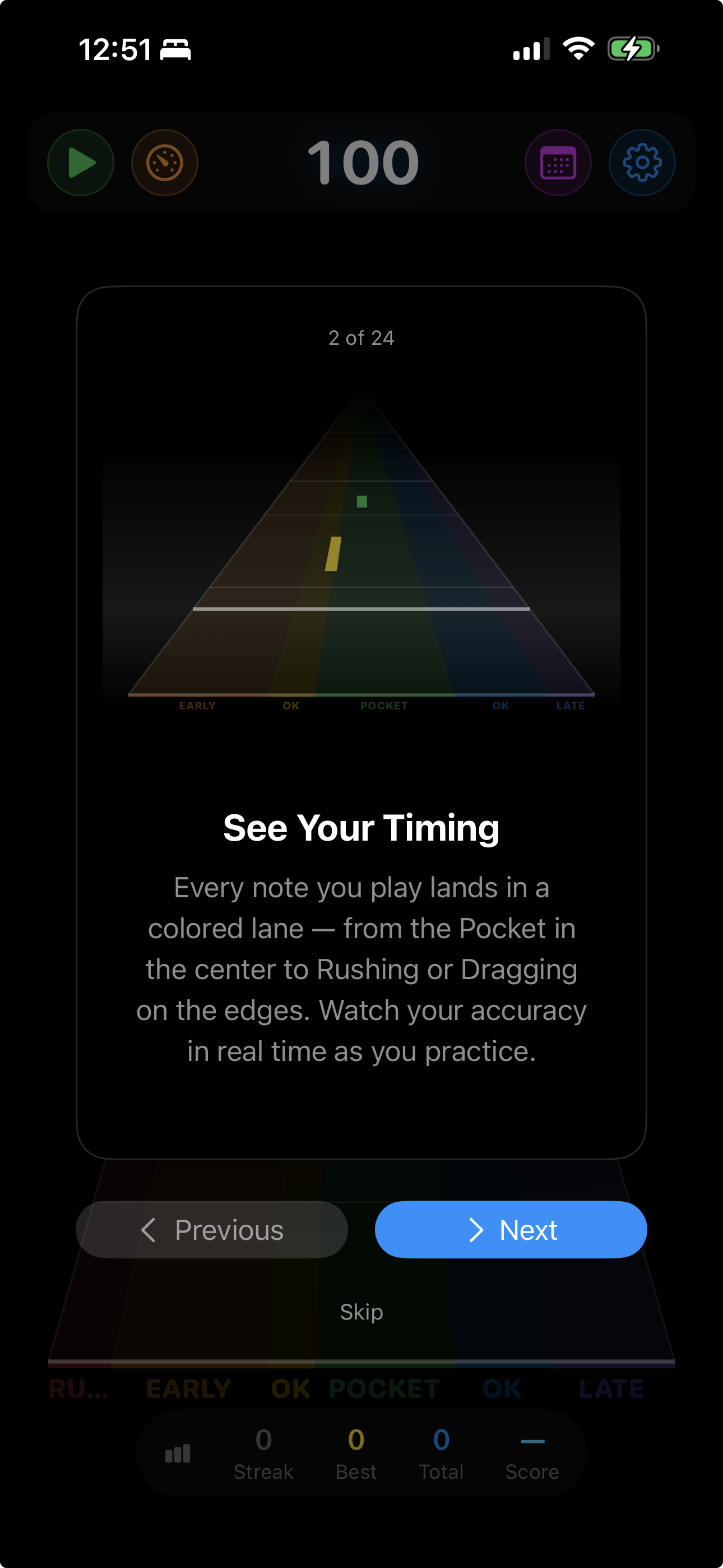
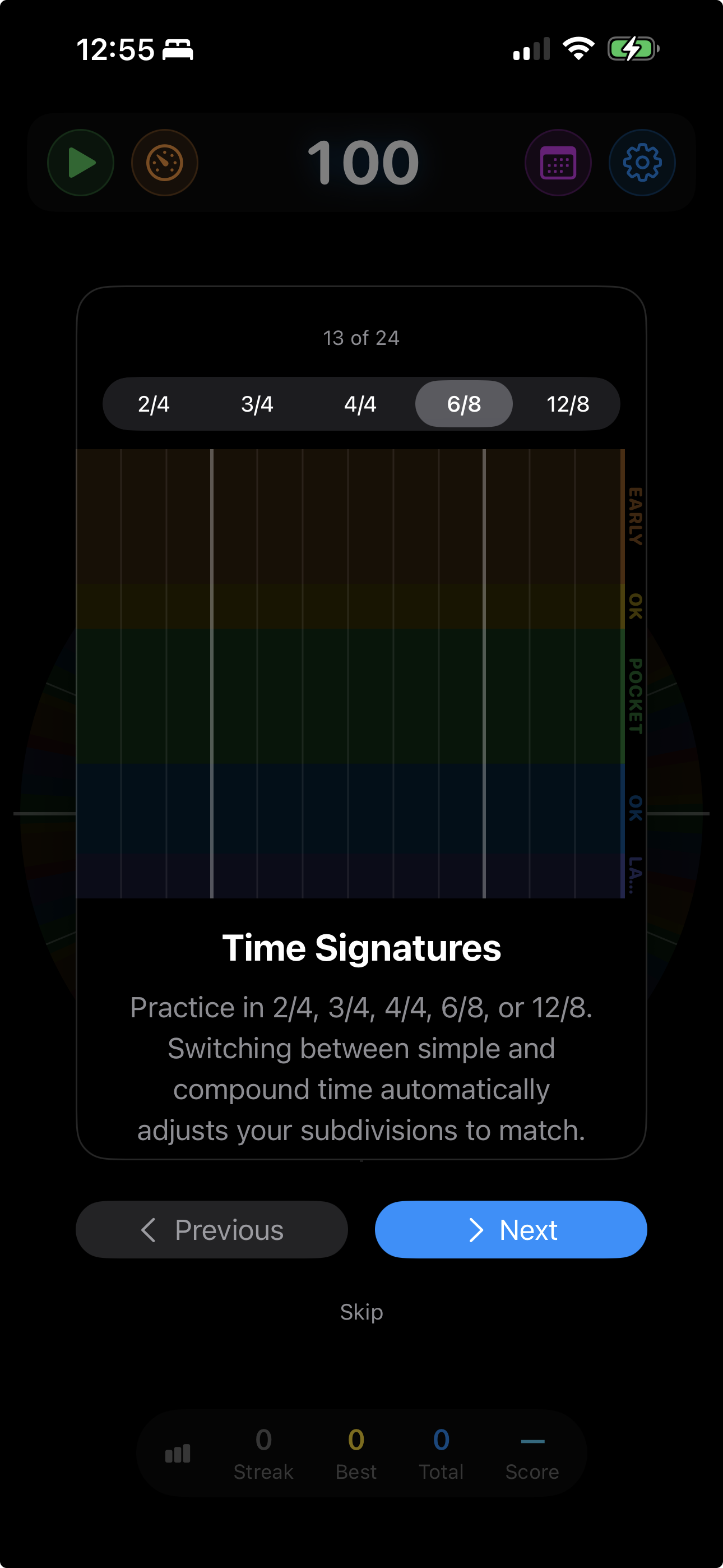
A 7-zone timing spectrum tells you not just whether you’re on beat, but how far off and in which direction.
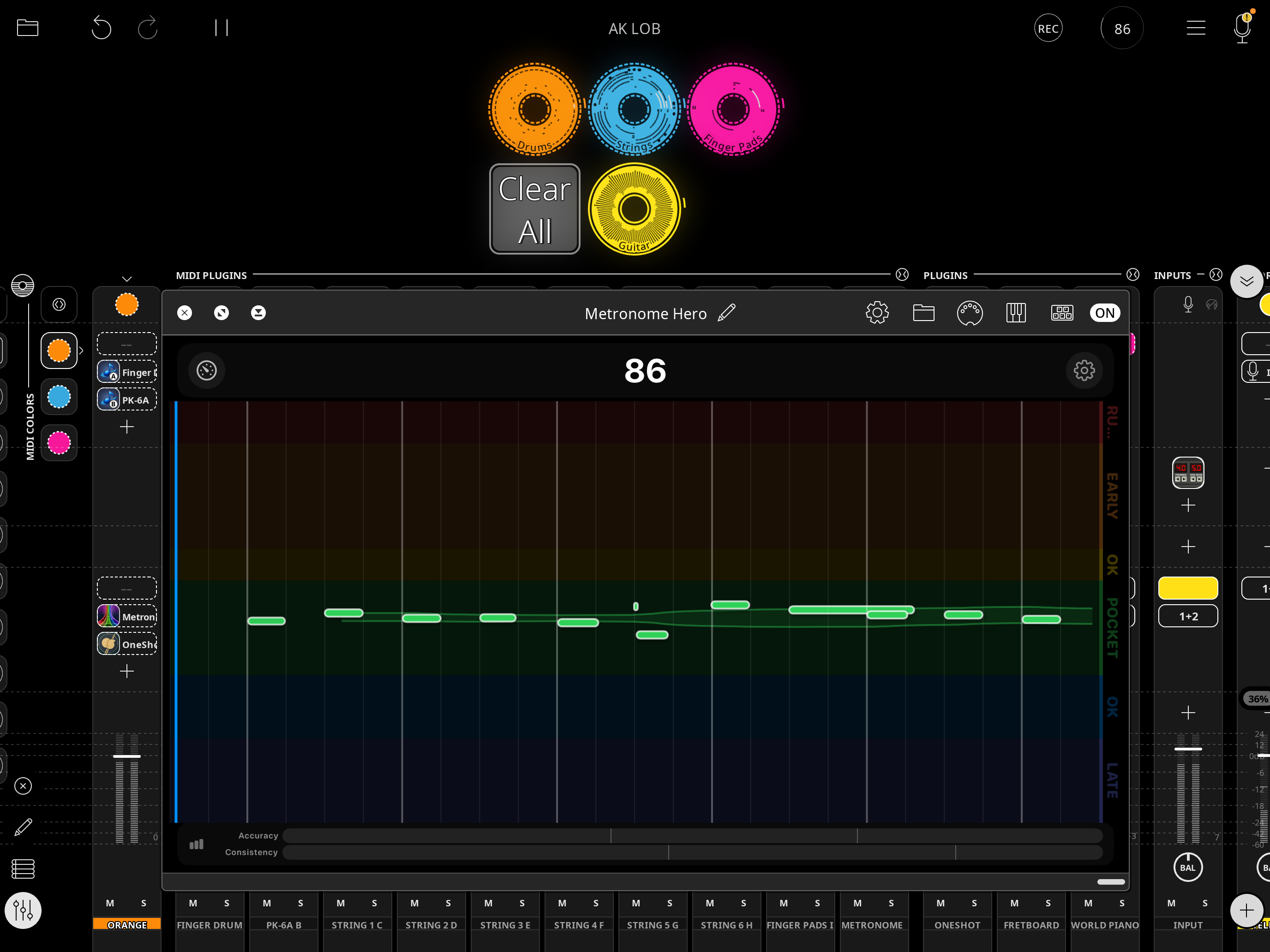
Score the whole kit at once and still know which piece is early. Over MIDI, every note you play gets its own color — in every visualization, in the Audio Unit, and in your saved history.
Each pad, drum, or string picks up its own color the first time it appears in a session. One glance at the Note Highway tells you the hi-hat is pushing while the kick sits right in the pocket.
A table breaks down your ten most-played notes: how many times you hit each one, how far early or late it lands on average in milliseconds, and how much it varies. Bias is the thing you can fix today. Spread is the thing you practice for.
Play a kit and you get drum names; play a guitar or a keyboard and you get pitch names. Rename any of them so the table reads the way your own setup is laid out.
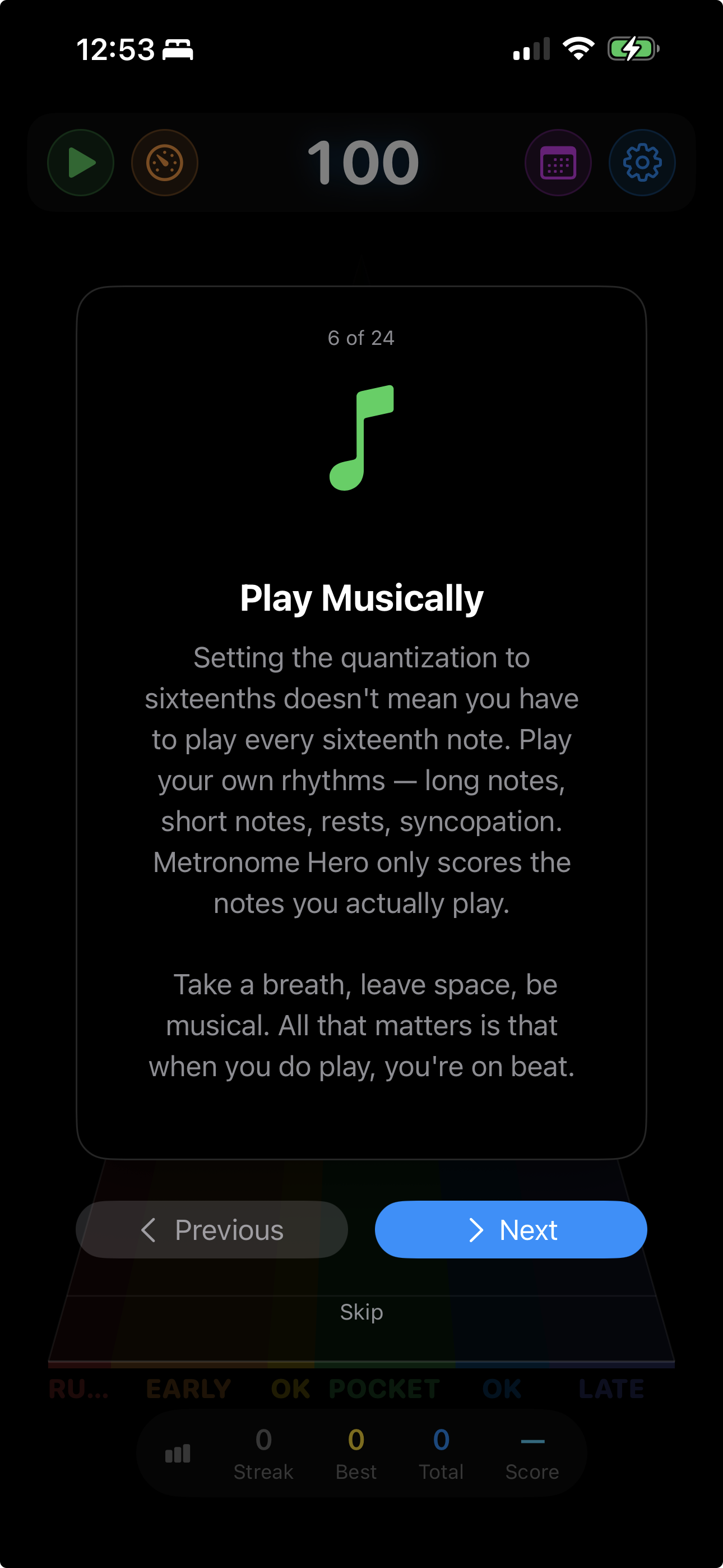
Setting the quantization to sixteenths doesn’t mean you have to play every sixteenth note. Play your own rhythms — long notes, short notes, rests, syncopation. Metronome Hero only scores the notes you actually play. Take a breath, leave space, be musical. All that matters is that when you do play, you’re on beat.
See that you consistently rush the backbeat, or lay back on beat 3. That specificity turns repetition into improvement.
Rushing is the most common timing problem — and the hardest to feel yourself doing. Metronome Hero skews its hit zones so that laying back is scored more generously than pushing ahead. Over time, this trains you into the pocket naturally, without thinking about it.
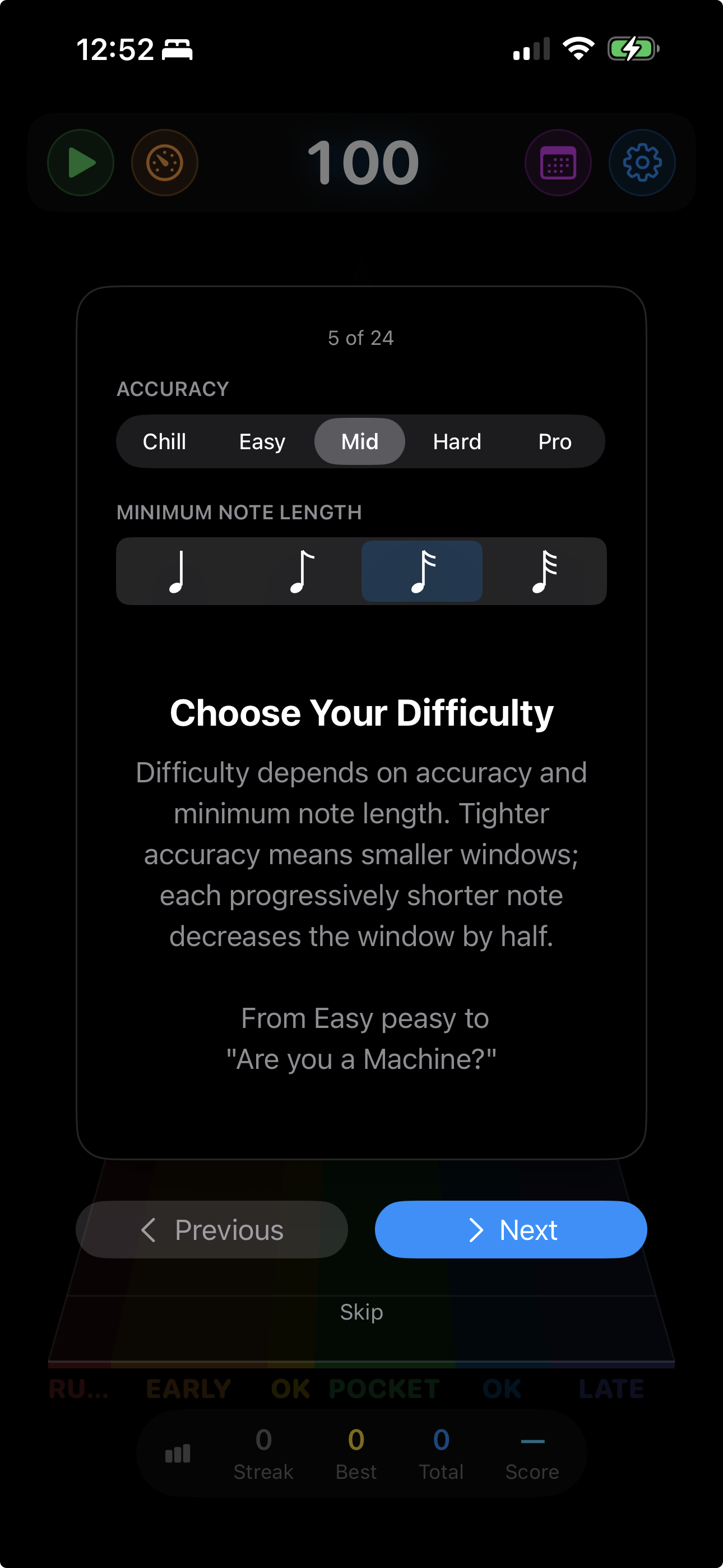
Two independent metrics track your playing. Accuracy measures how close each hit lands to the beat. Consistency compares each hit with the one before it, so a steady lag still scores well while alternating early and late does not. Six difficulty levels — Chill, Easy, Mid, Hard, Pro, and Elite — tighten both thresholds.
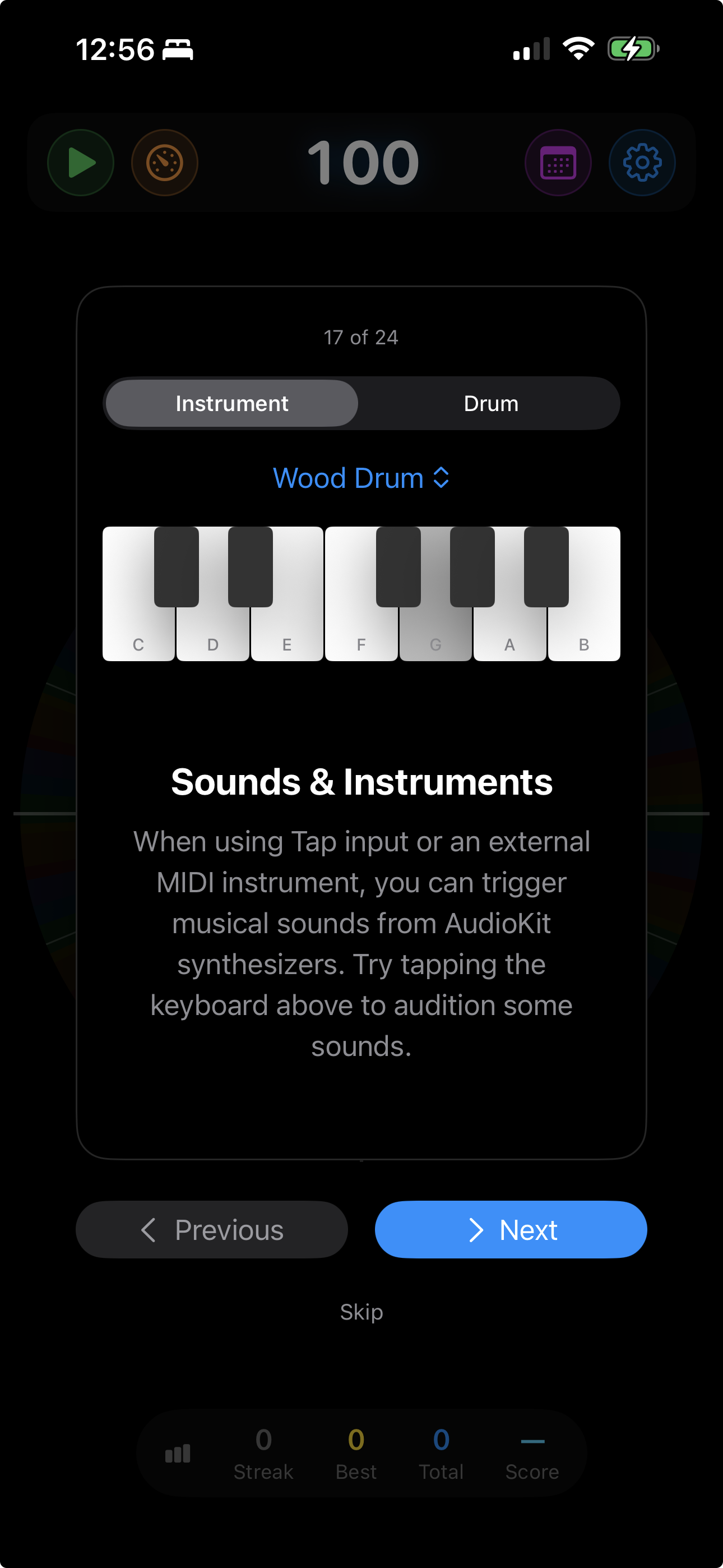
Every tap or MIDI hit can trigger a musical note. Choose from 10 instrument voices or 8 drum sounds. Set a chord voicing so each beat lands on the same notes, reinforcing your timing.
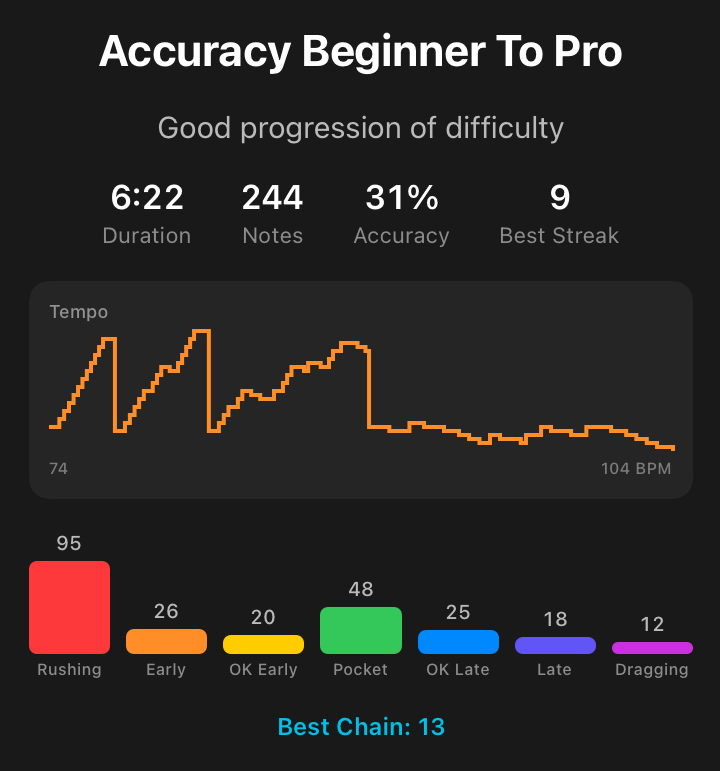
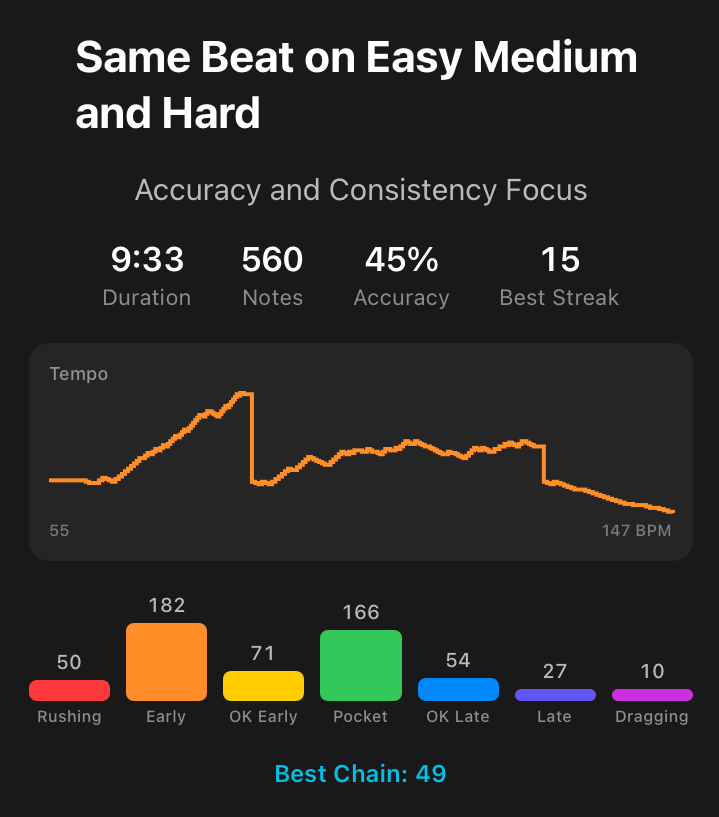
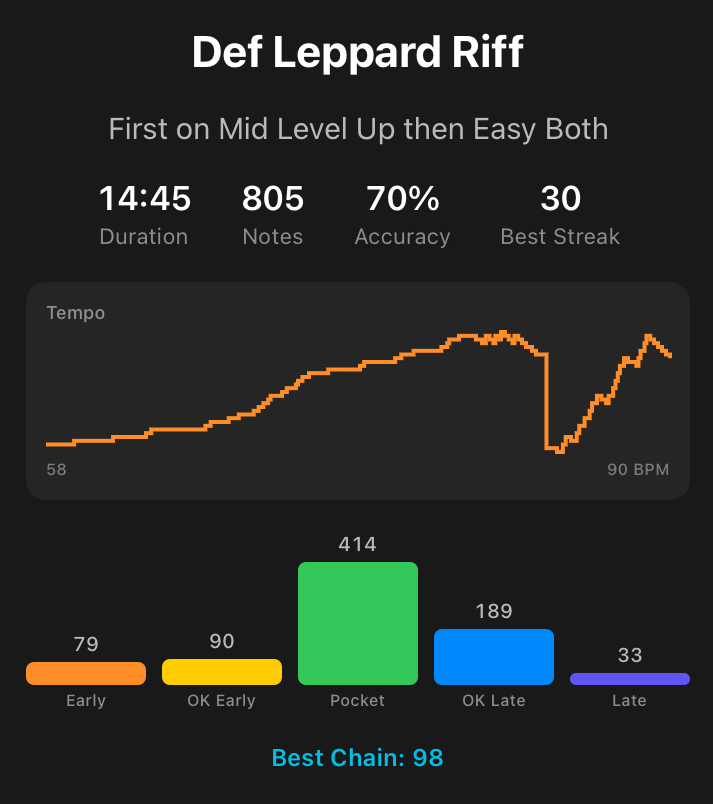
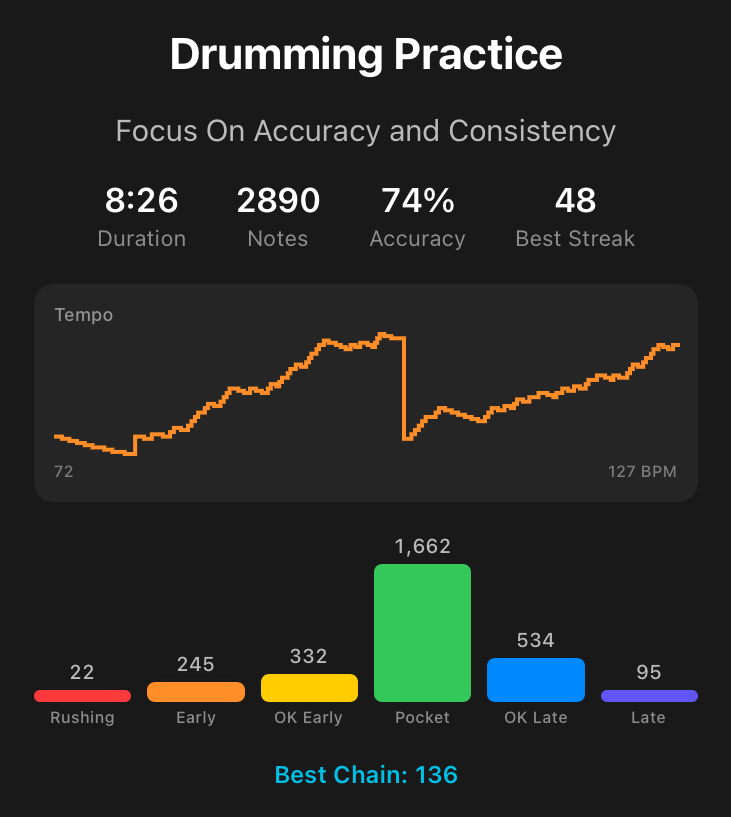
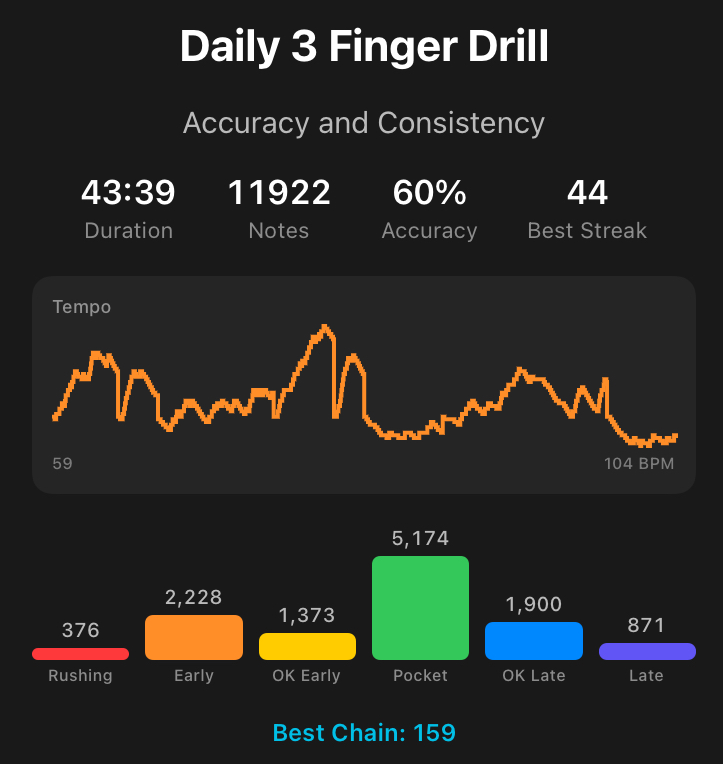
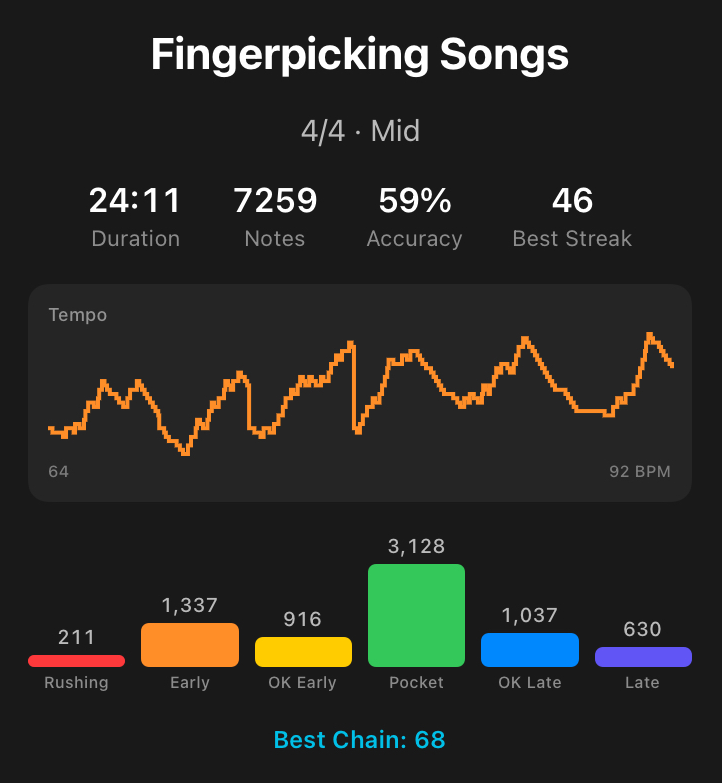
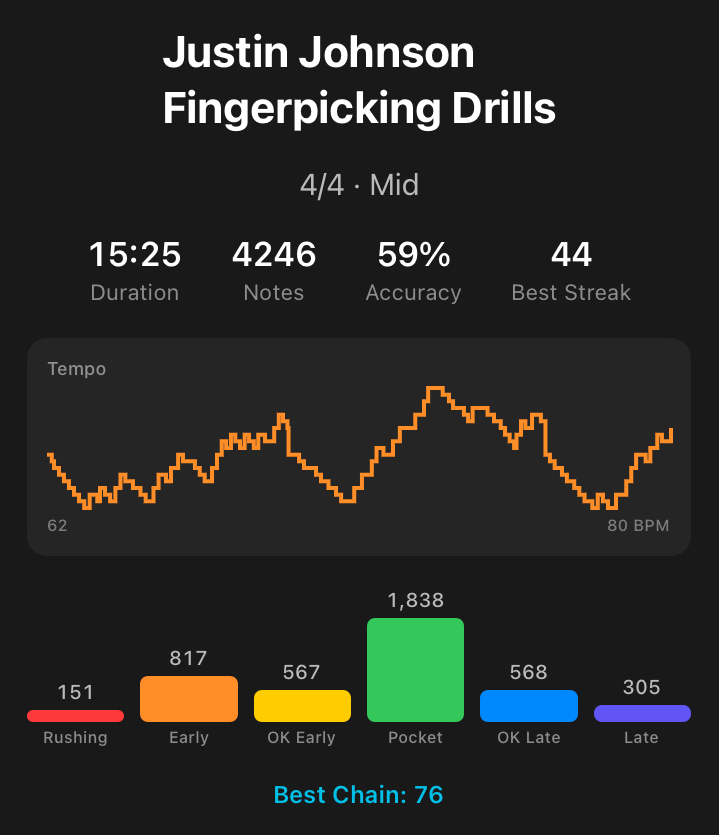
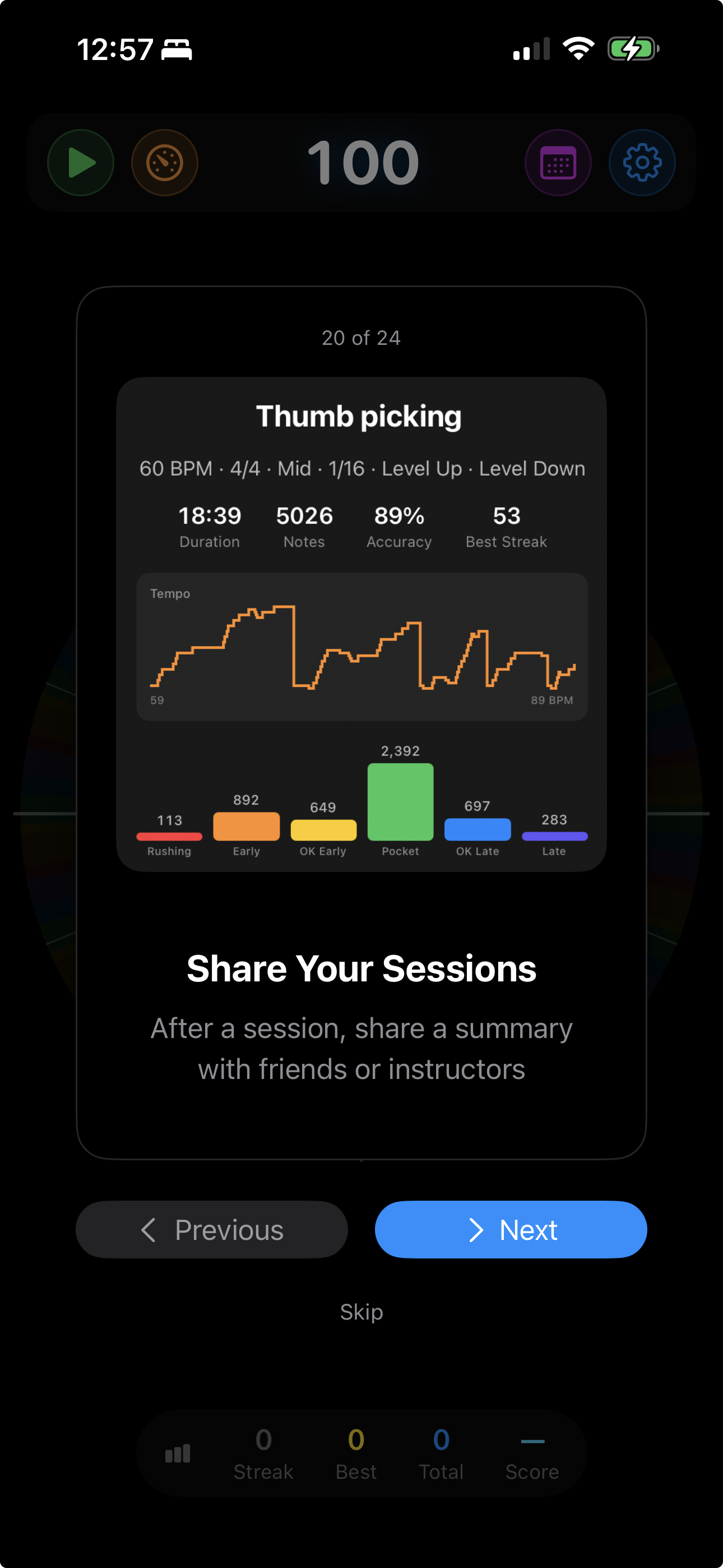
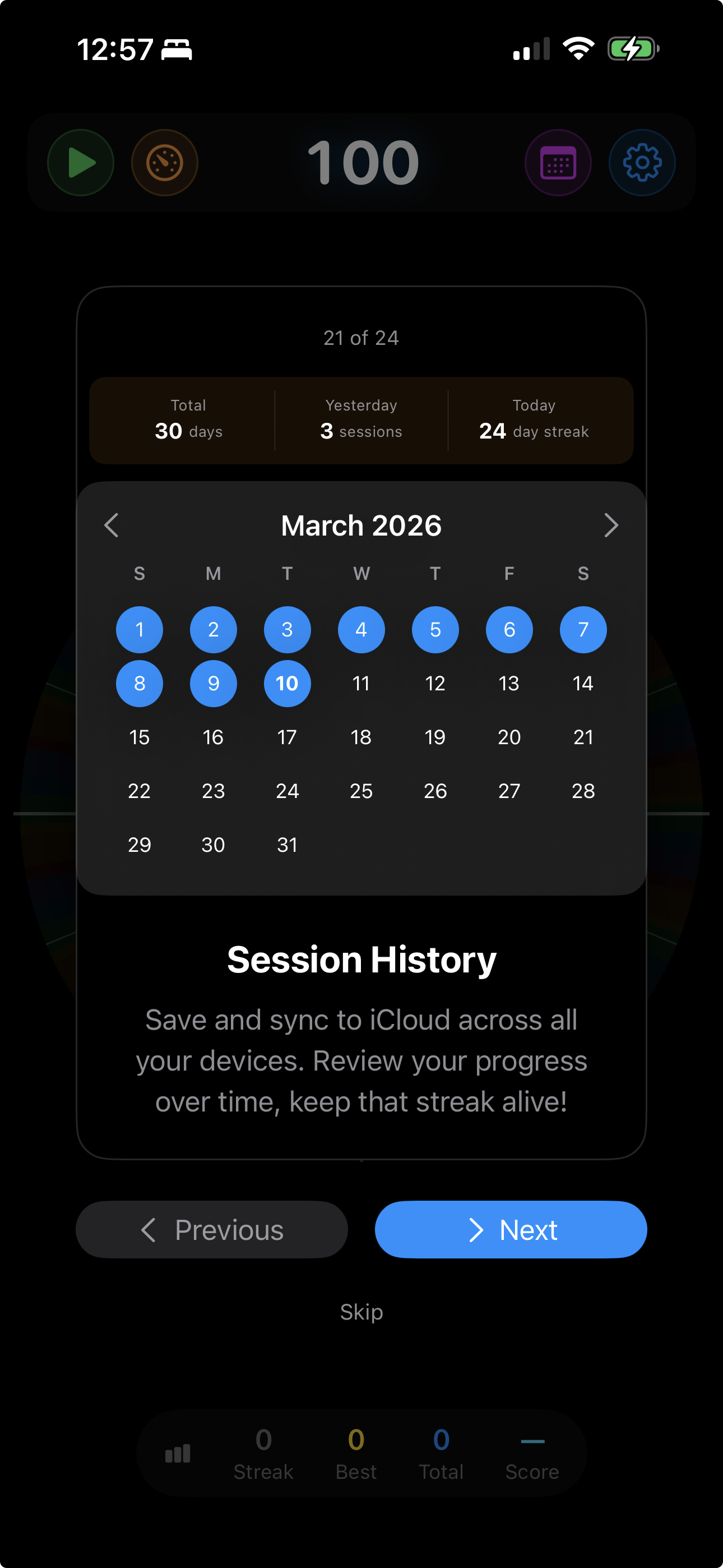
Every session records accuracy, rating distribution, tempo progression, best streak, and duration. Review history on a practice calendar with iCloud sync.
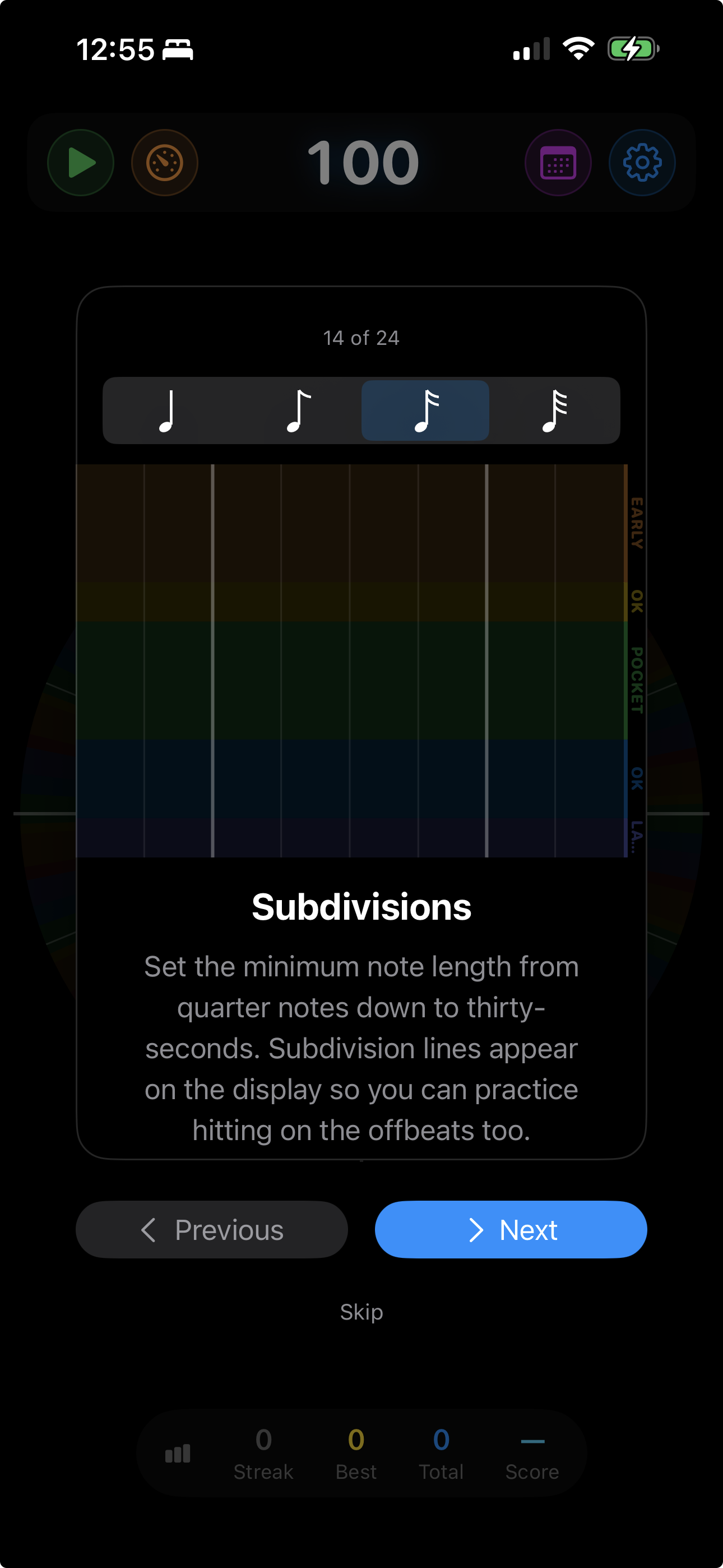
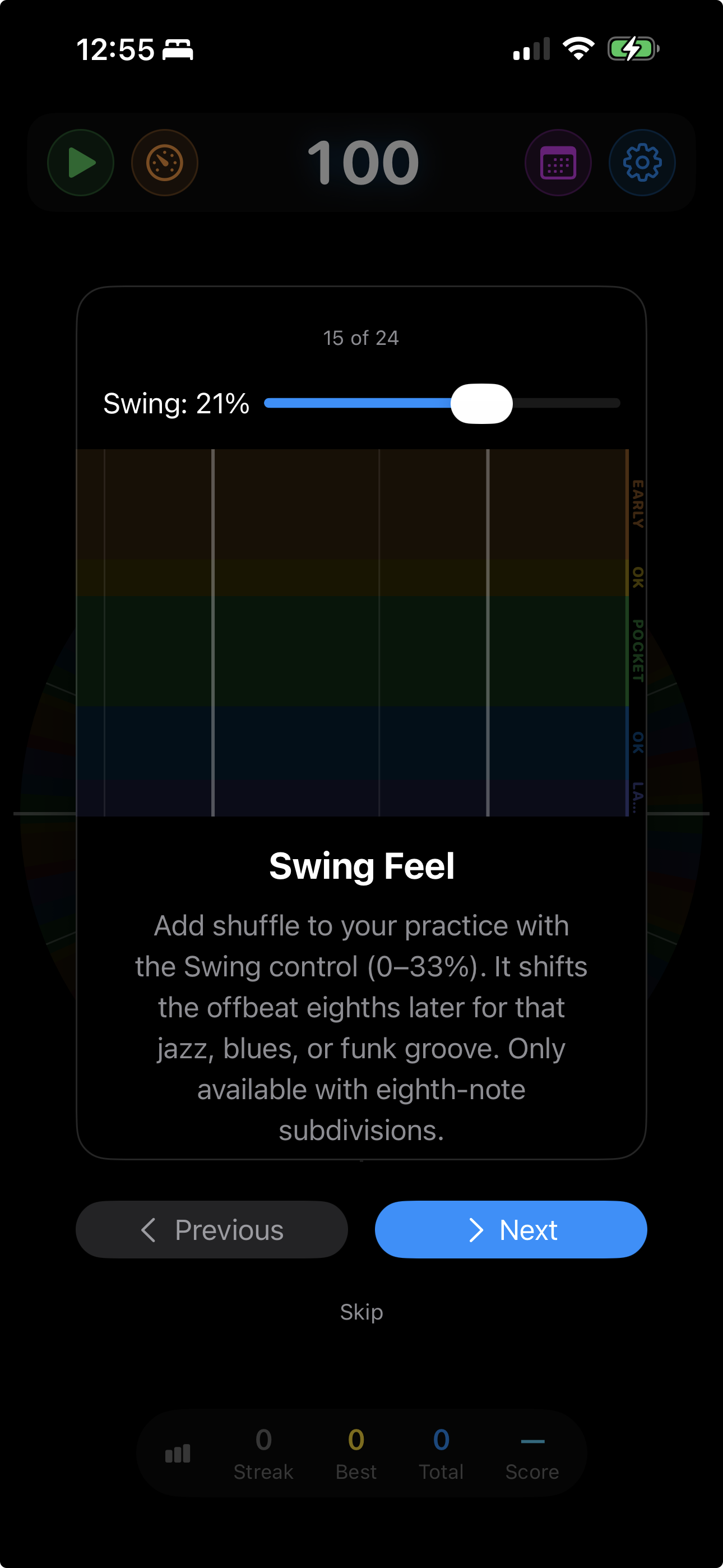
Practice in anything from 1/4 through 5/4, plus 6/8 through 16/8. Add subdivisions from eighths to thirty-seconds and swing feel from subtle to hard shuffle.
Score yourself against the timing of real-world rhythms — classic four-on-the-floor, disco with 16th hi-hats, hip-hop boom bap, behind-the-beat lo-fi, the Linn drum-machine shuffle, or a triplet subdivision drill. Pick from the factory grooves, or build your own: place quantums anywhere in the bar and stack kick, snare, and hi-hat together on a single click.
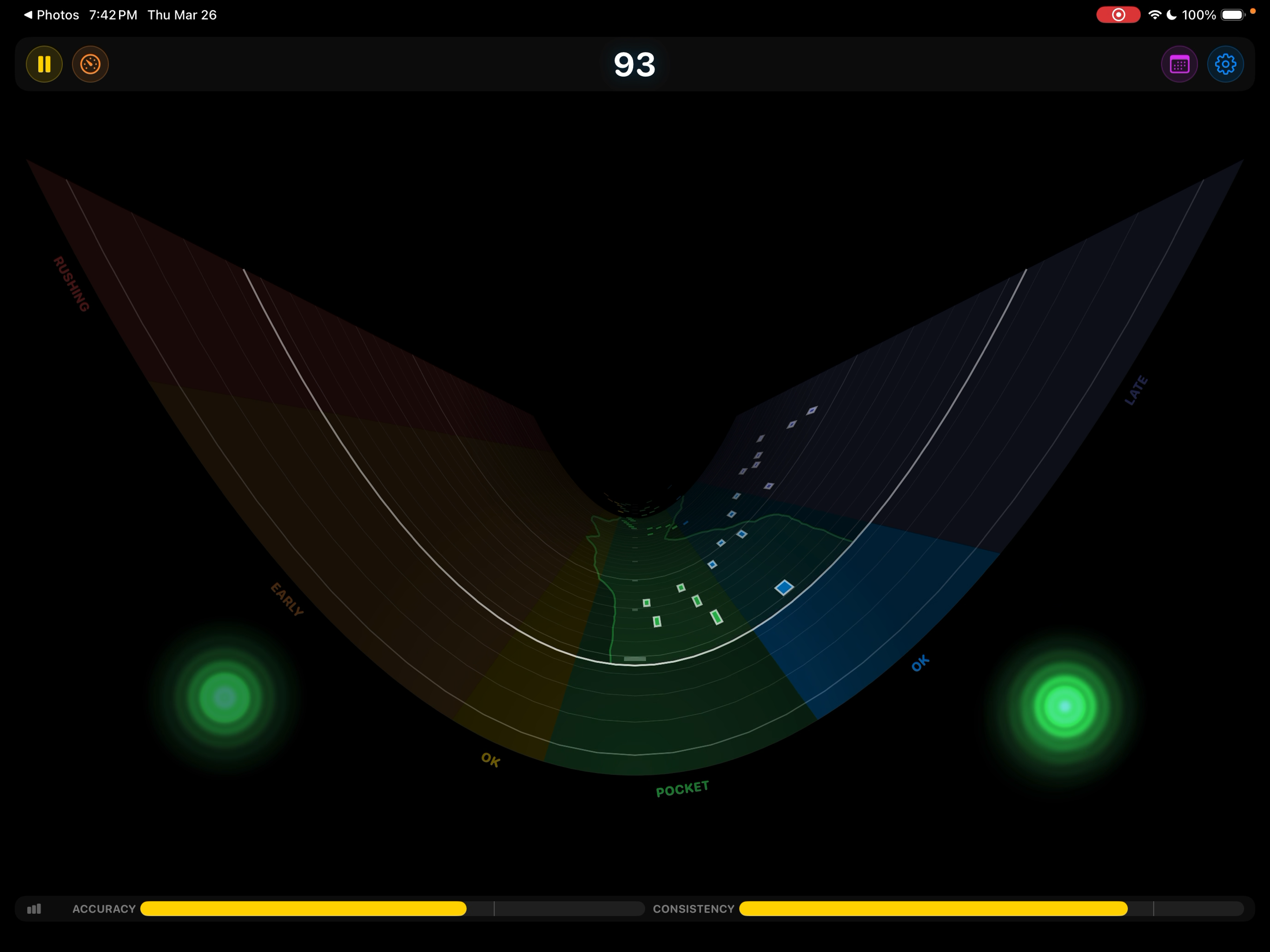
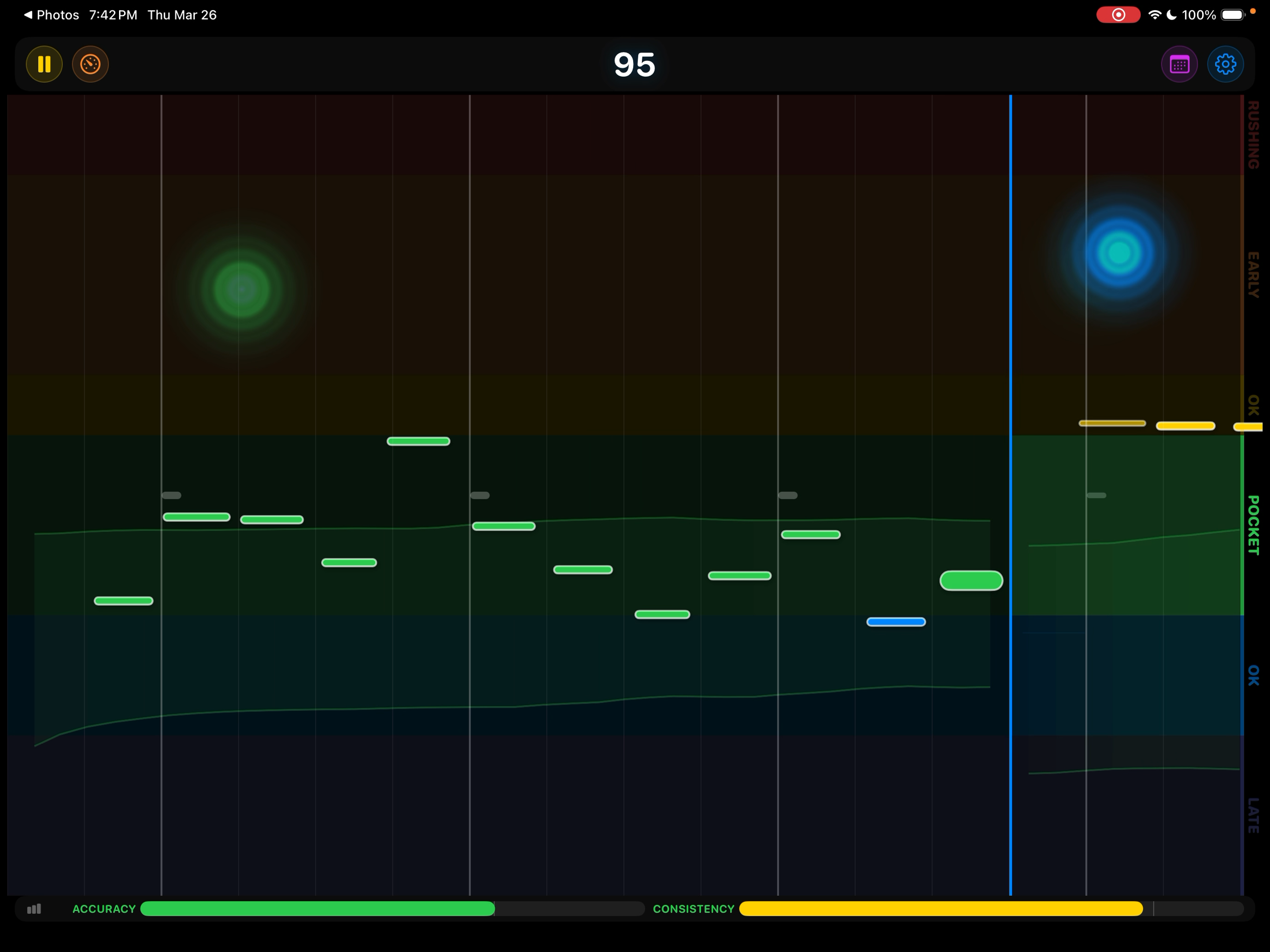
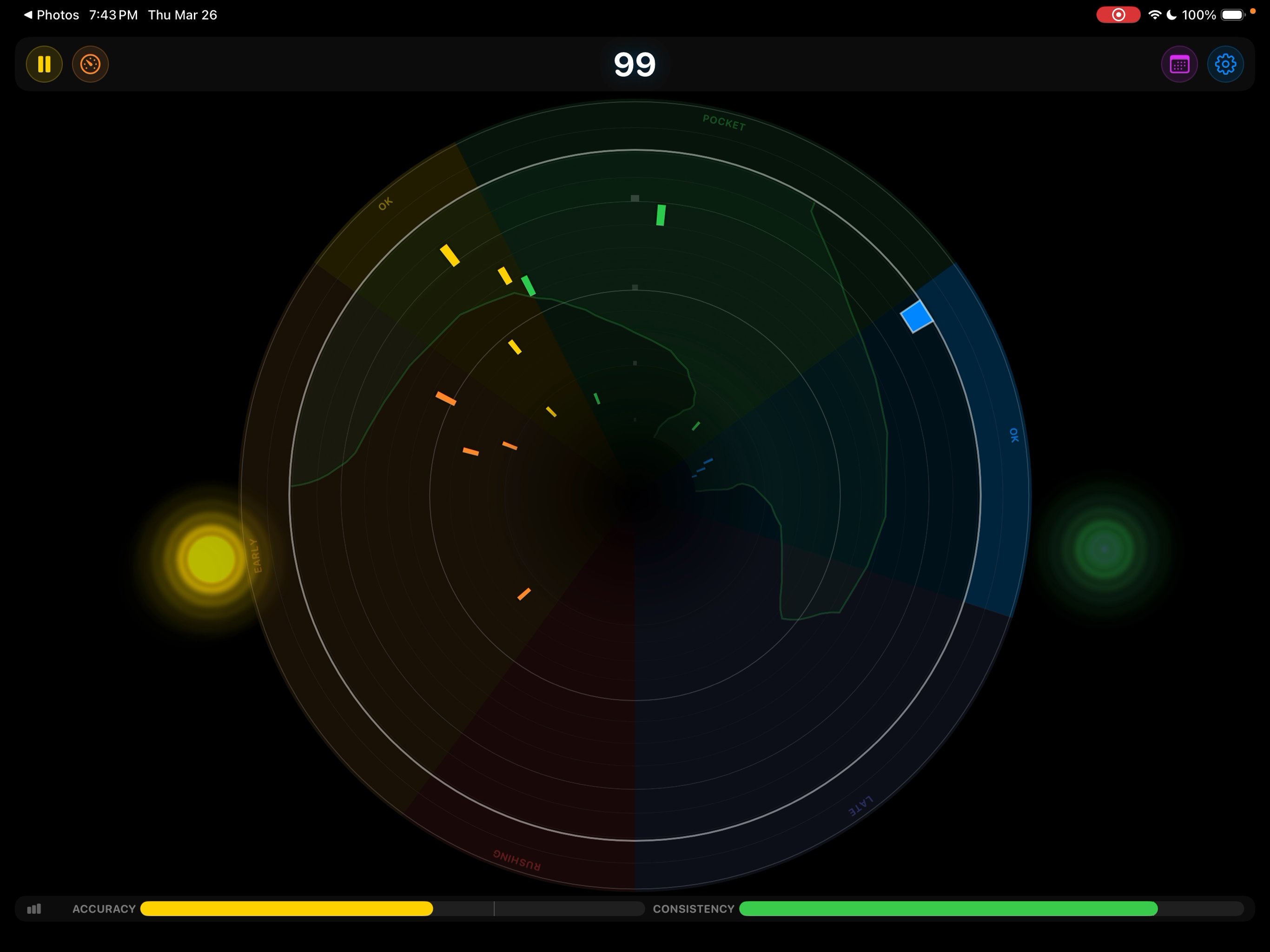
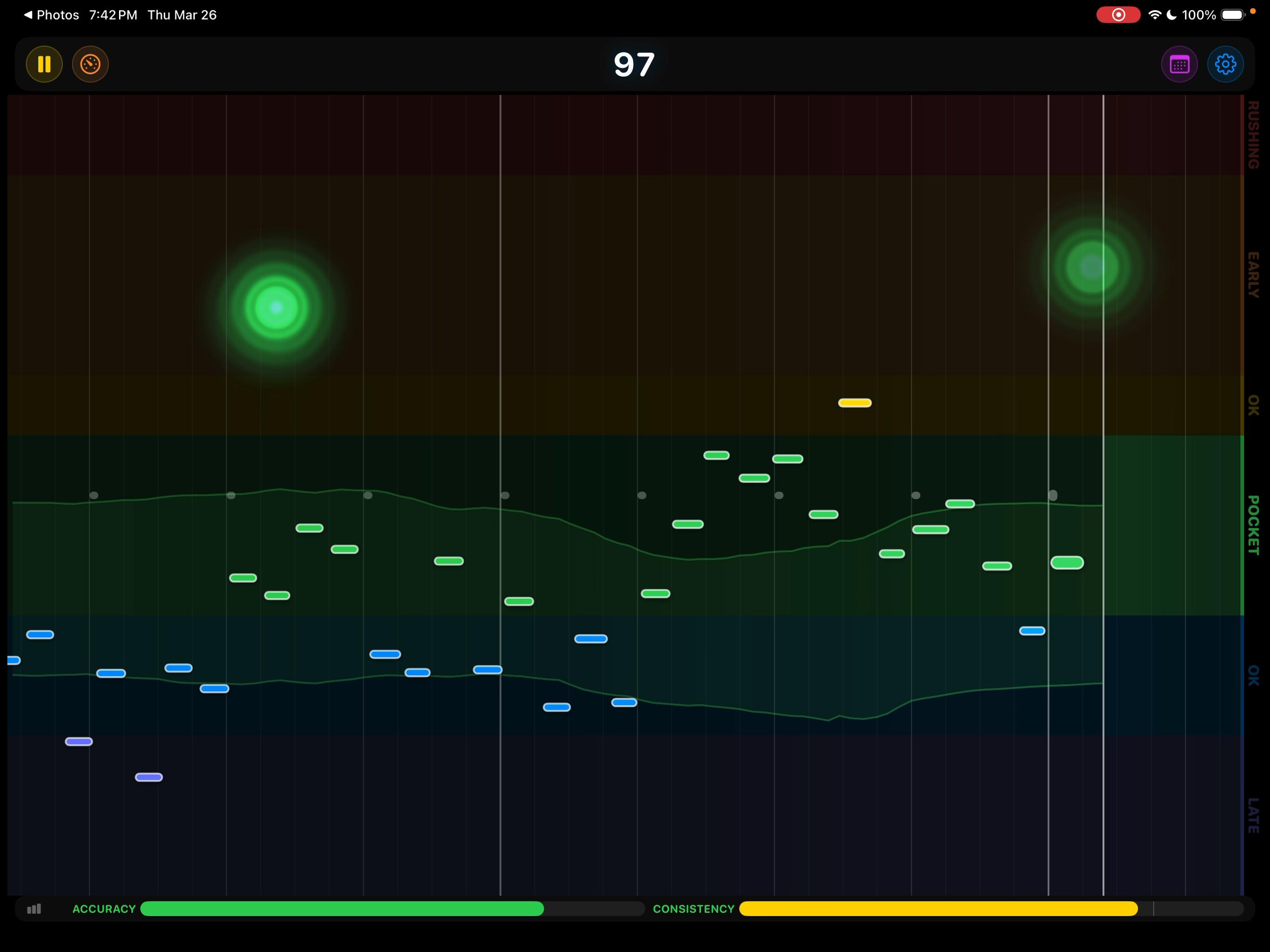
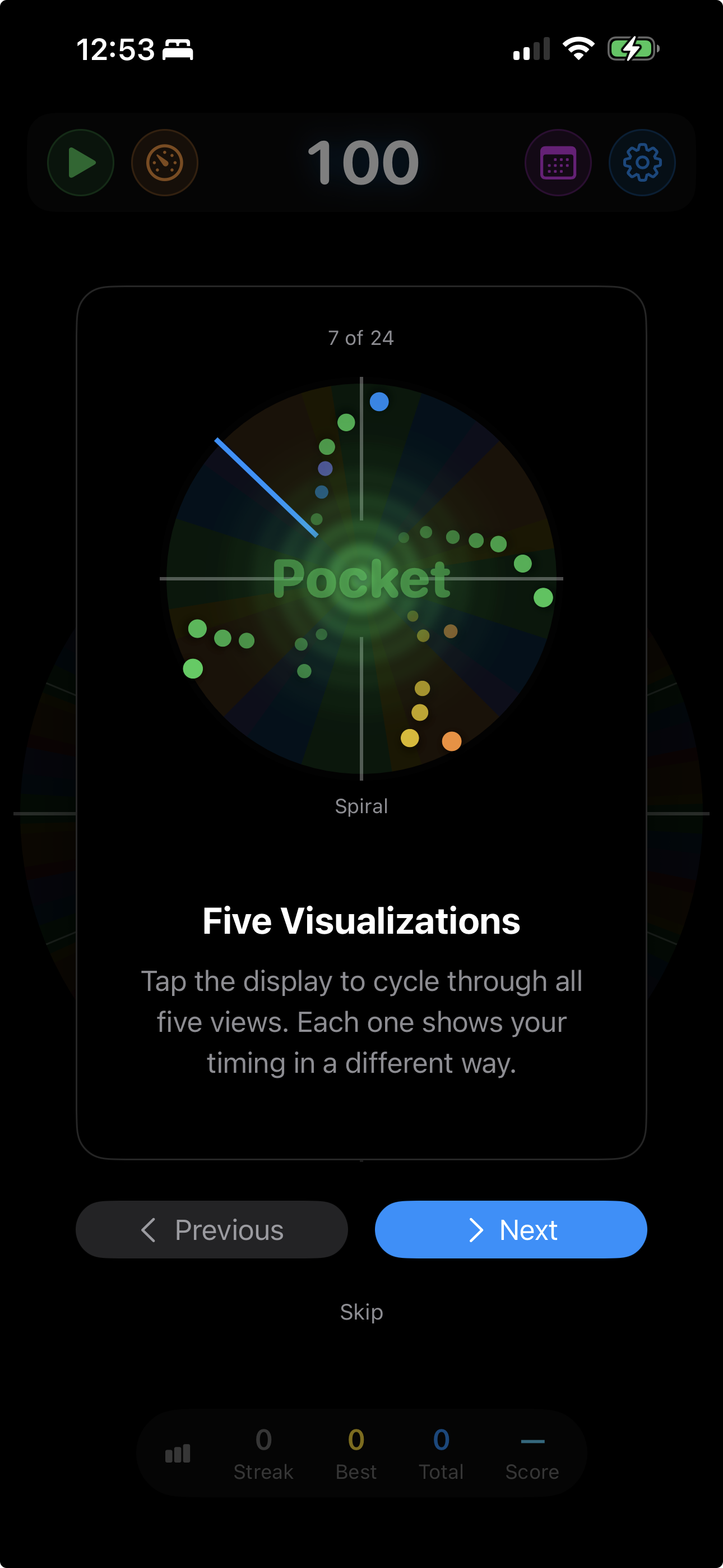
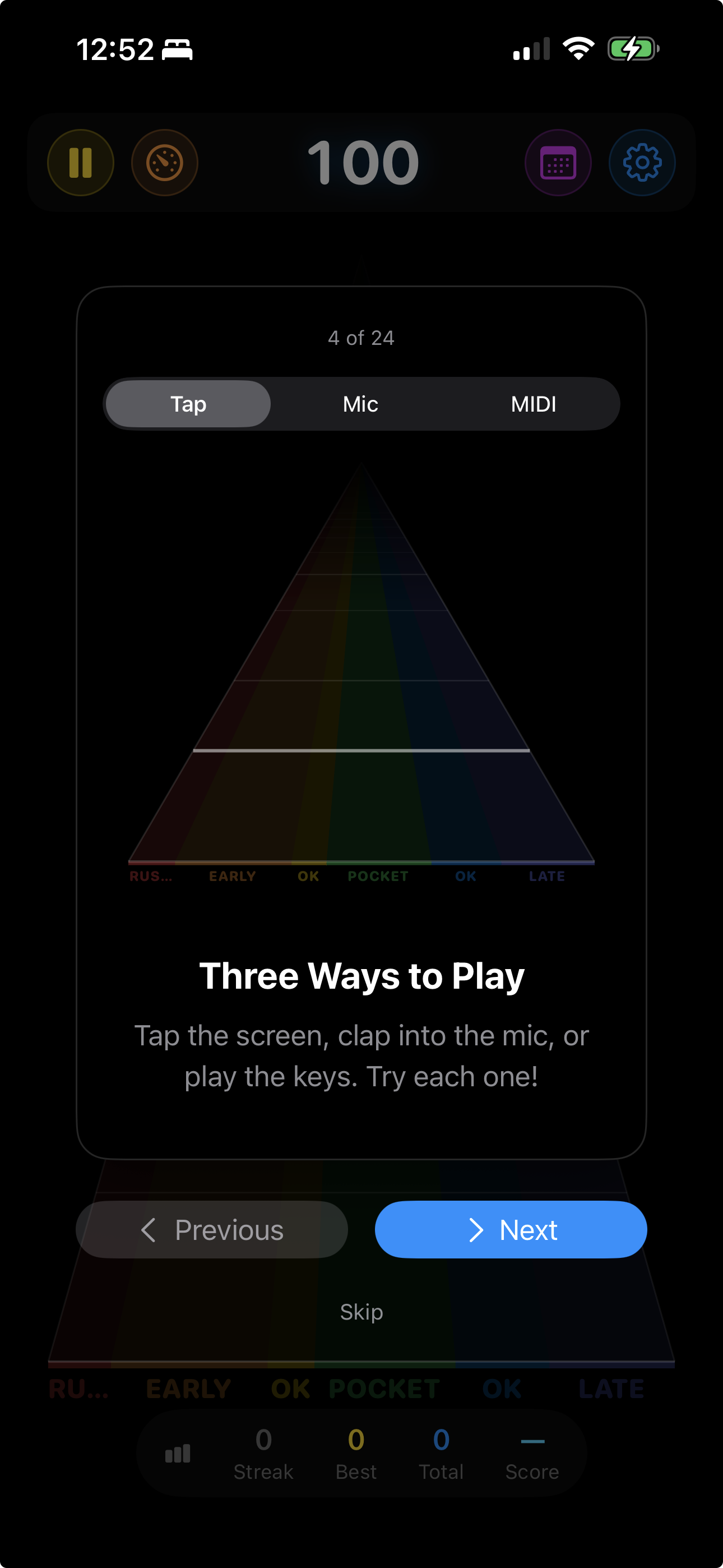
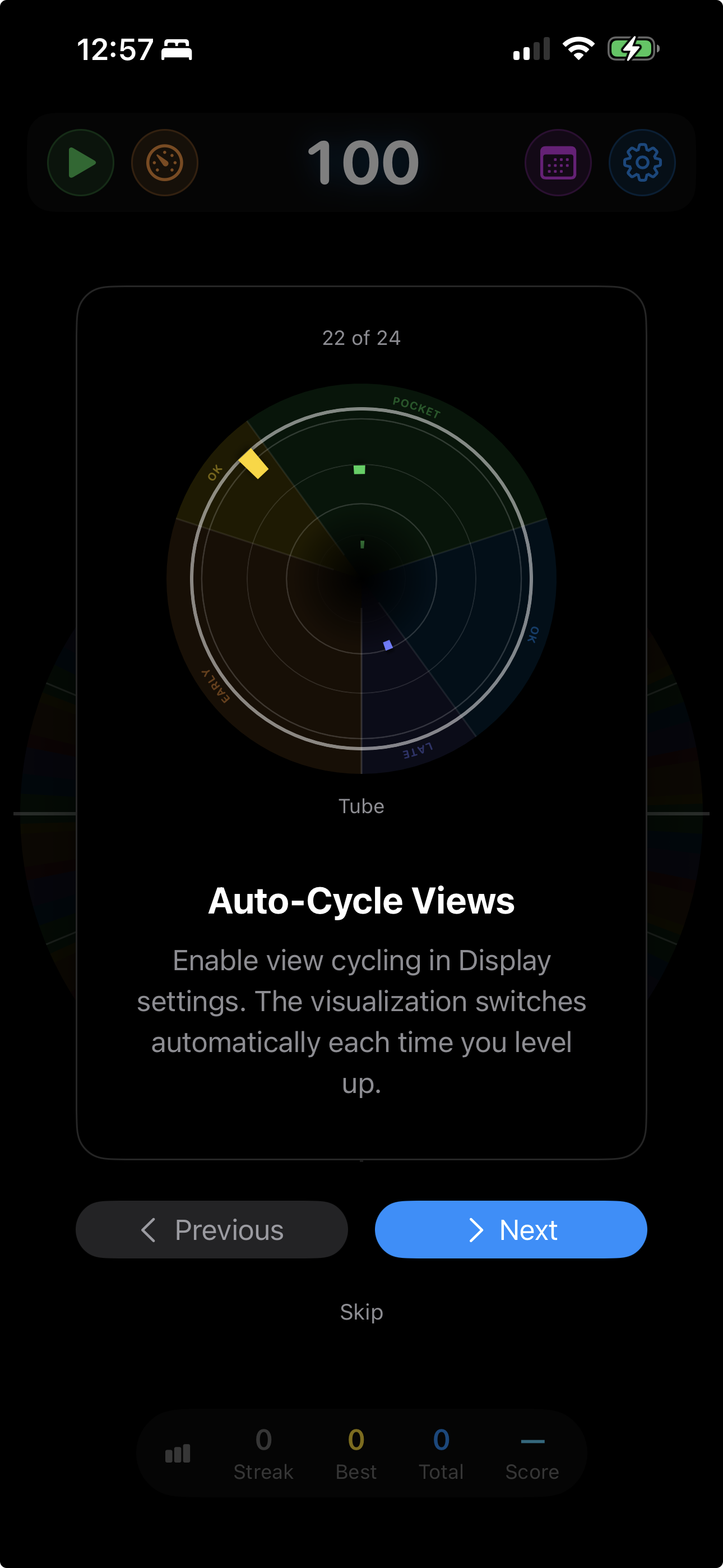
Each view shows your timing accuracy differently — some zoom into every hit, others reveal patterns over time. Tap to switch mid-session or set auto-cycling on level changes.
A 3D perspective view where the horizontal axis is your timing — very early on the left, pocket in the center, very late on the right. Hits recede into the distance as new ones arrive.
A parabolic curve where hits roll toward the center when you’re in the pocket and climb the walls when you rush or drag. The shape makes timing feel physical — like a skateboard half-pipe.
A sweeping bar moves left to right. The vertical axis is your timing — early notes appear above the center line, late notes below. Simple, clear, immediate.
A scrolling timeline where the vertical axis shows your timing — early notes rise above the center, late notes fall below. Watch your rhythmic tendencies emerge over time.
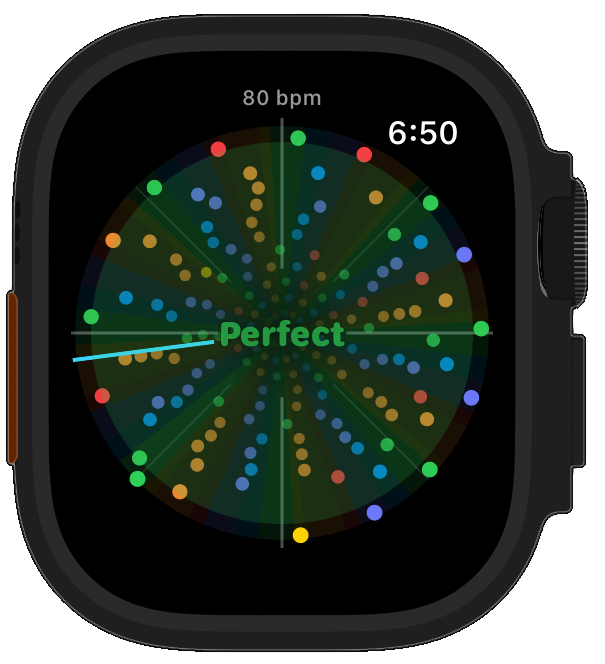
The largest area devoted to the timing axis, mapped around the circumference of a circle. The most visually immediate view — you can see exactly where in each accuracy zone every hit lands.
A radial clock-face sweep with rippling wave effects. Instead of a zoomed timing axis, it shows the most notes at once — beautiful patterns that reveal your overall consistency.
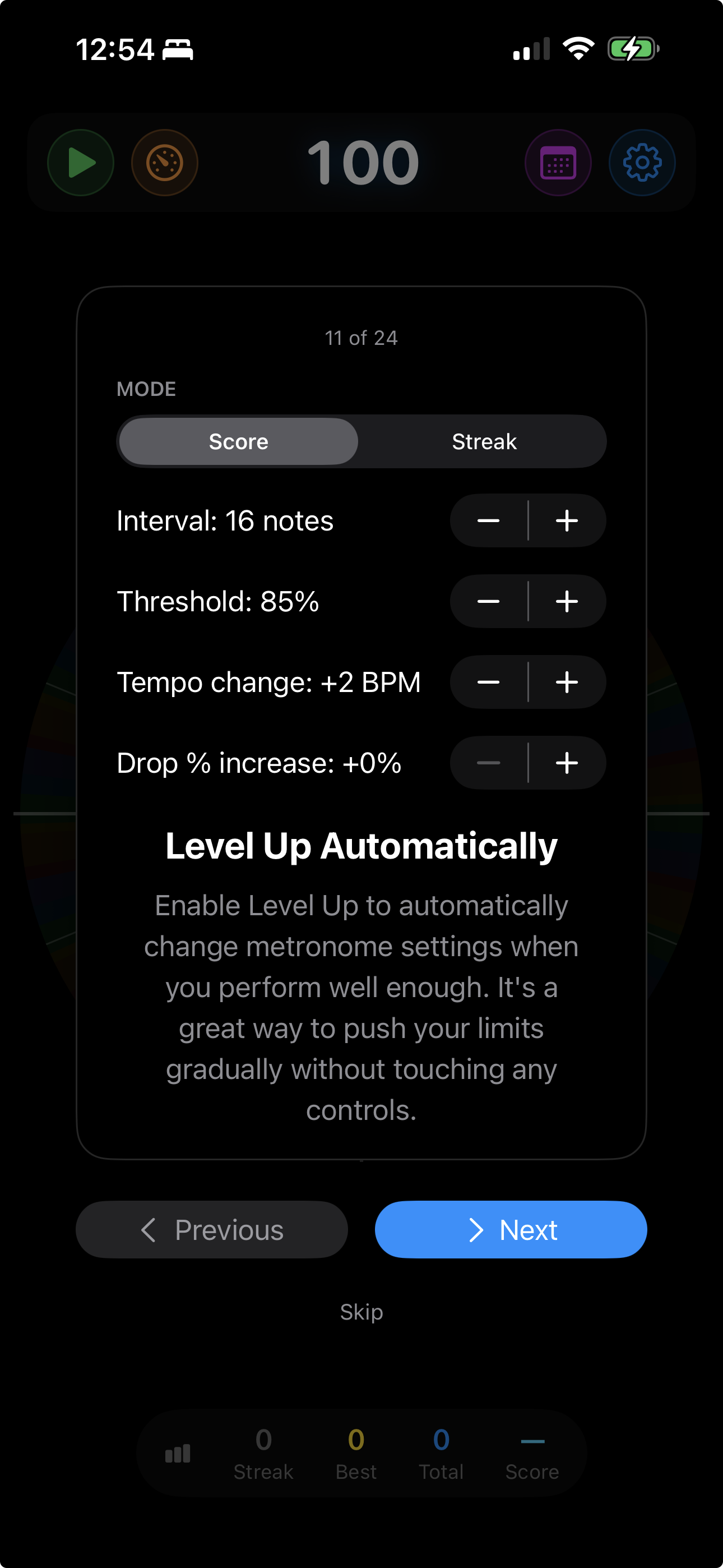
It gets harder as you get better, and easier when you struggle. Automatically.
Two independent meters track your performance in real time — accuracy measures how close you land to the beat, consistency measures how steady you are over time.
When your accuracy, consistency, or both cross the threshold, the tempo bumps up automatically. Choose which metric drives progression — or require both for the ultimate challenge.
The click sound changes every time you level up or down — an unmistakable auditory signal that something just shifted, even when you’re not watching the screen. It also prevents ear fatigue during long sessions.
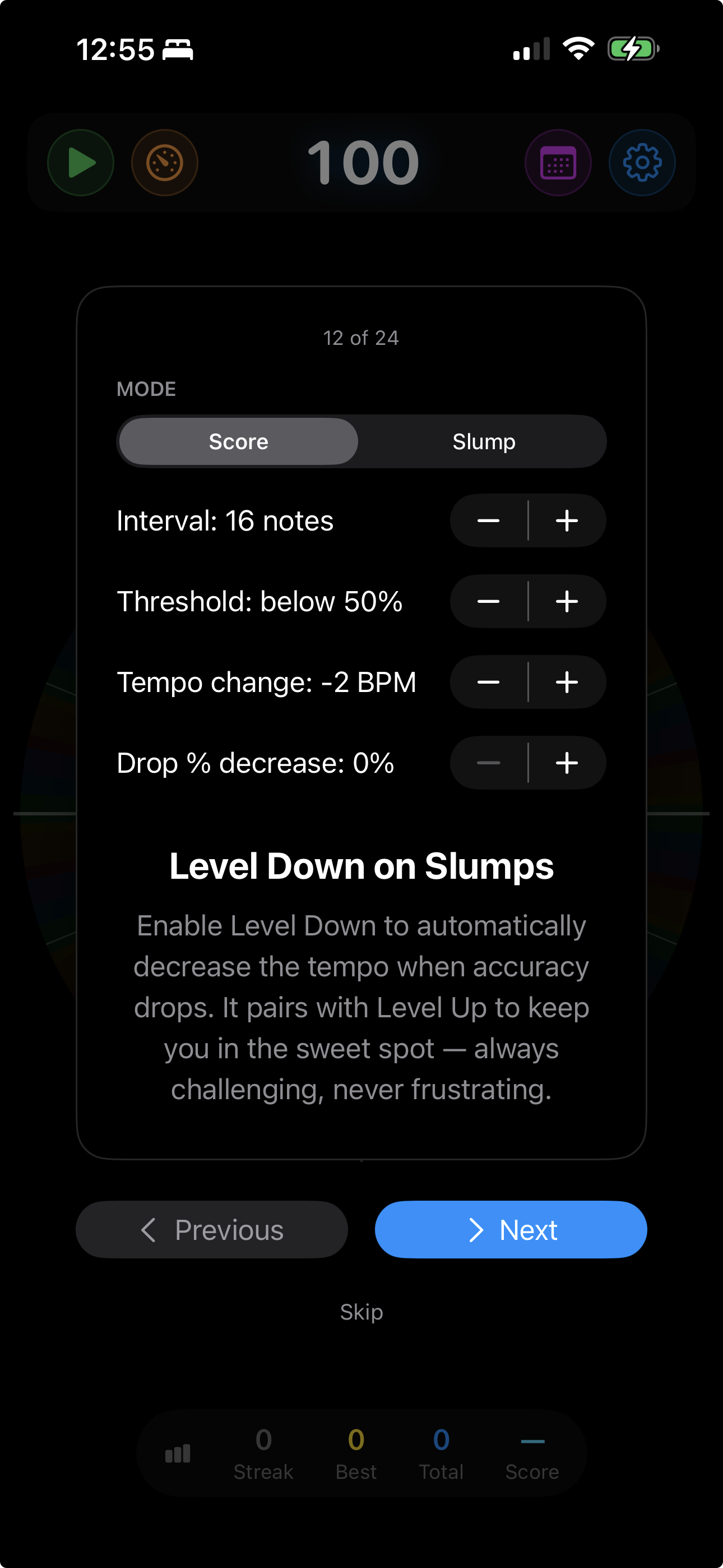
When your metrics drop below the threshold, the tempo backs off. No shame — it’s smart practice. Spend more time at tempos where you’re challenged but not overwhelmed.
Combine level up with level down and you get interval training — the tempo pushes you to your edge, backs off to let you recover, then pushes again. Your comfortable tempo climbs session after session.
Working up to 120 for a specific piece? Set it as your goal and automatic level-ups stop there instead of climbing forever. The last step lands exactly on the number, a Goal Reached card turns up in your session summary, and manual and tap tempo stay unrestricted.
When you stop, Metronome Hero shows you exactly how the session went.
Tap the screen, use your microphone or audio interface, or connect a MIDI controller.
Tap the screen, click the mouse, or press keyboard keys. Perfect for percussion fundamentals and warming up anywhere.
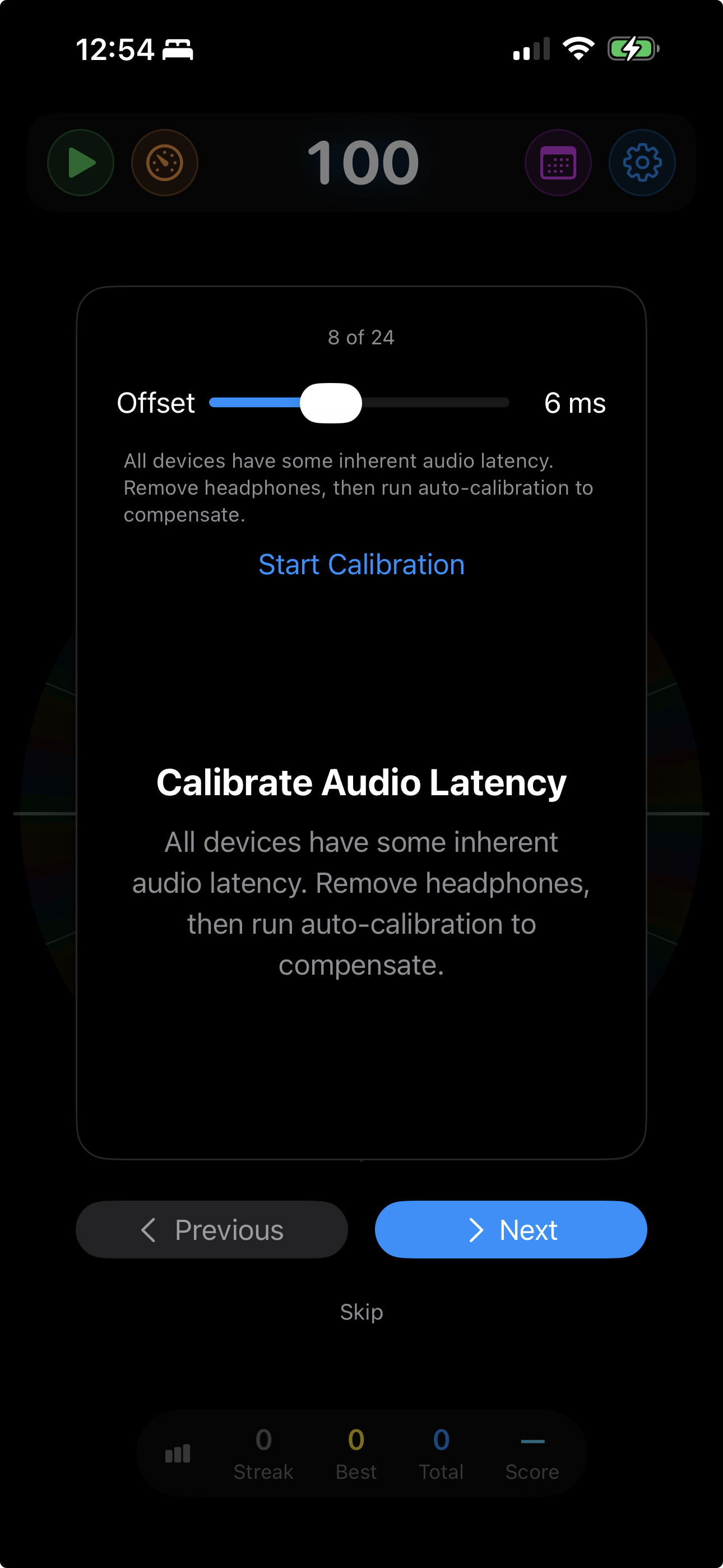
Use the built-in microphone or plug in your audio interface. Play drums, guitar, piano, voice — anything with a clear attack. Adaptive auto-gain handles sensitivity automatically, and a calibration page measures the round trip from your speakers to your microphone so what you hear and what gets scored line up.
Connect any MIDI controller via Bluetooth or USB. Keyboards, drum pads, electronic kits — play your own instrument and let Metronome Hero score your timing with the most direct input path. A note range filter throws out the stray very-low and very-high notes that MIDI guitars and pads emit, and can learn the range from what you just played.
Professional practice techniques built right into the app.
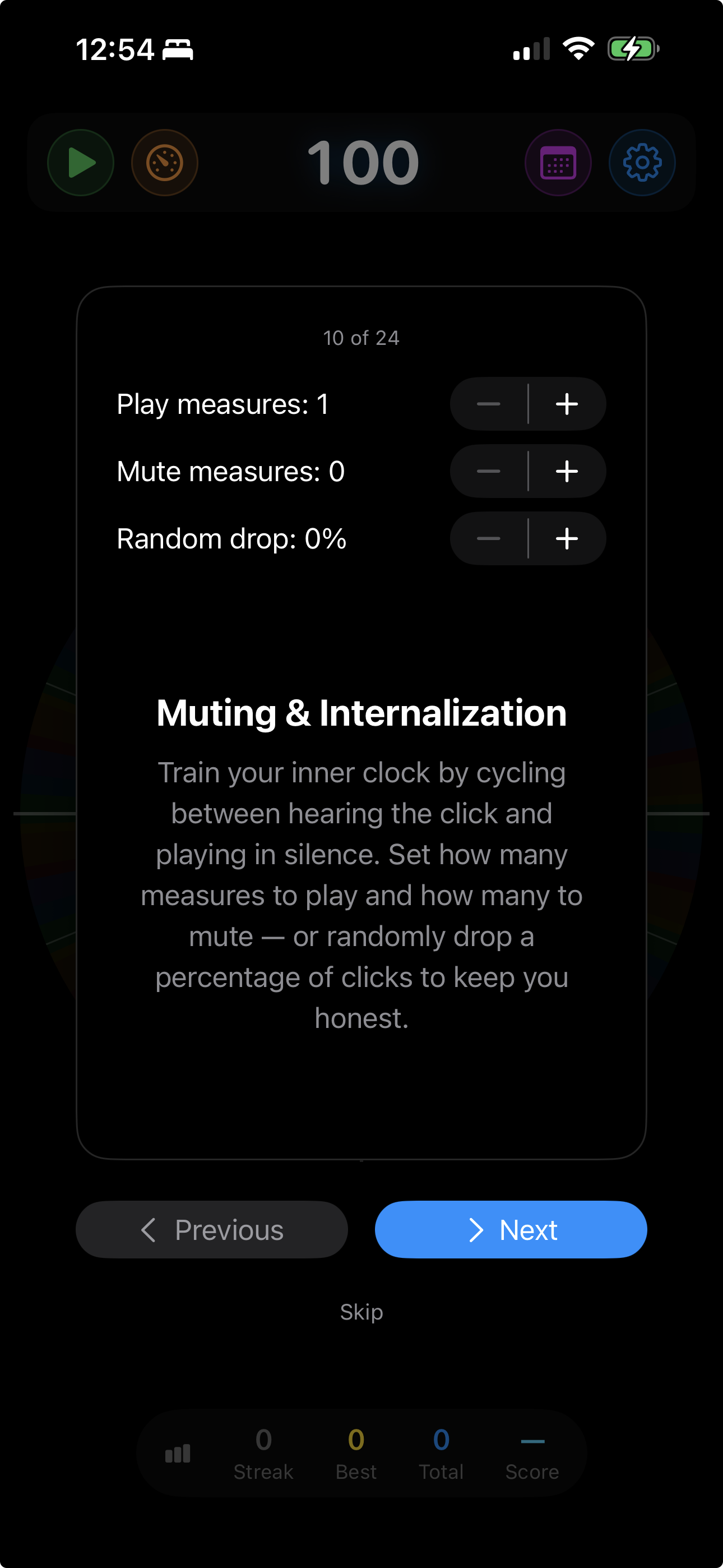
Alternate between measures with clicks and measures of silence. When the clicks come back, are you still in time?
In 4/4, only beats 2 and 4 play. The pocket. The groove. Train what matters most.
Up to 50% of beats go silent. Can you hold steady when the safety net disappears? Forces you to internalize the pulse.
Each level-up removes more clicks from the pattern. Combined with auto-tempo, a practice session that evolves with you.
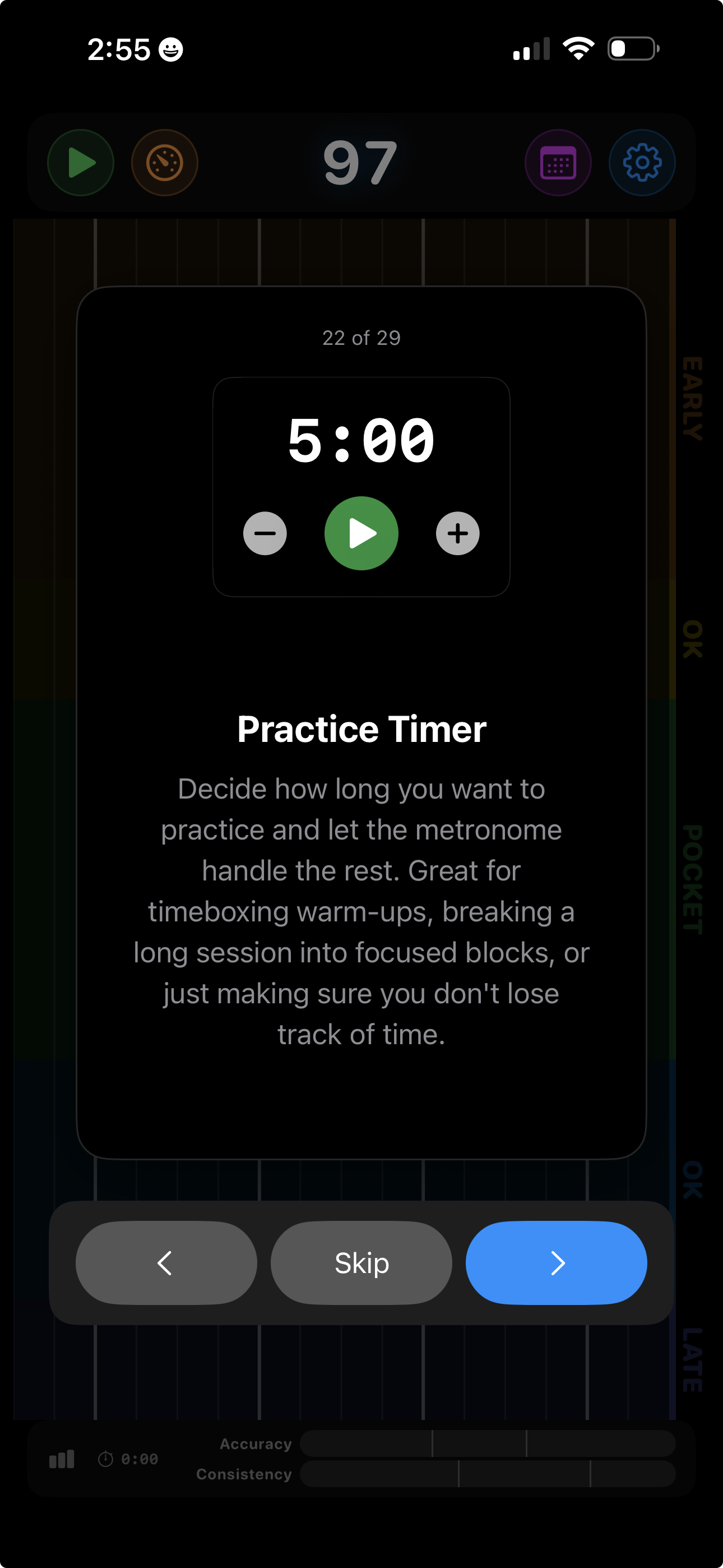
Set a countdown and the metronome stops automatically when time’s up. Step it in whole minutes, reset it without leaving the screen, and otherwise just play.
Swap the uniform metronome grid for an actual feel. Grooves place the beat where the music does — laid-back backbeats, shuffles, clave patterns and subdivision drills — and score how tightly you lock in. Chain bars into a sequence and you can practice a whole phrase, fill and all.
Every groove is a bar-long drum pattern with its own scoring grid, shown in standard percussion notation so you know exactly what you’re playing against.
Browse grooves right inside the app under Grooves → Browse Grooves and download any of them with a tap. New grooves are added over time — no app update needed.
Sequences string bars together and cycle as you play, so the fill arrives where it should instead of never. Start one from any groove, set the order and the repeats, and edit any bar in the groove editor. Import a multi-bar MIDI or MusicXML file and it arrives as a sequence, bar for bar, with a preview before you commit.
Tweak any groove in the editor — move hits, change sounds, adjust the swing — or import your own MIDI. Snap to 16ths, 32nds, eighth- or sixteenth-note triplets, or place hits anywhere you like. Your grooves sync across all your devices via iCloud.
Metronome Hero meets you wherever you practice. All your sessions are stored on iCloud, so every device shares the same practice history.
Full-featured rhythm training with touch, audio, or MIDI input. Portrait and landscape. Session recording with camera overlay on iPhone. Native Mac app with keyboard, mouse, and MIDI input.
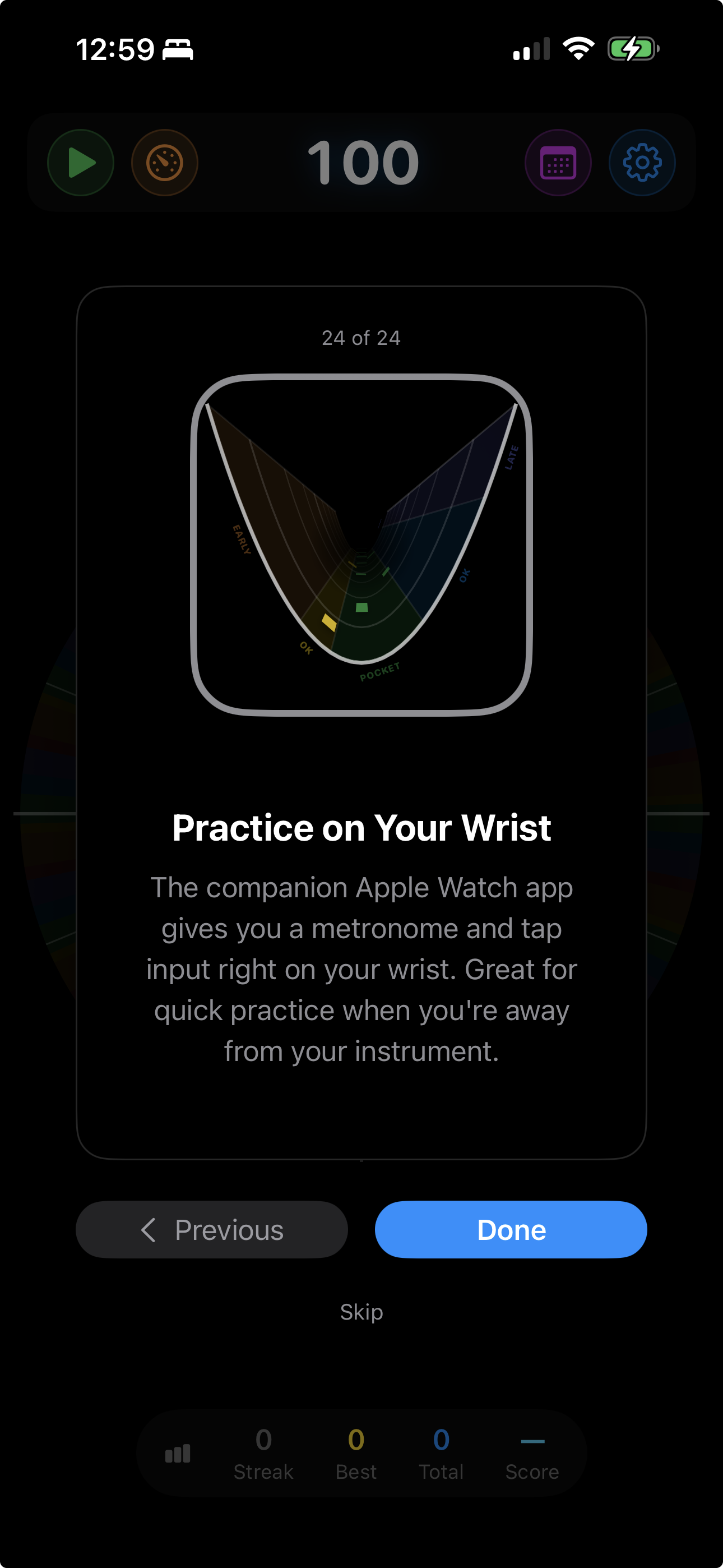
A fully independent rhythm trainer on your wrist. All six visualizations, digital crown controls, and its own level meter.
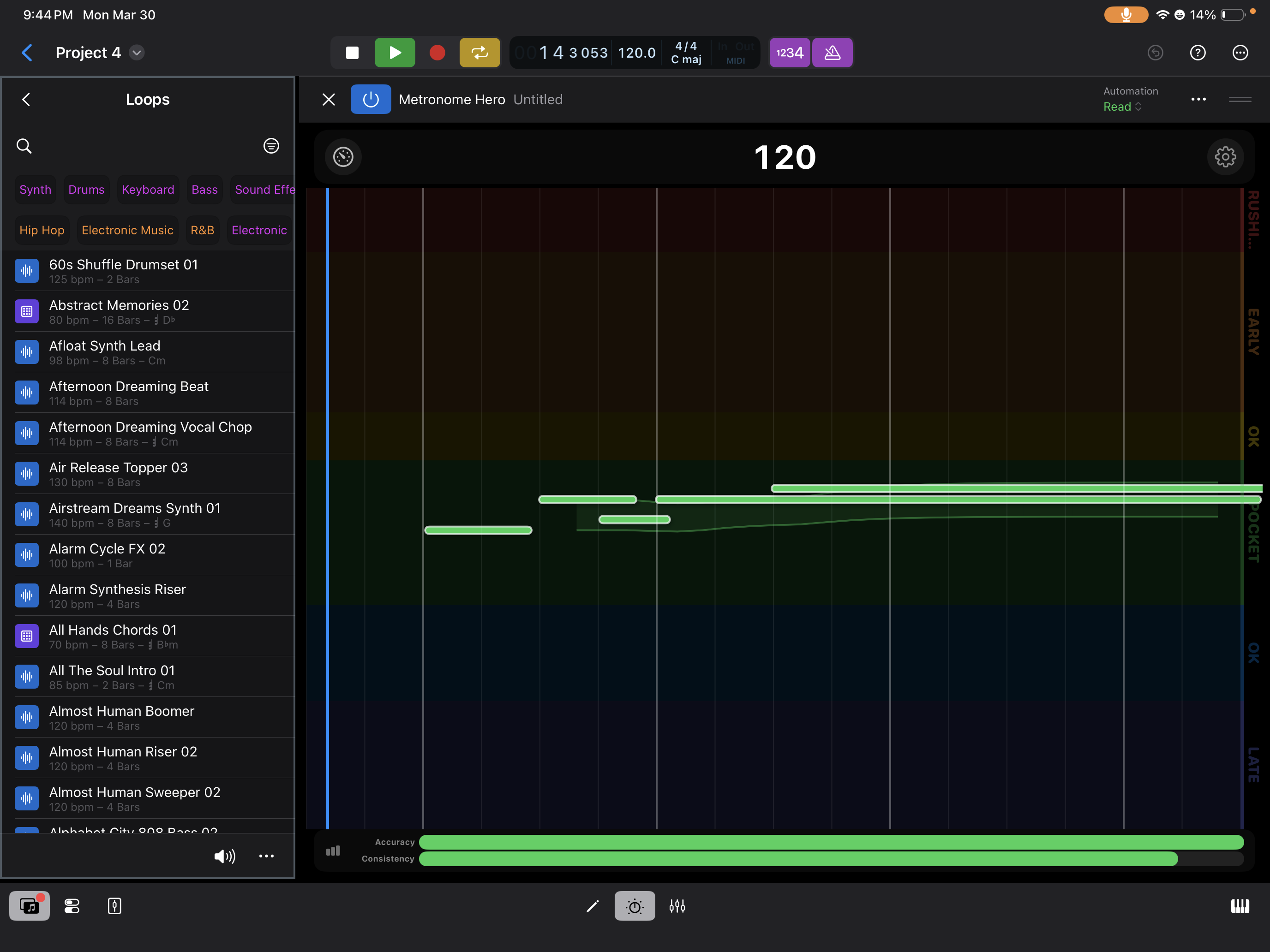
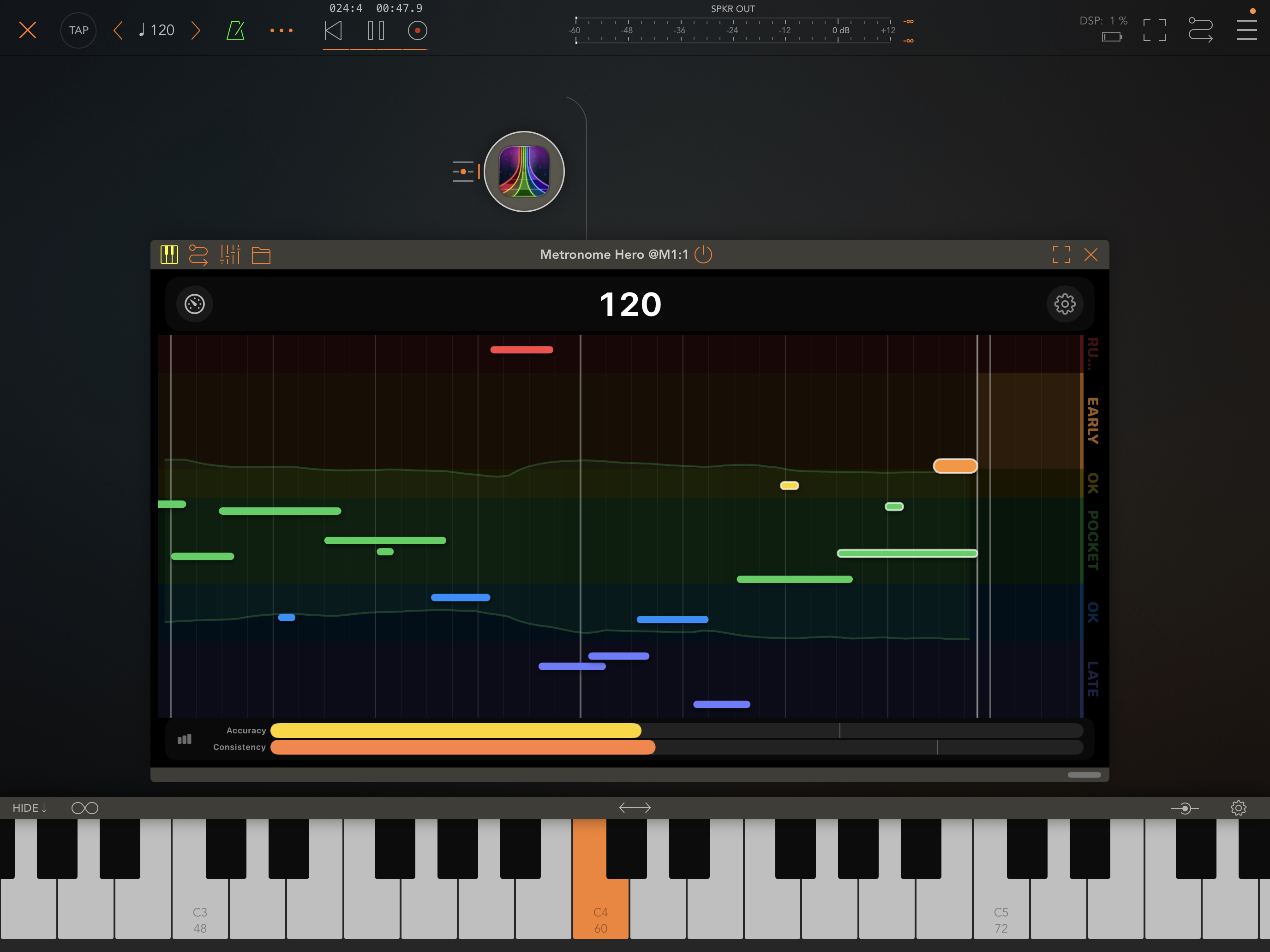
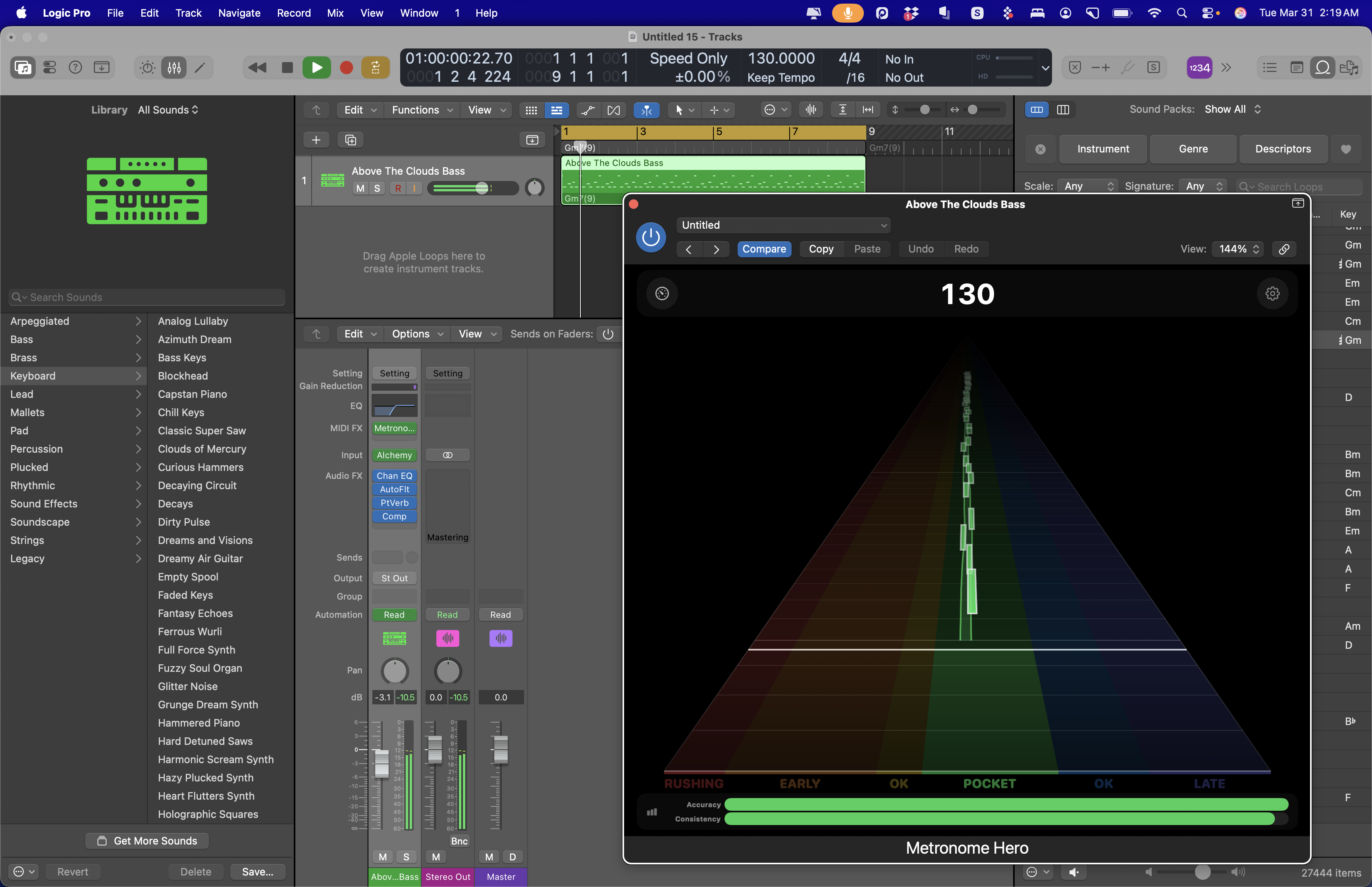
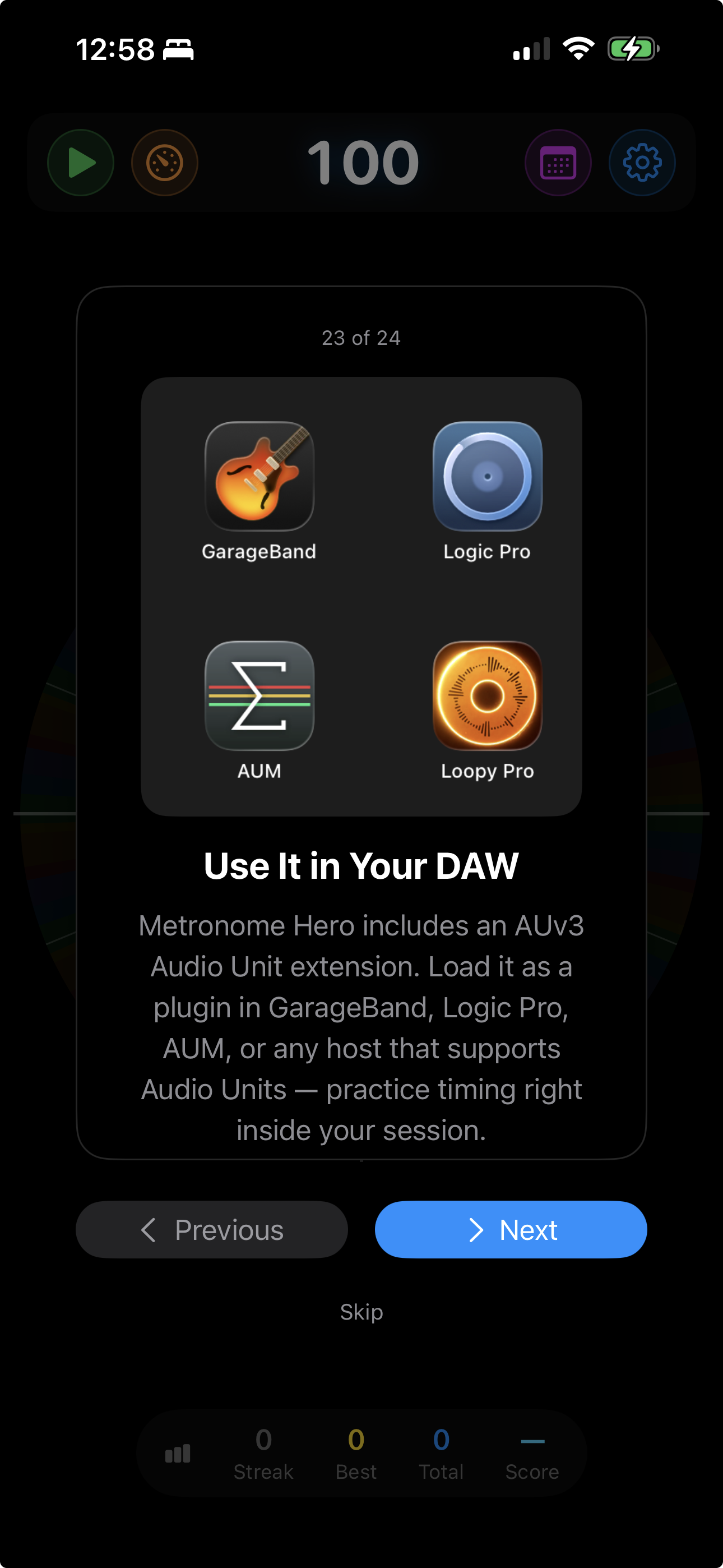
Load Metronome Hero as an Audio Unit plugin in your DAW, hit play on a backing track, and practice with host-synced timing feedback. The plugin follows the host transport and scores incoming MIDI performance.
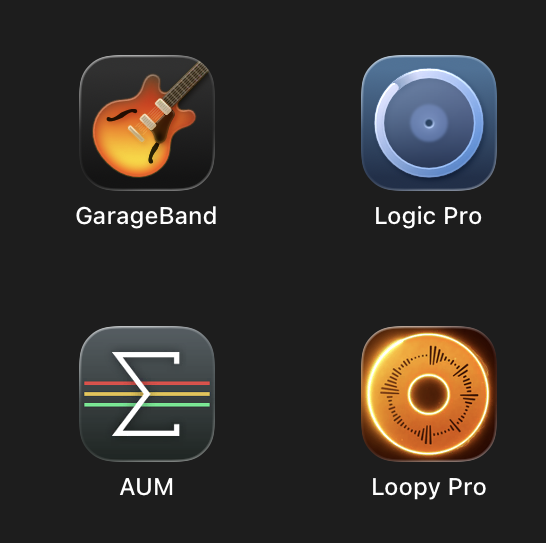
Loopy Pro
Works with Logic Pro, GarageBand, AUM, Loopy Pro, and other Audio Unit hosts that support the plugin format.
Sync tempo across every app on your network with Ableton Link. When Metronome Hero changes tempo — auto level-up, level-down, or manual — every connected app follows instantly.
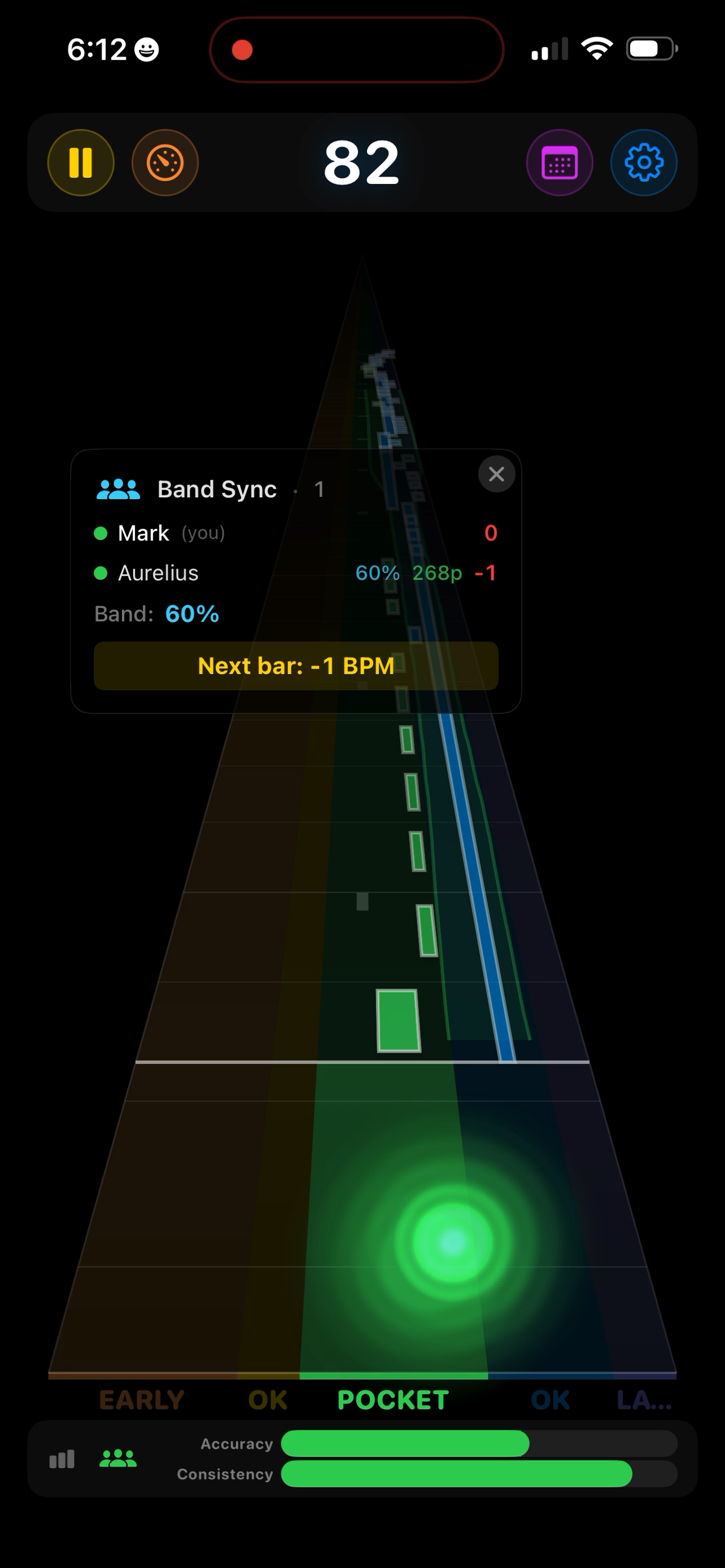
Connect multiple devices on the same local network and practice as a band — everyone stays on the same tempo grid and gets scored individually. On iPhone and iPad, Band Sync uses Ableton Link for timing.
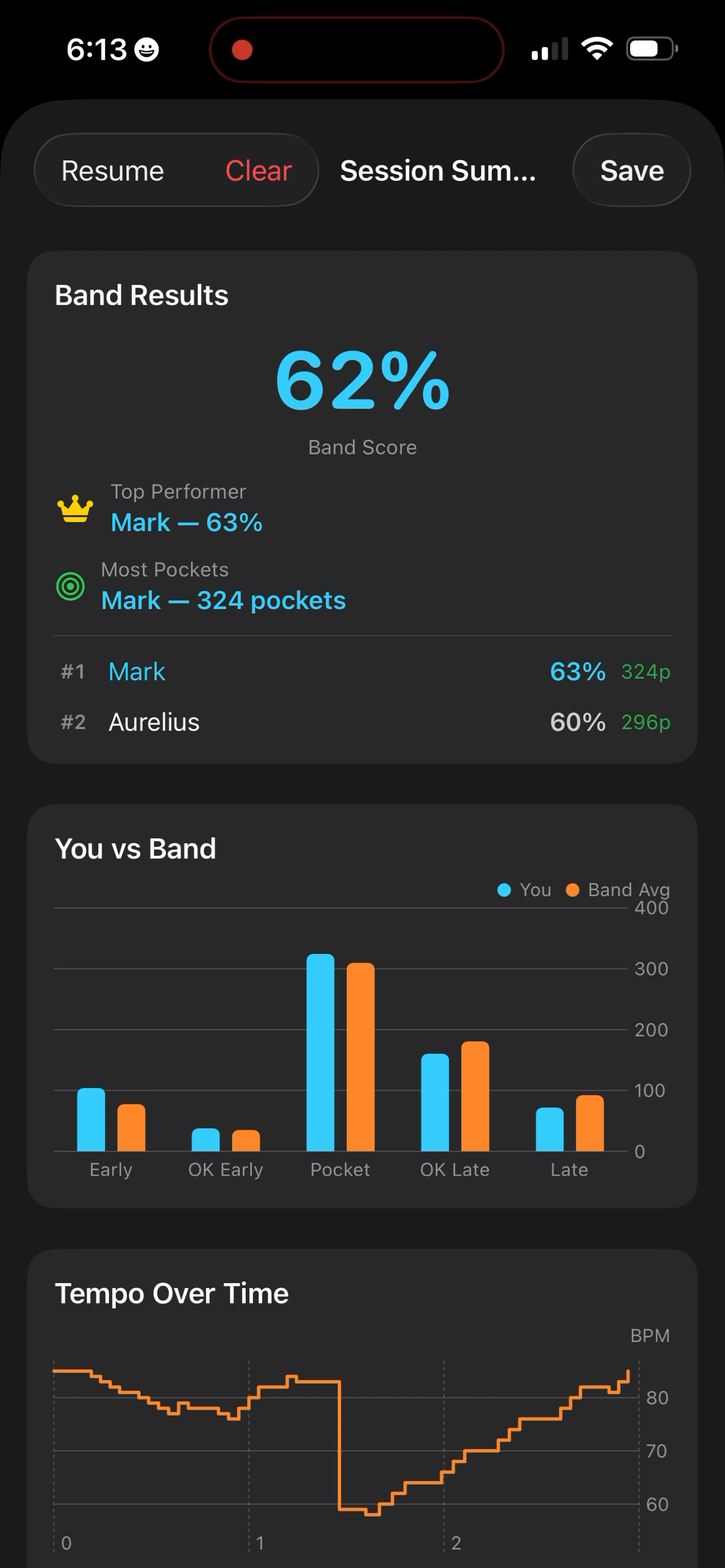
After a band session, see how everyone performed — individually and as a group.
Drummers who want objective feedback on timing consistency
Guitarists & bassists training to lock in with a drummer or click track
Loopers who need every layer tight — one sloppy pass and the whole loop drifts
Pianists working on rhythmic independence between hands
Music teachers who want to show students how using a metronome can be fun
Music students preparing for auditions and ensemble placements
Vocalists practicing diction, consonant attacks, and lip/tongue exercises right on the beat
Dancers training rhythmic precision — especially styles with clapping like flamenco
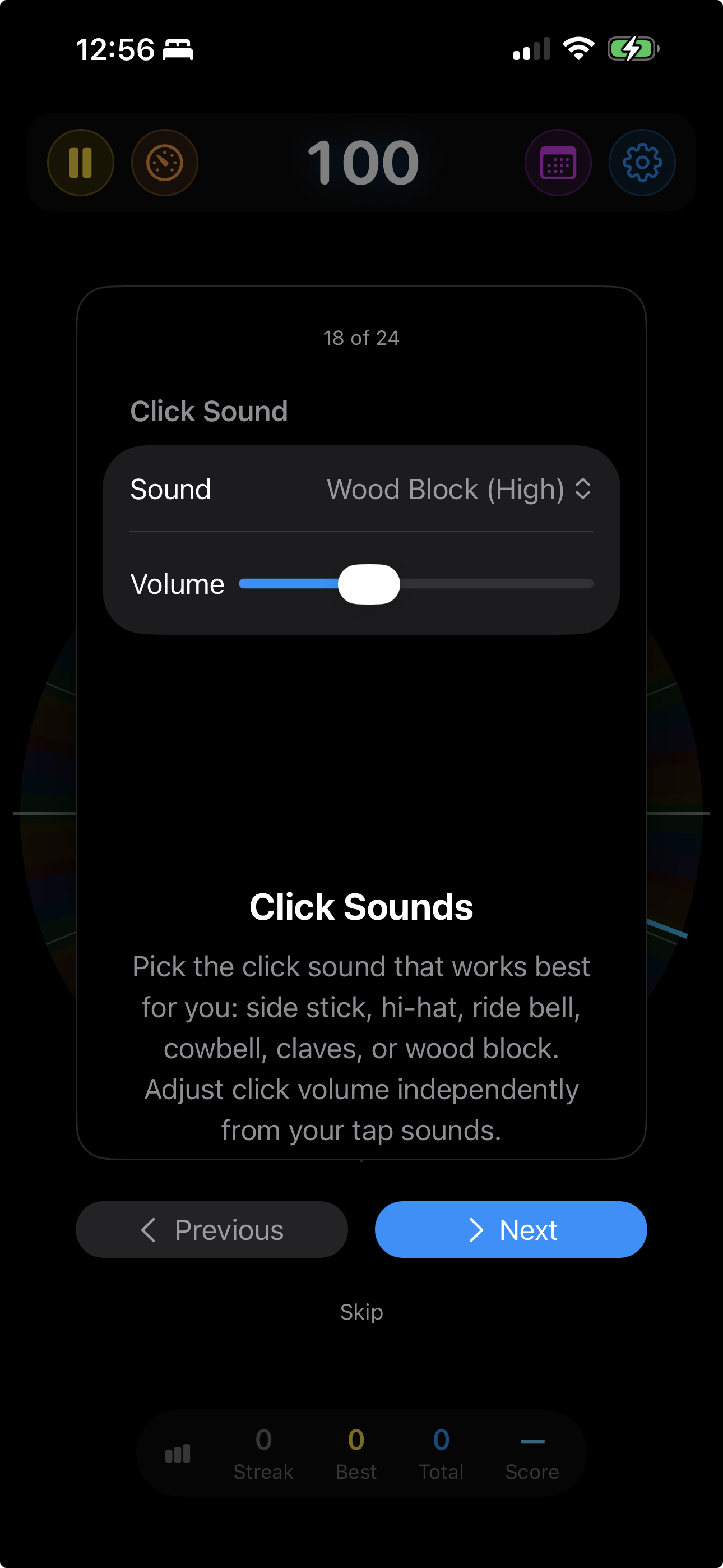
Built-in tip cards cover difficulty levels, time signatures, swing feel, DAW integration, and more. Tap through them at your own pace.
A complete walkthrough of every feature — from your first tap to advanced practice tools.
Sub-millisecond beat timing via mach_absolute_time
Selectable click sounds and 10 curated instrument voices for tap feedback
Preset system — save complete practice configurations
Time signatures: 1/4 through 5/4, plus 6/8 through 16/8
Swing control: 0–33% for jazz, Latin, and shuffle styles
Adaptive audio auto-gain for built-in mics and audio interfaces, with manual latency calibration when needed
iCloud session sync across all devices
Goal tempo — level up toward a target and stop there
Per-note MIDI statistics: count, early/late bias, and spread
Pause and resume — review mid-session, then continue