Metronome Hero

The metronome that listens back.

Metronome Hero scores the hits and note attacks you play, shows where you land relative to the beat, and can automatically adjust the tempo to help you improve.
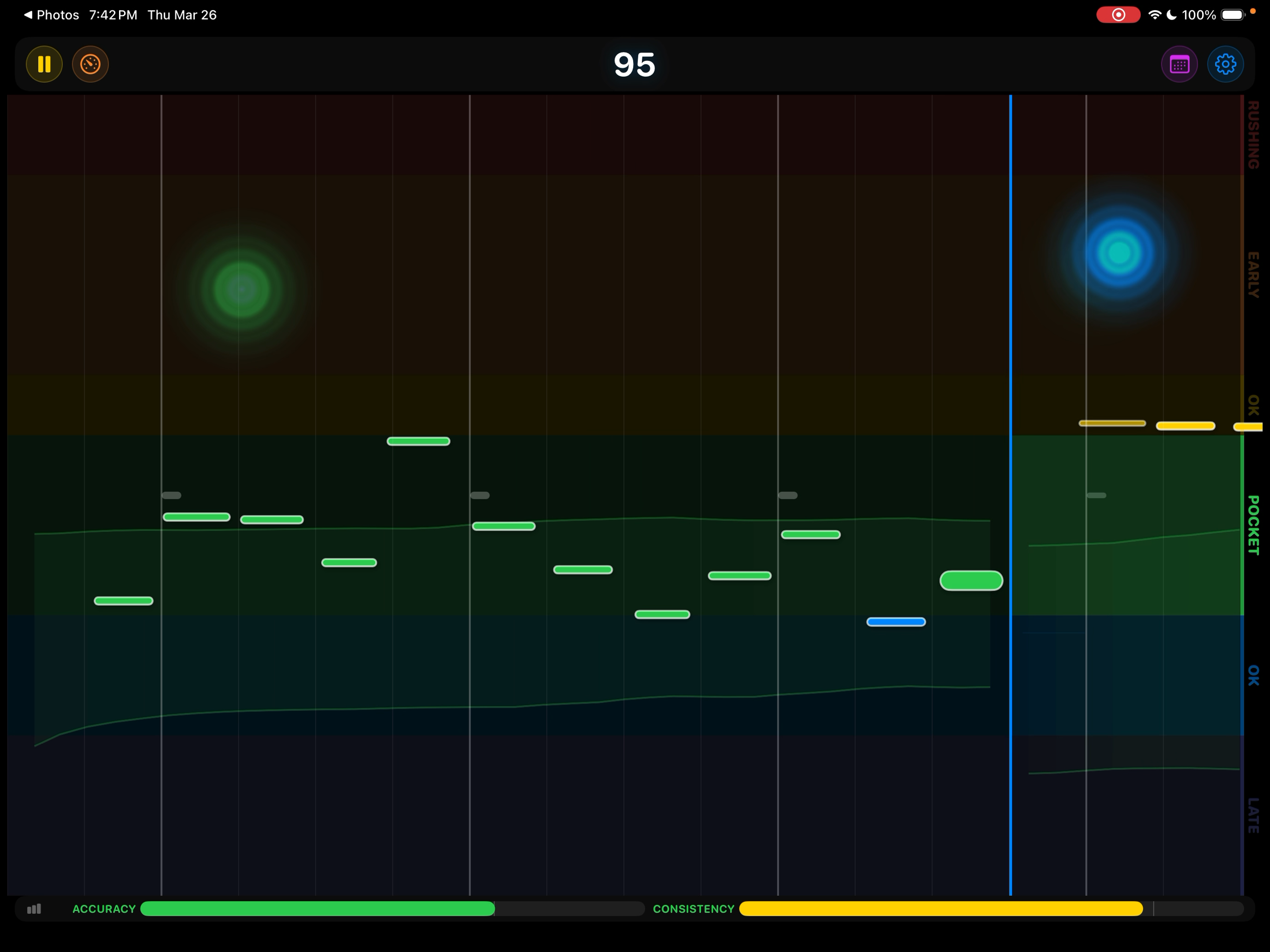
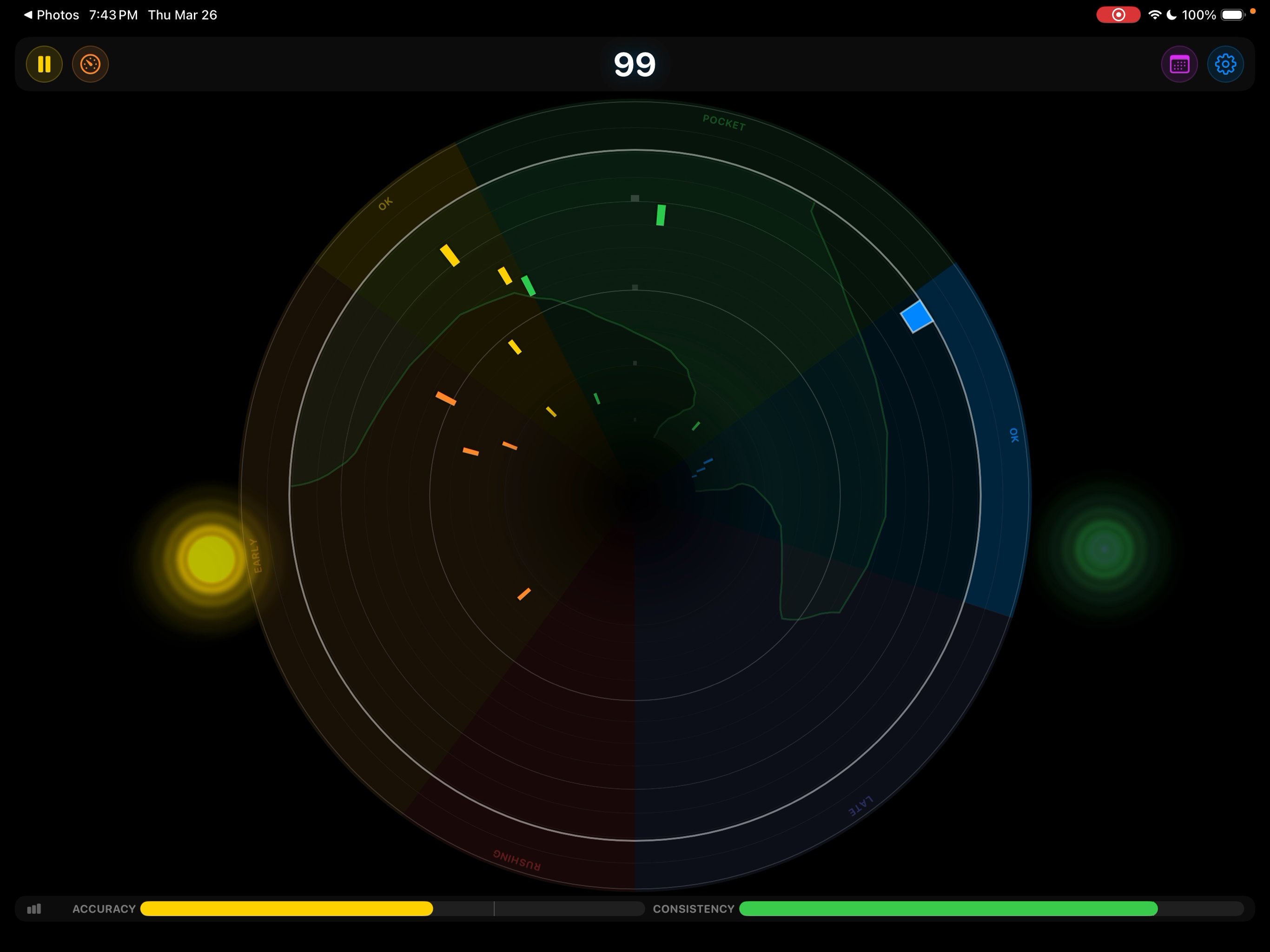
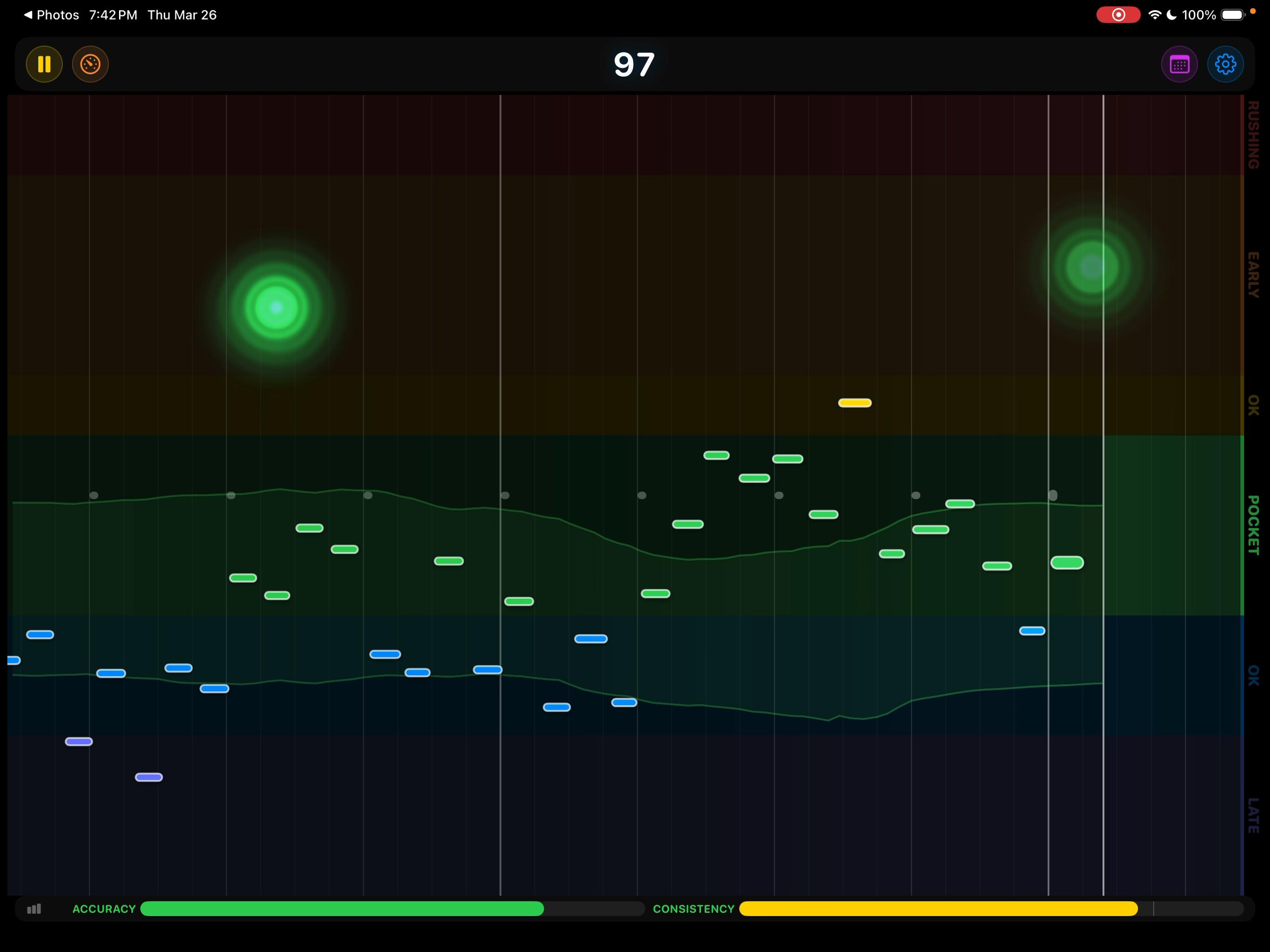
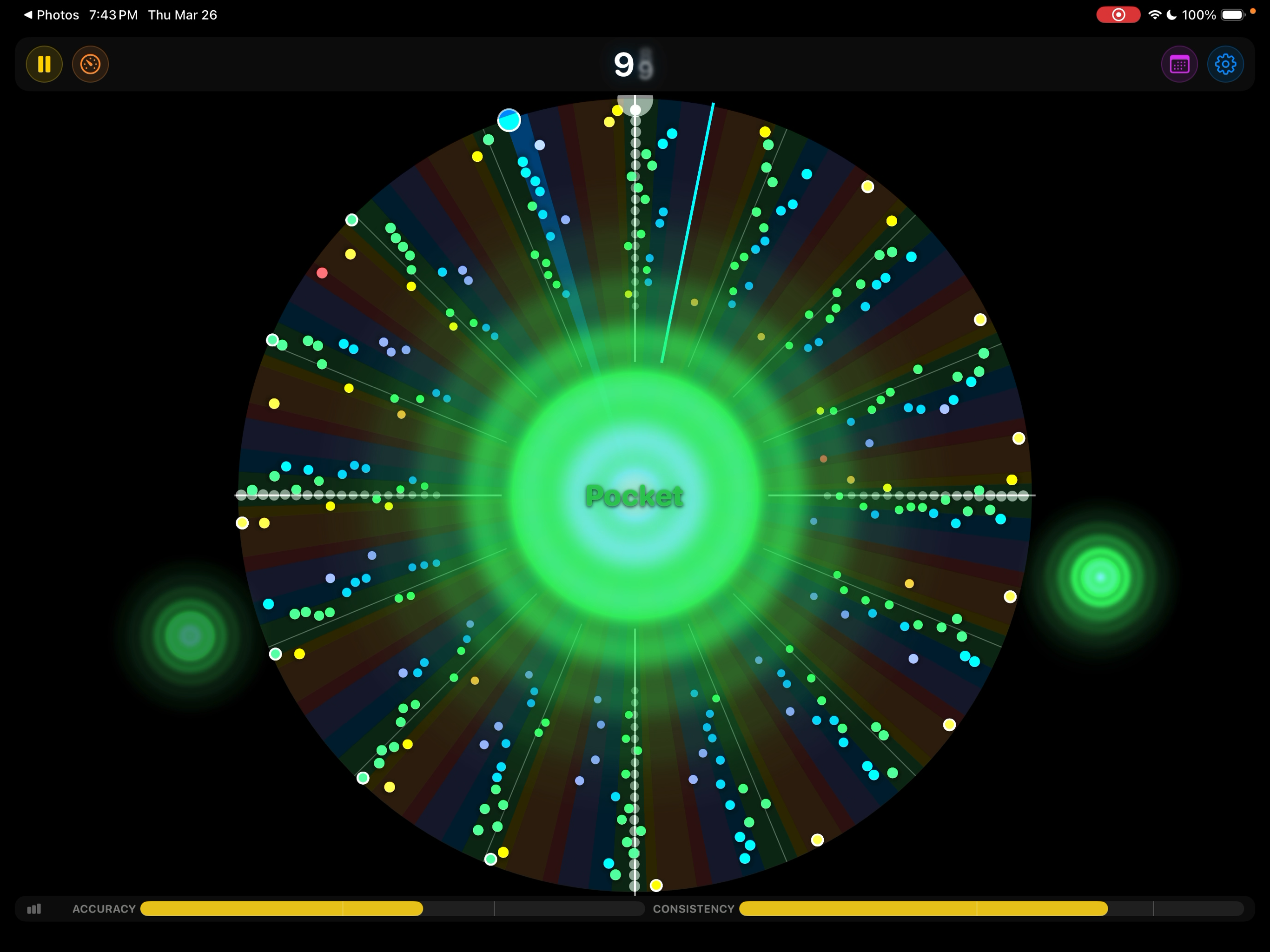
Note Highway visualization Half-pipe visualization Playhead visualization Tubular visualization Scrolling History visualization Circular visualization
Note Highway
See where you land

Rush a note and you see it instantly — while your hands still remember the mistake. No listening back to a recording. No waiting for someone to tell you. You feel it and you see it at the same time.

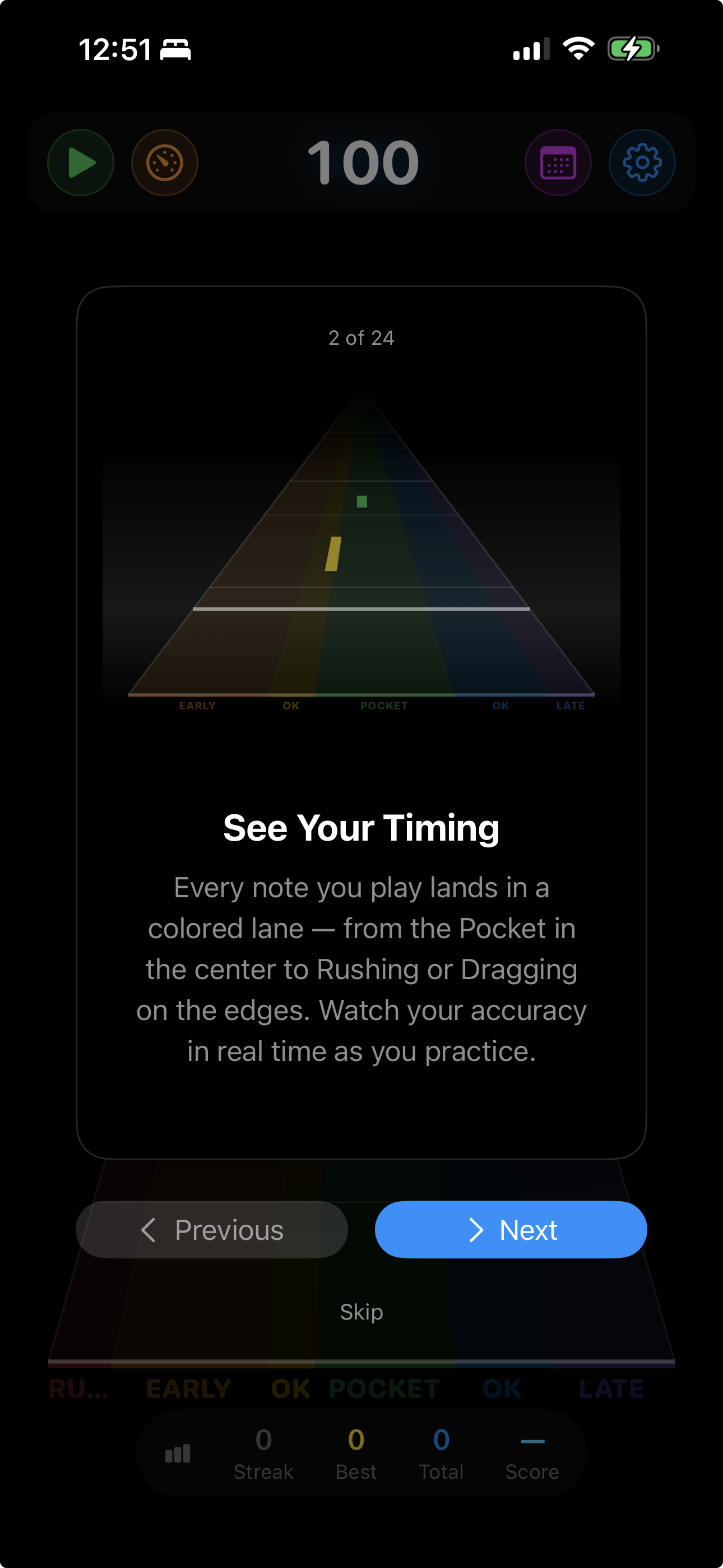
A 7-zone timing spectrum tells you not just whether you’re on beat, but how far off and in which direction.

Rushing
Early
OK
Pocket
OK
Late
Dragging
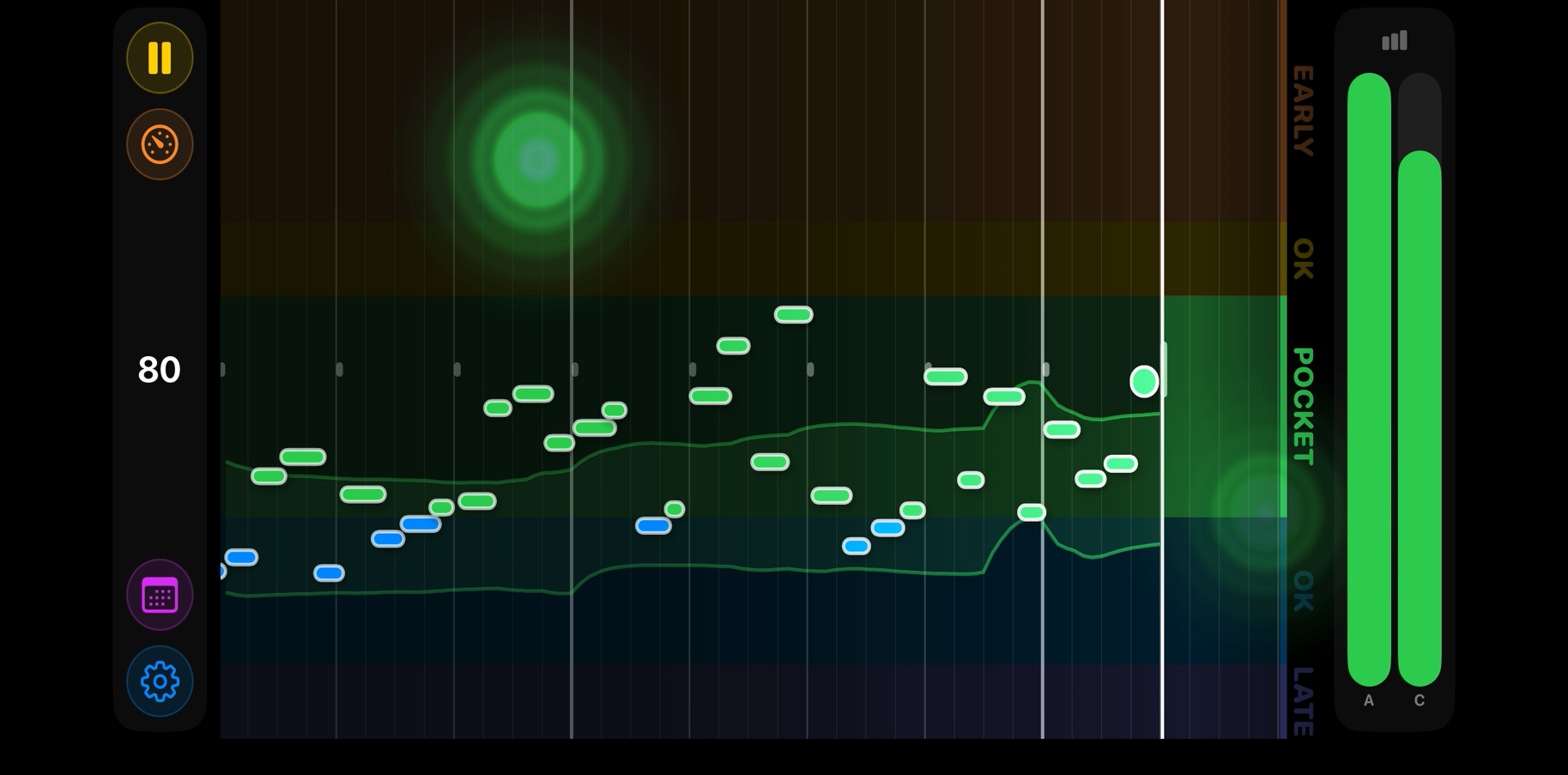
Playhead view showing color-coded hit bars across the timing spectrum

Play musically, not mechanically

Setting the quantization to sixteenths doesn’t mean you have to play every sixteenth note. Play your own rhythms — long notes, short notes, rests, syncopation. Metronome Hero only scores the notes you actually play. Take a breath, leave space, be musical. All that matters is that when you do play, you’re on beat.

Everything you need to level up

Directional Feedback

See that you consistently rush the backbeat, or lay back on beat 3. That specificity turns repetition into improvement.

Fight the Rush

Rushing is the most common timing problem — and the hardest to feel yourself doing. Metronome Hero skews its hit zones so that laying back is scored more generously than pushing ahead. Over time, this trains you into the pocket naturally, without thinking about it.

Accuracy & Consistency

Two independent metrics track your playing. Accuracy measures how close each hit lands to the beat. Consistency measures how steady you are over time. Five difficulty levels — from Chill to Pro — tighten both thresholds.

Musical Tap Sounds

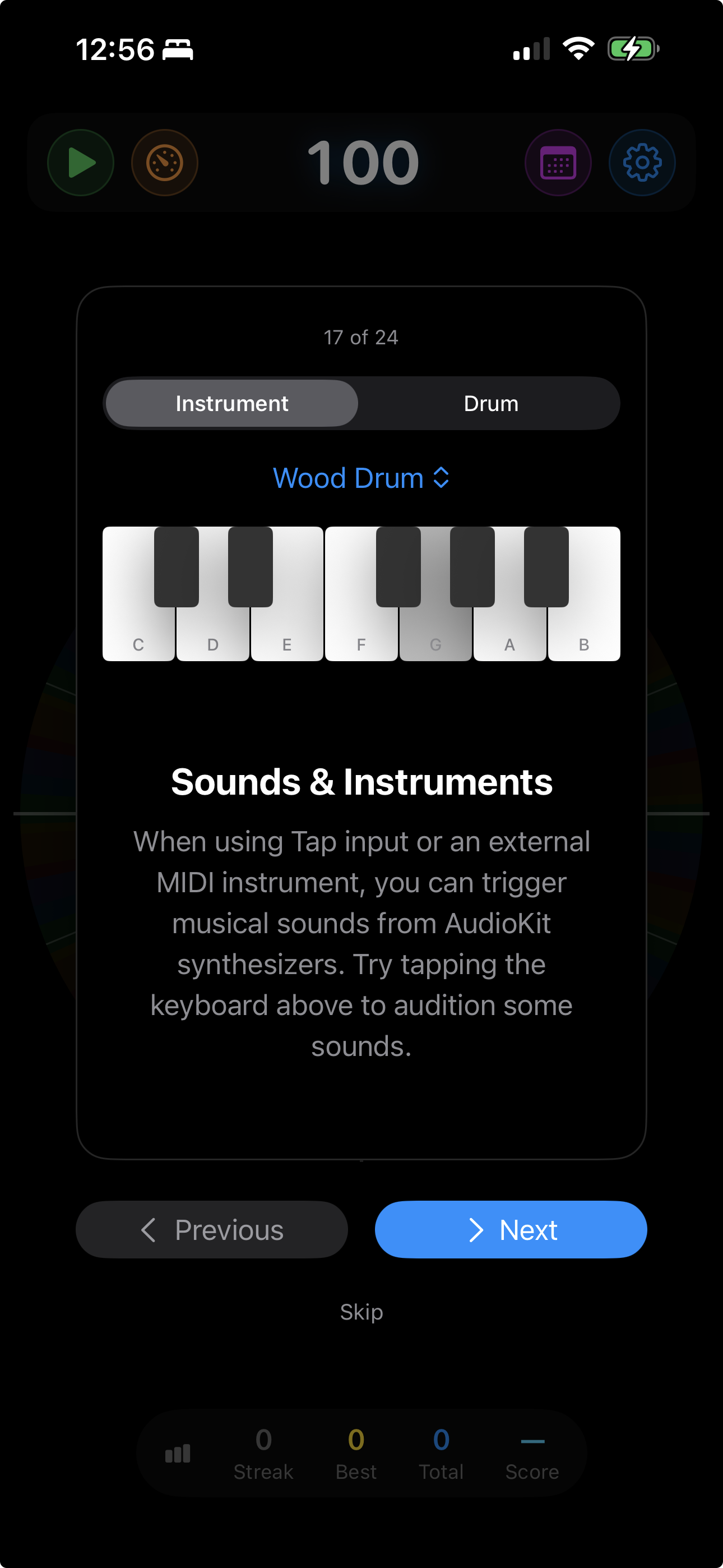
Every tap or MIDI hit can trigger a musical note. Choose from 10 instrument voices or 8 drum sounds. Set a chord voicing so each beat lands on the same notes, reinforcing your timing.

Session Tracking

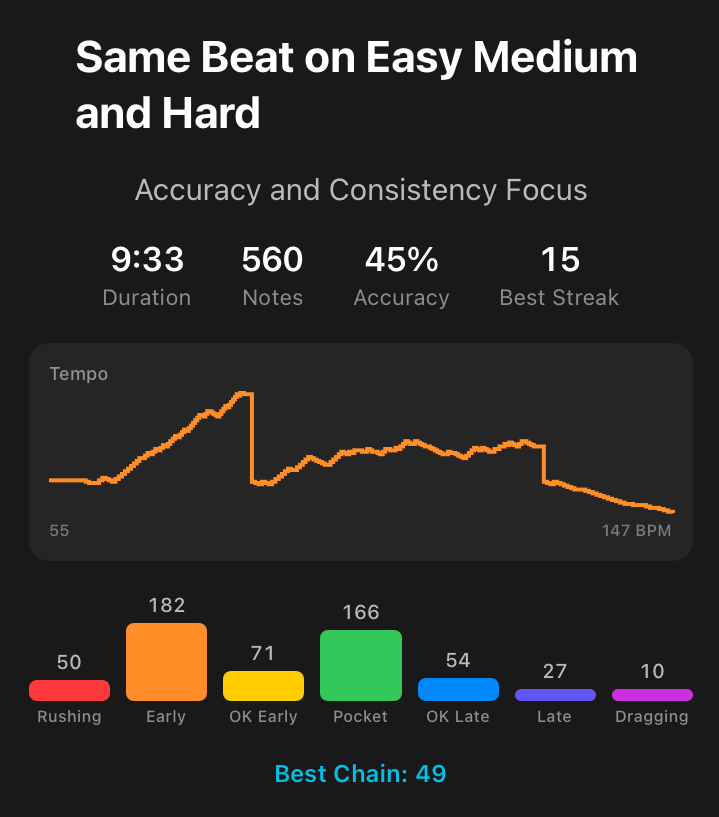
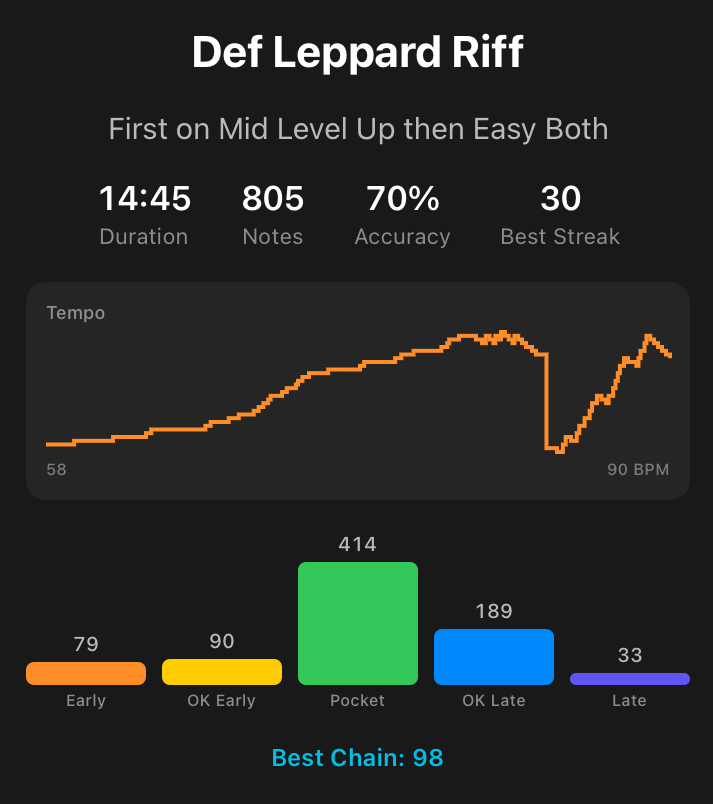
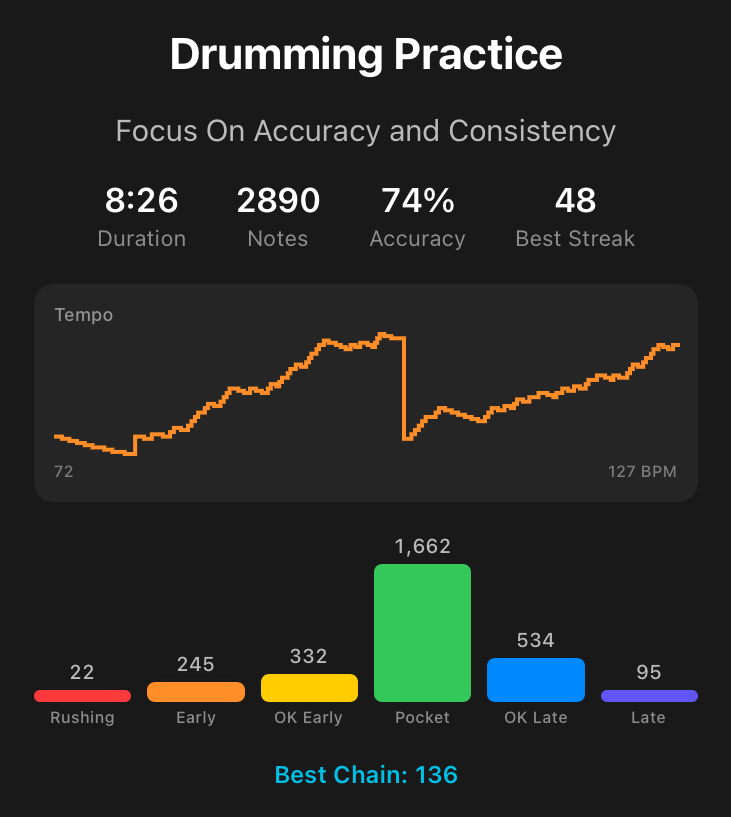
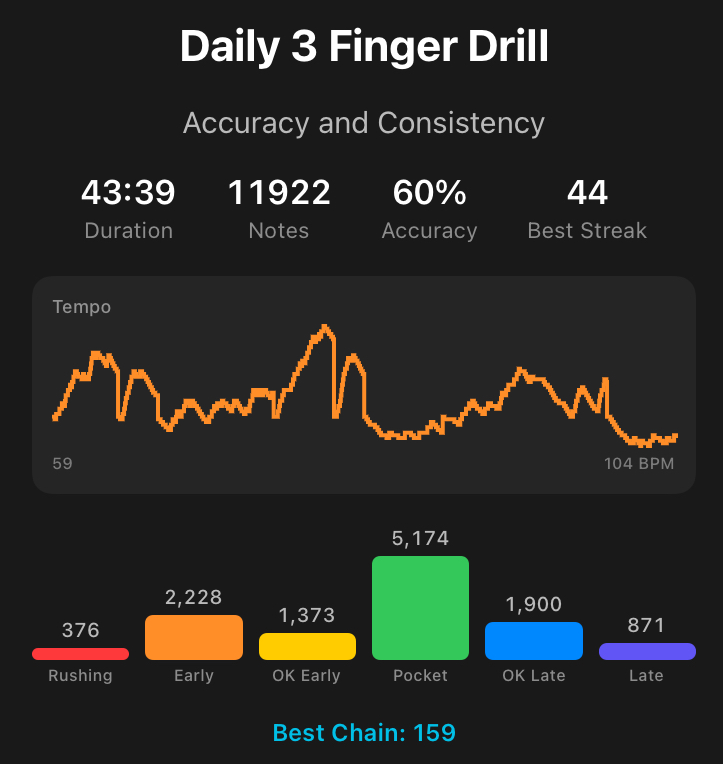
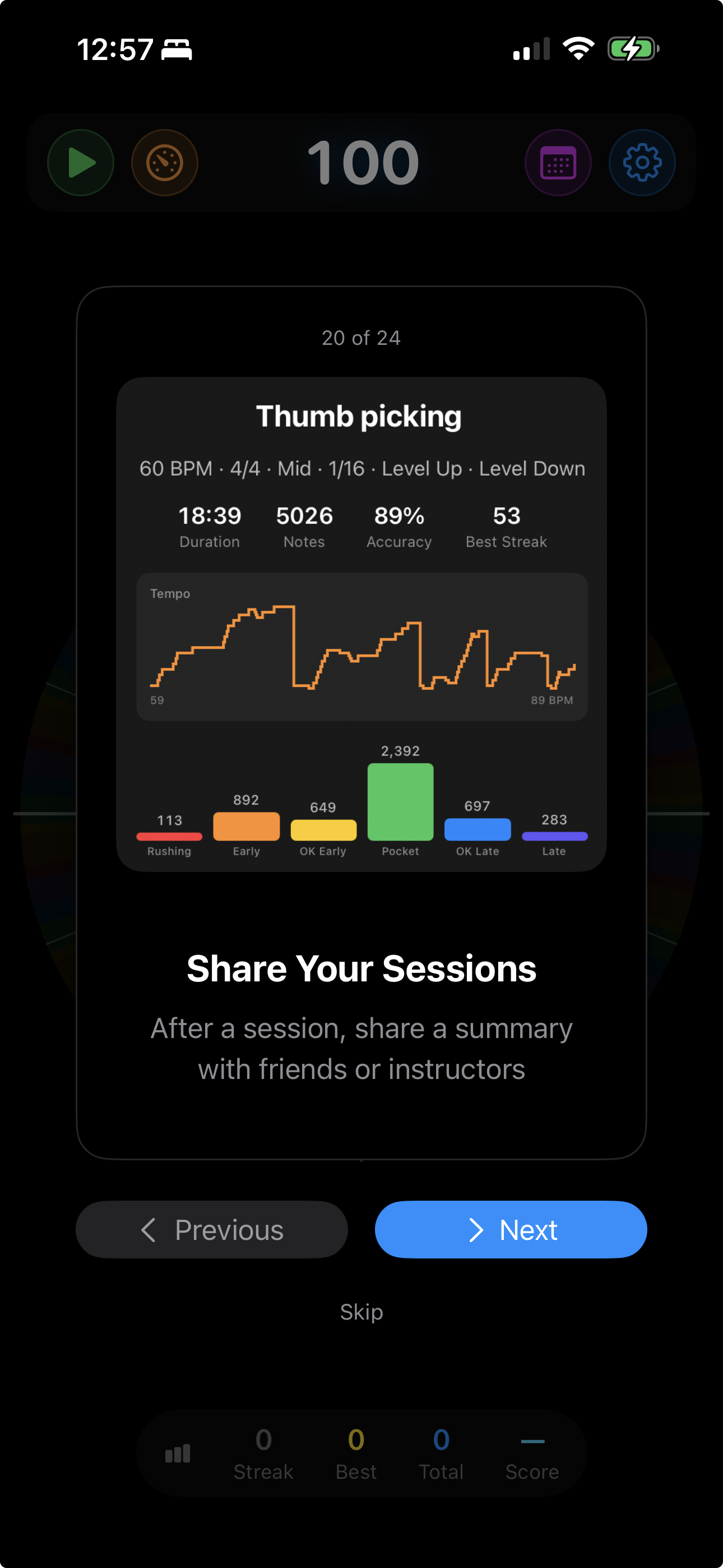
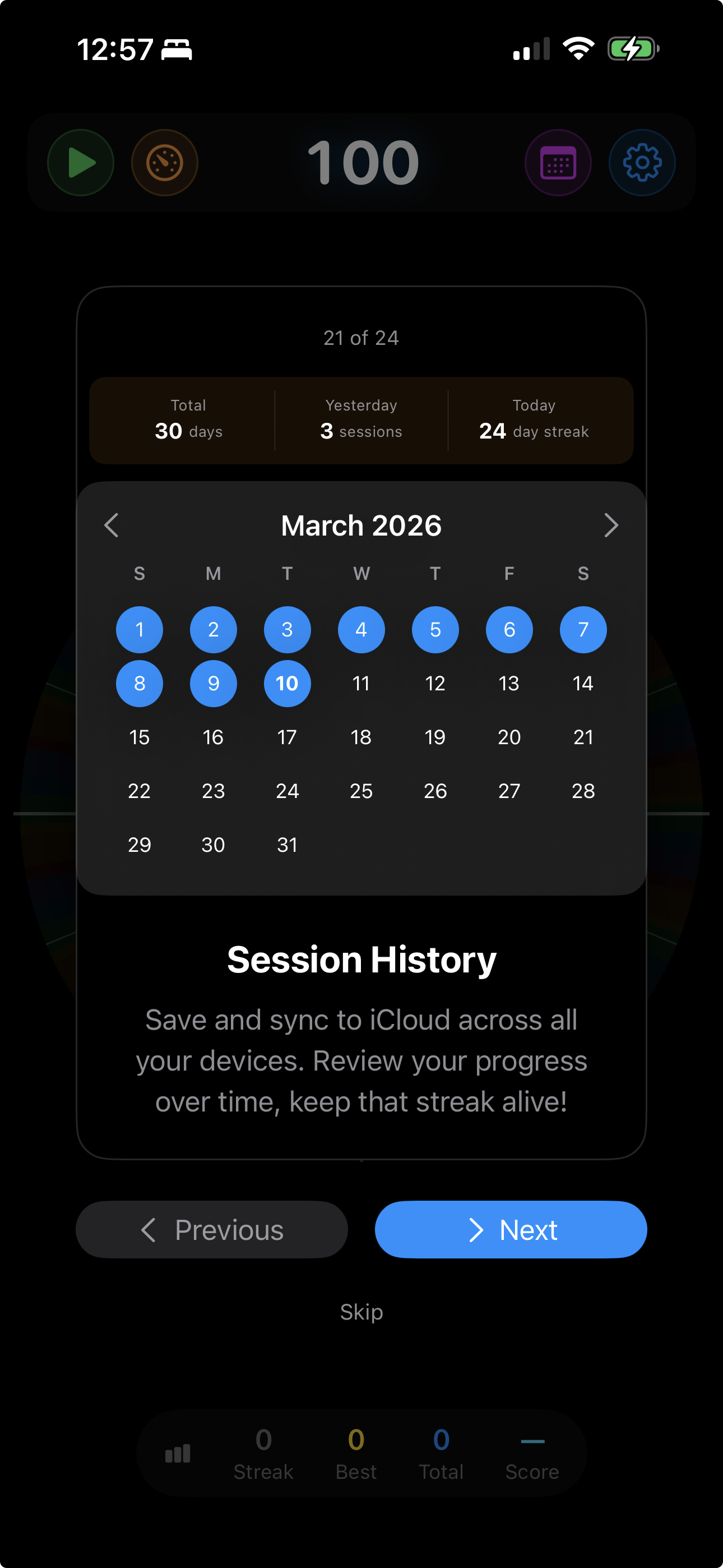
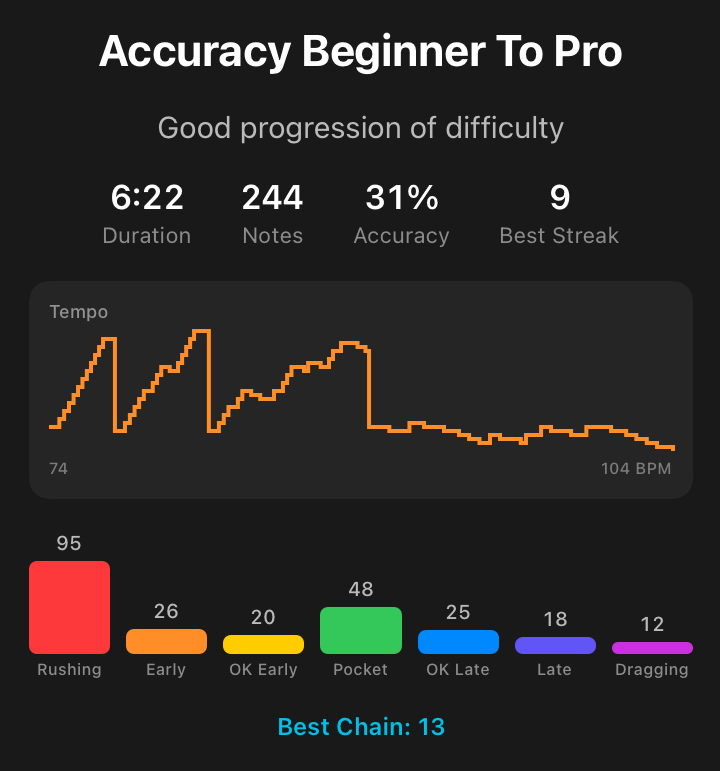
Every session records accuracy, rating distribution, tempo progression, best streak, and duration. Review history on a practice calendar with iCloud sync.

Flexible Time Signatures

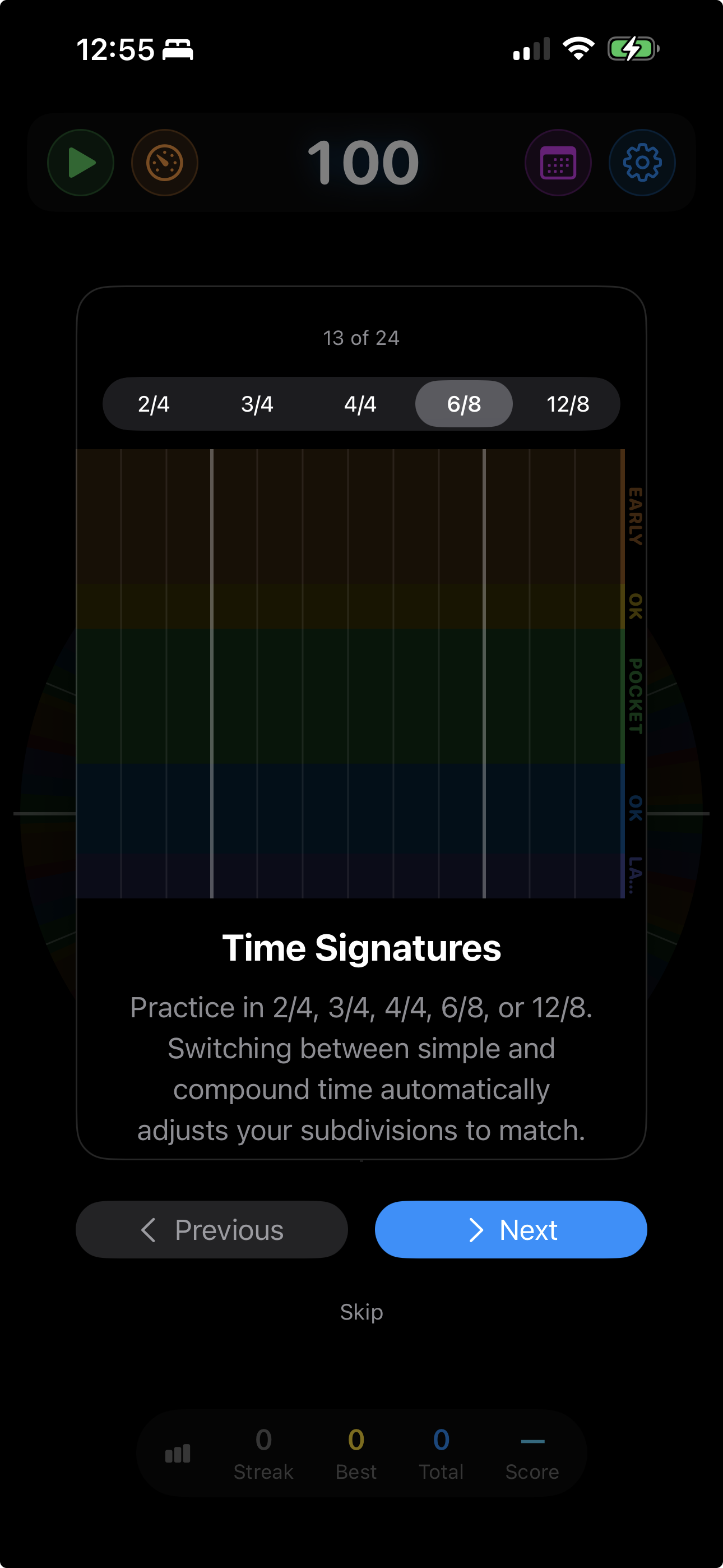
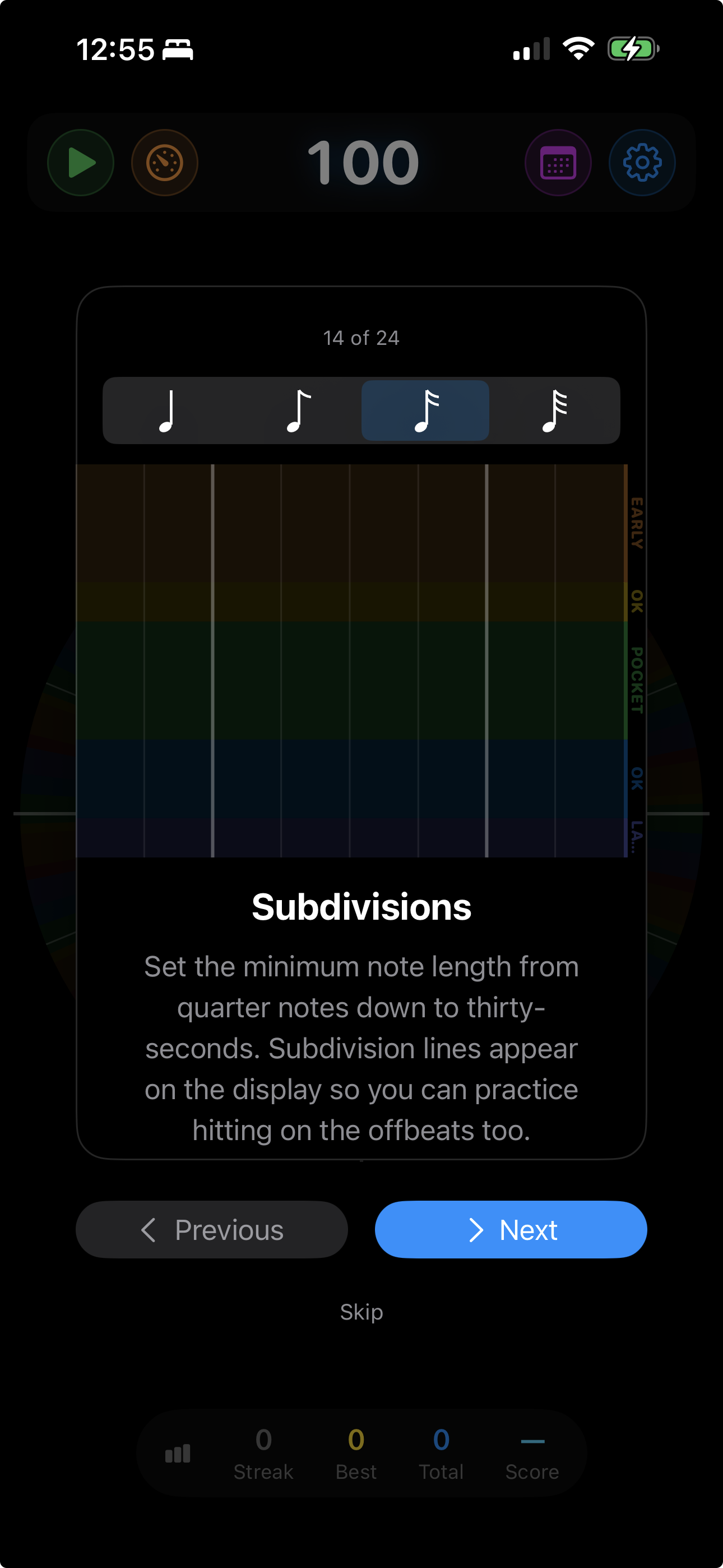
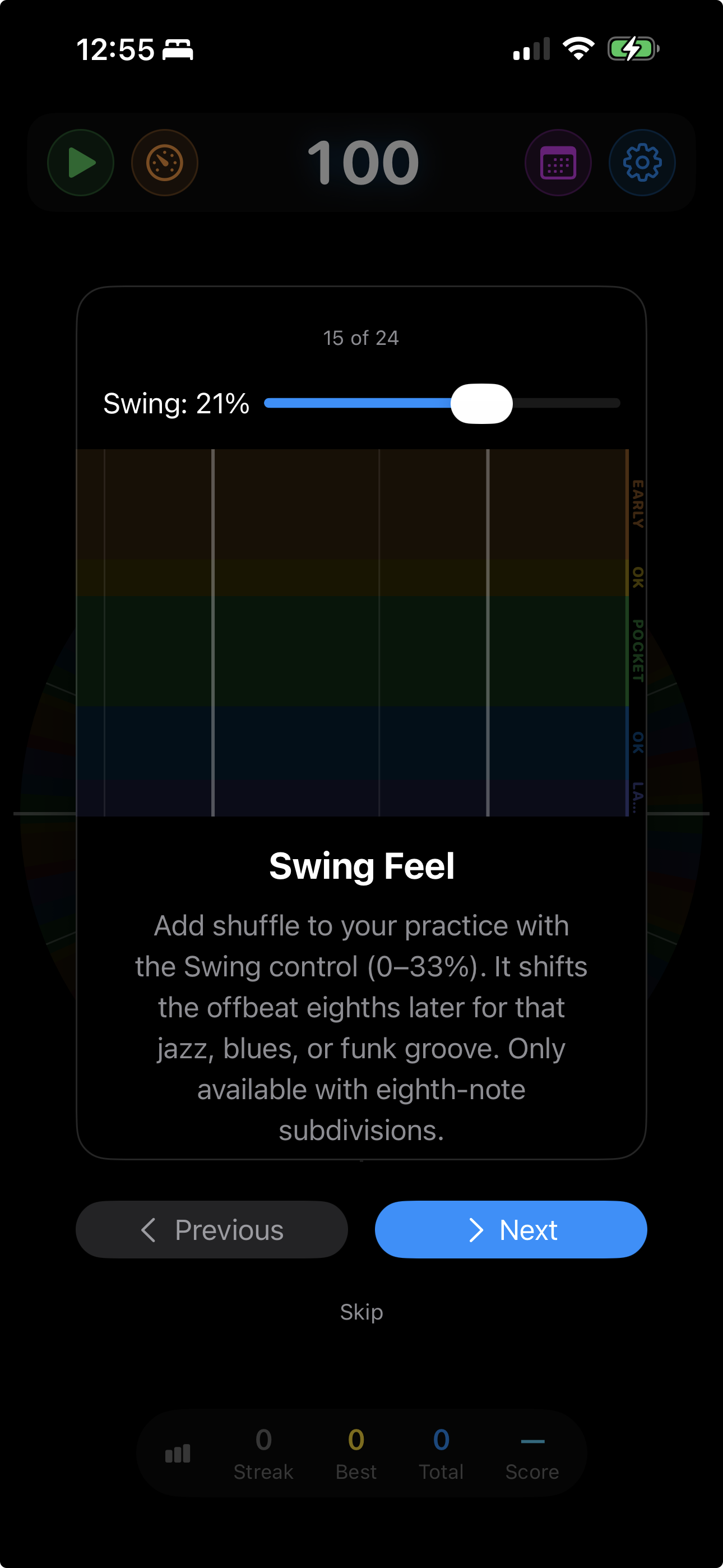
Practice in anything from 1/4 through 5/4, plus 6/8 through 16/8. Add subdivisions from eighths to thirty-seconds and swing feel from subtle to hard shuffle.

See your rhythm, your way

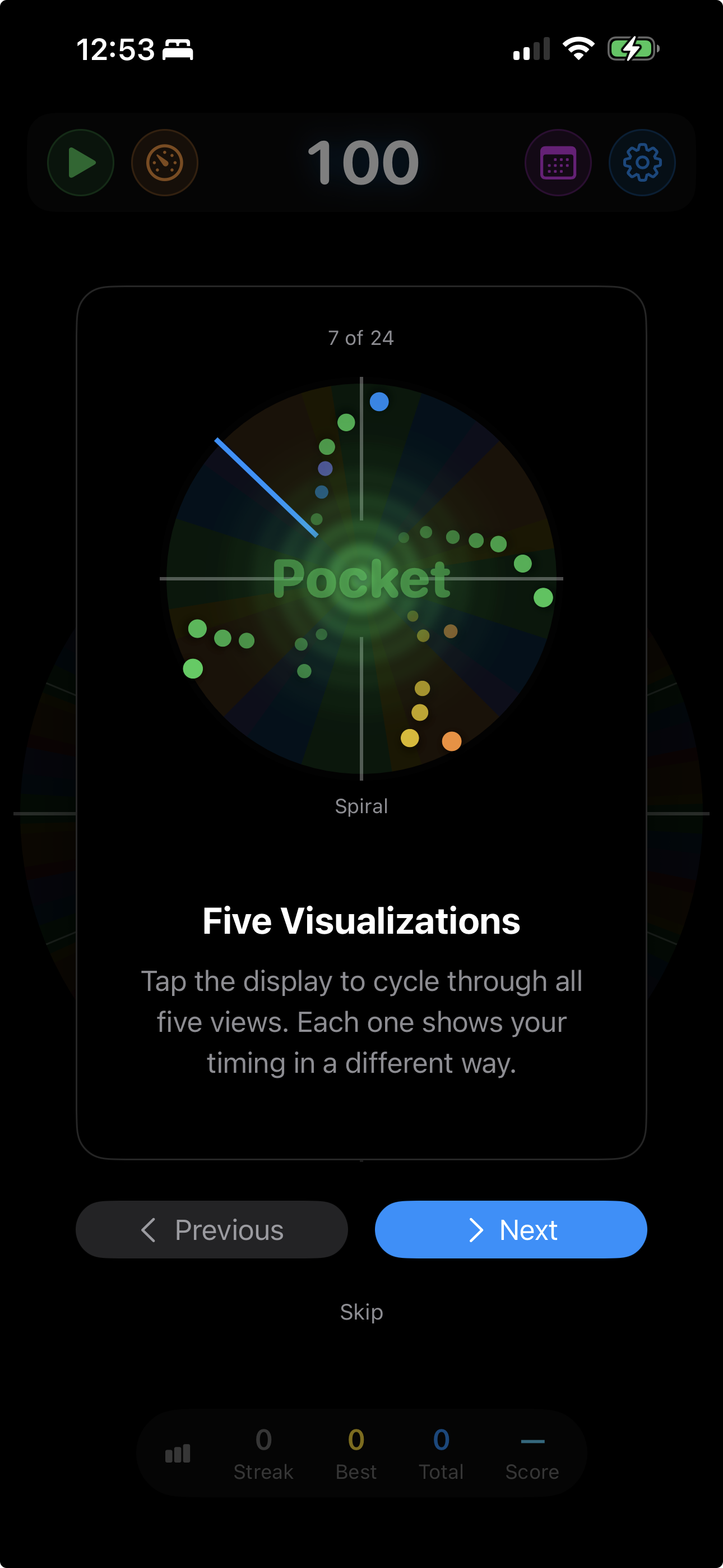
Each view shows your timing accuracy differently — some zoom into every hit, others reveal patterns over time. Tap to switch mid-session or set auto-cycling on level changes.

Note highway 3D visualization

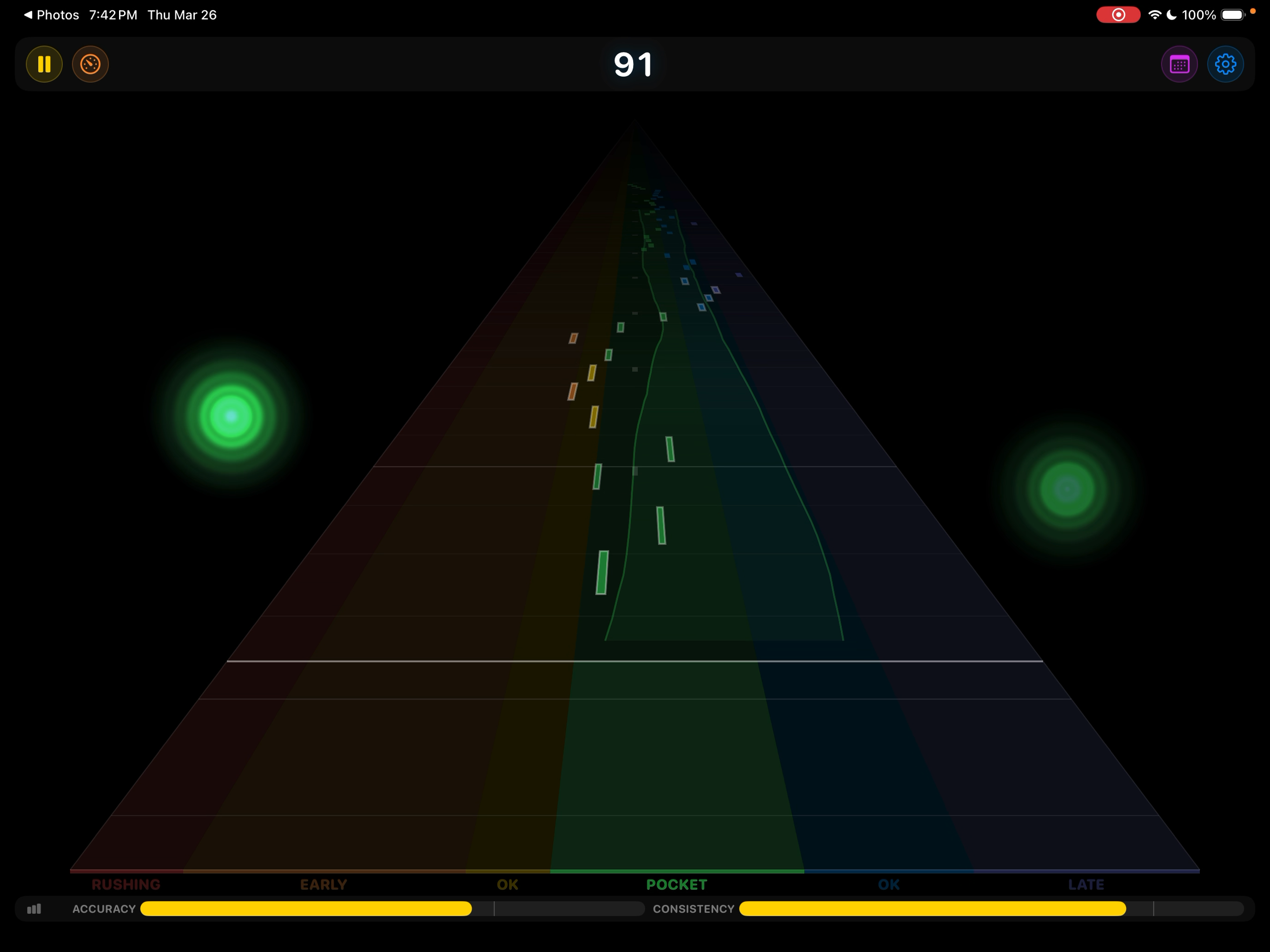
Note Highway
A 3D perspective view where the horizontal axis is your timing — very early on the left, pocket in the center, very late on the right. Hits recede into the distance as new ones arrive.

Half-pipe parabolic visualization

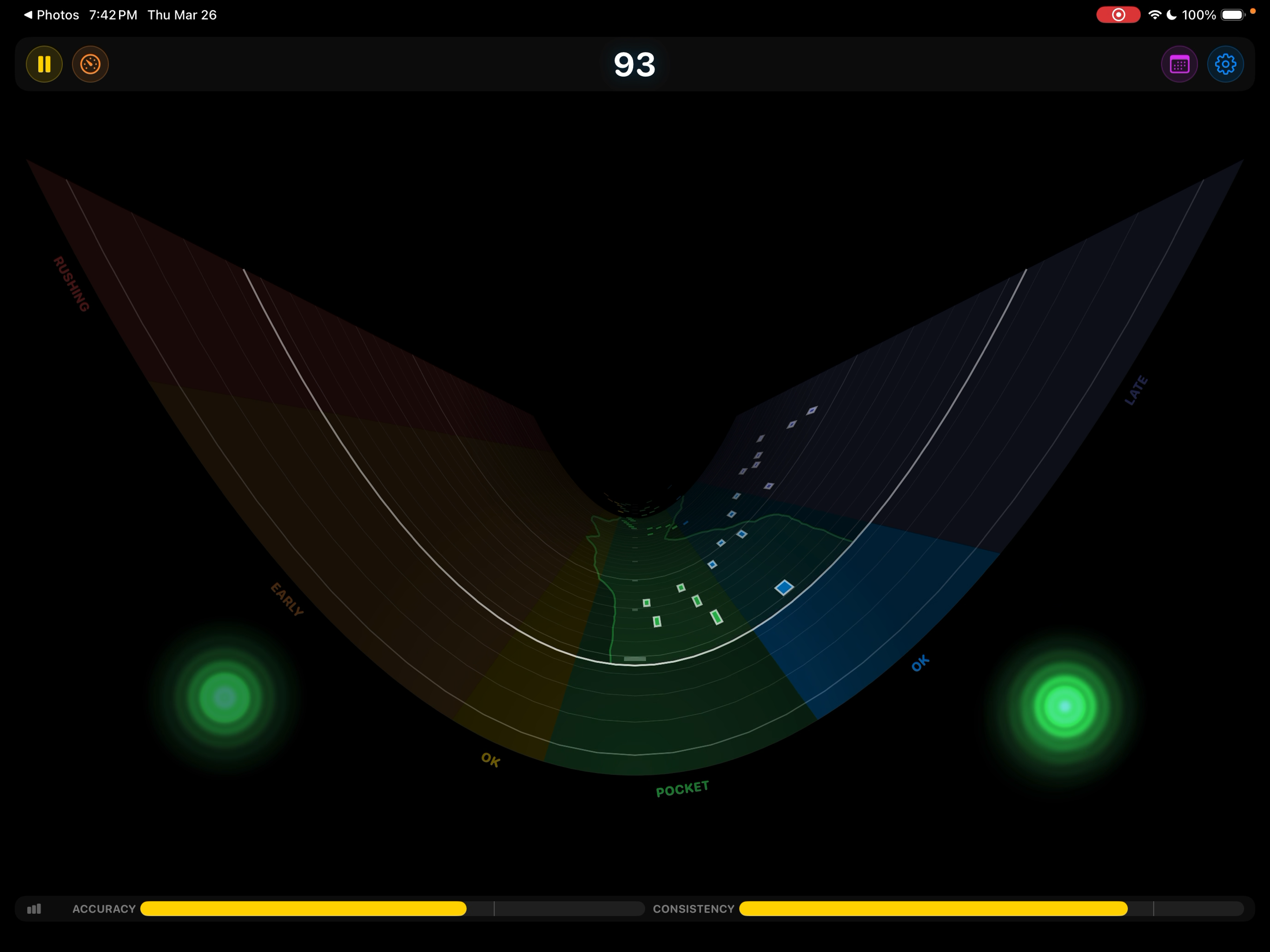
Half-pipe

A parabolic curve where hits roll toward the center when you’re in the pocket and climb the walls when you rush or drag. The shape makes timing feel physical — like a skateboard half-pipe.

Playhead visualization

Playhead

A sweeping bar moves left to right. The vertical axis is your timing — early notes appear above the center line, late notes below. Simple, clear, immediate.

Scrolling history visualization

Scrolling History

A scrolling timeline where the vertical axis shows your timing — early notes rise above the center, late notes fall below. Watch your rhythmic tendencies emerge over time.

Tubular polar-coordinate visualization

Tubular

The largest area devoted to the timing axis, mapped around the circumference of a circle. The most visually immediate view — you can see exactly where in each accuracy zone every hit lands.

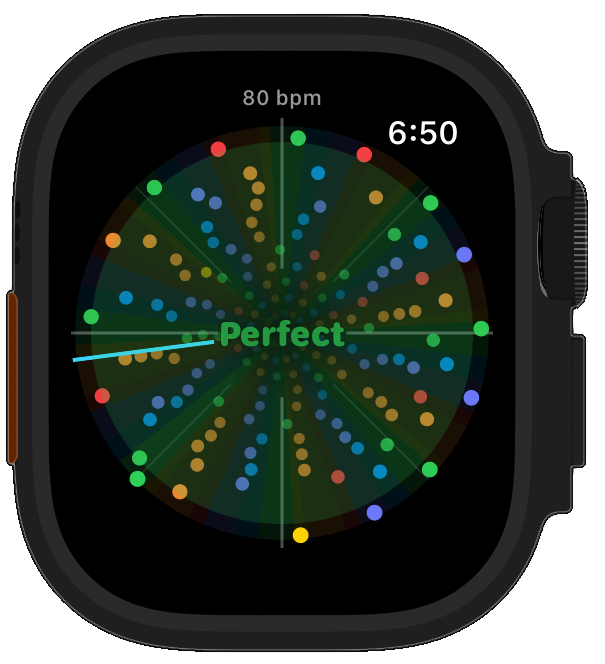
Circular playhead visualization with wave effects

Circular

A radial clock-face sweep with rippling wave effects. Instead of a zoomed timing axis, it shows the most notes at once — beautiful patterns that reveal your overall consistency.

Level up — and level down

It gets harder as you get better, and easier when you struggle. Automatically.

ACCURACY
CONSISTENCY

Two independent meters track your performance in real time — accuracy measures how close you land to the beat, consistency measures how steady you are over time.

Level Up

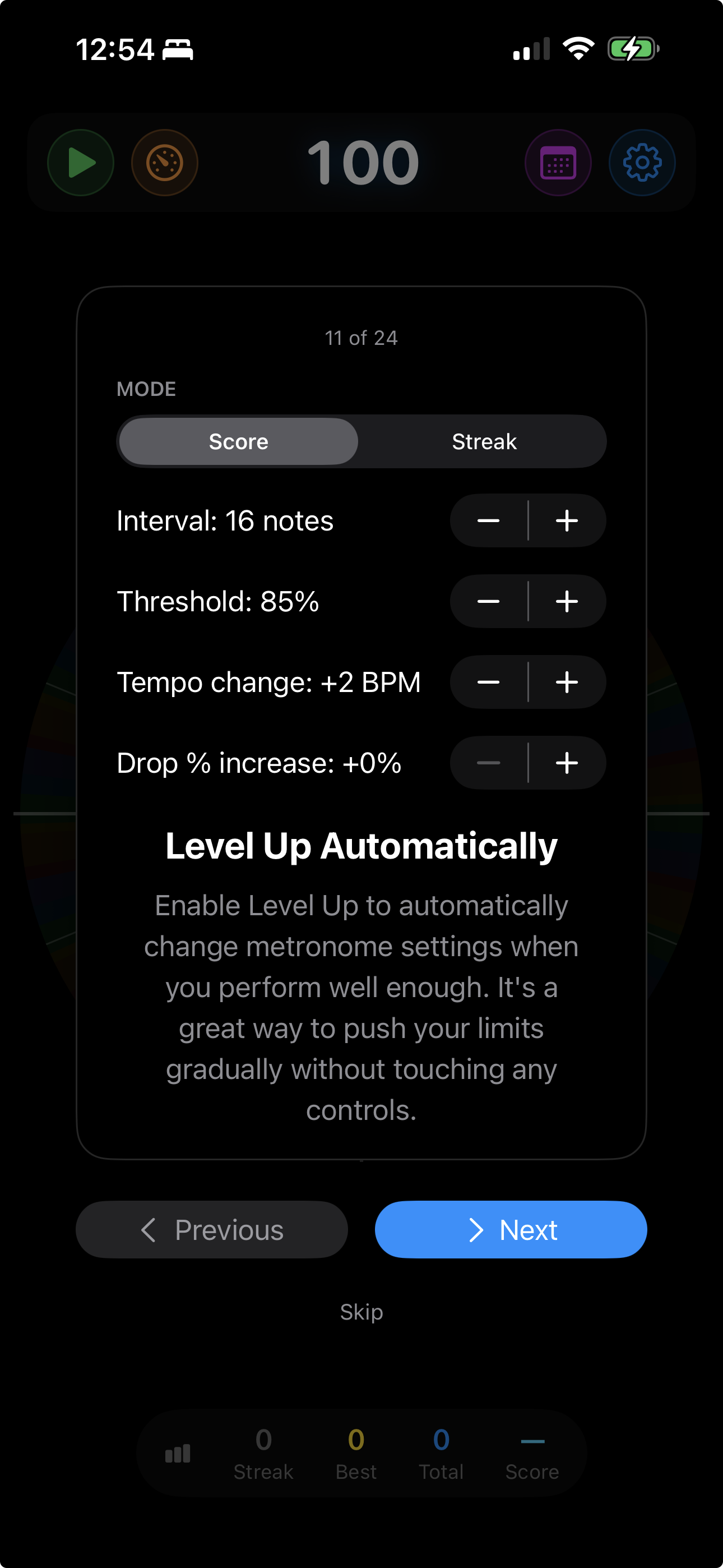
When your accuracy, consistency, or both cross the threshold, the tempo bumps up automatically. Choose which metric drives progression — or require both for the ultimate challenge.

Click Sound Randomization

The click sound changes every time you level up or down — an unmistakable auditory signal that something just shifted, even when you’re not watching the screen. It also prevents ear fatigue during long sessions.

Level Down

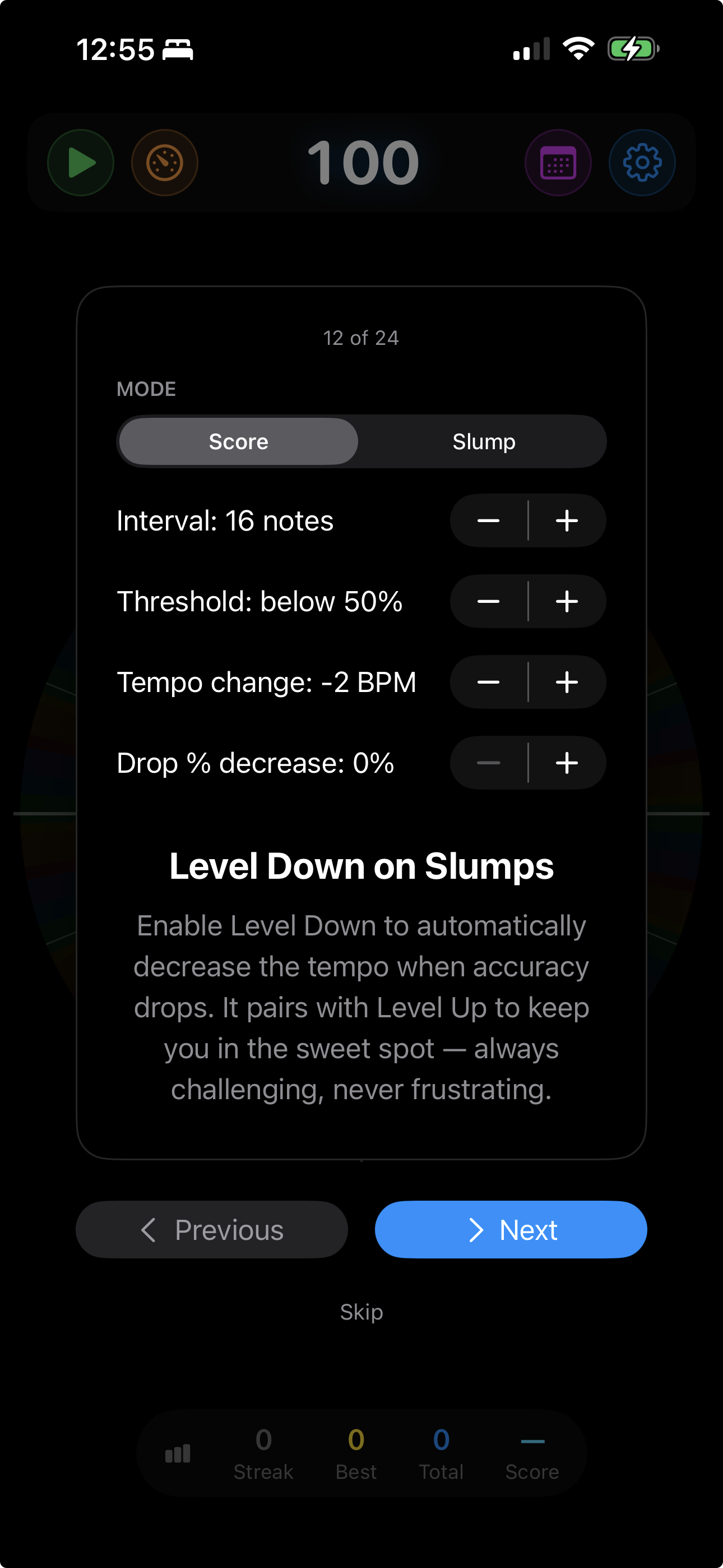
When your metrics drop below the threshold, the tempo backs off. No shame — it’s smart practice. Spend more time at tempos where you’re challenged but not overwhelmed.

Interval Training for Rhythm

Combine level up with level down and you get interval training — the tempo pushes you to your edge, backs off to let you recover, then pushes again. Your comfortable tempo climbs session after session.

Every session tells a story

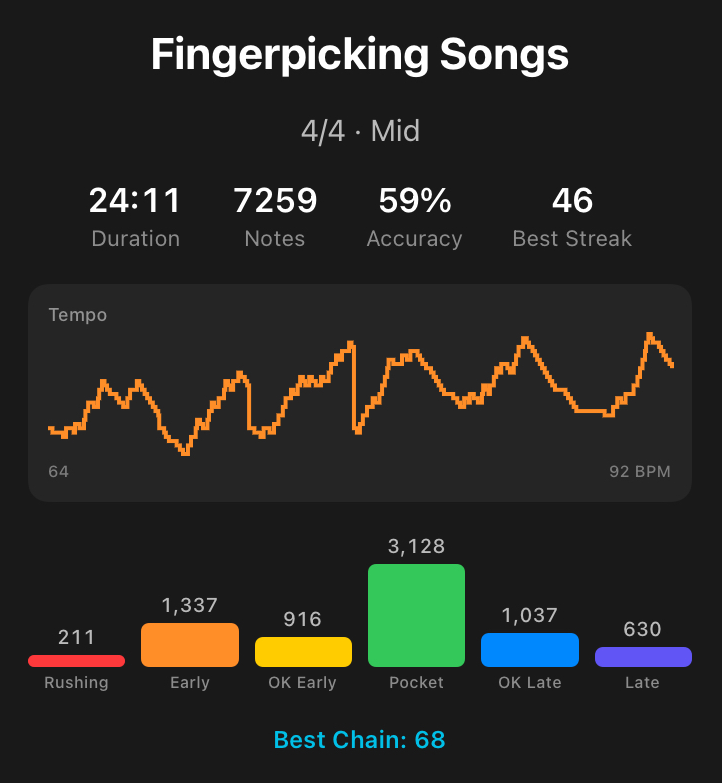
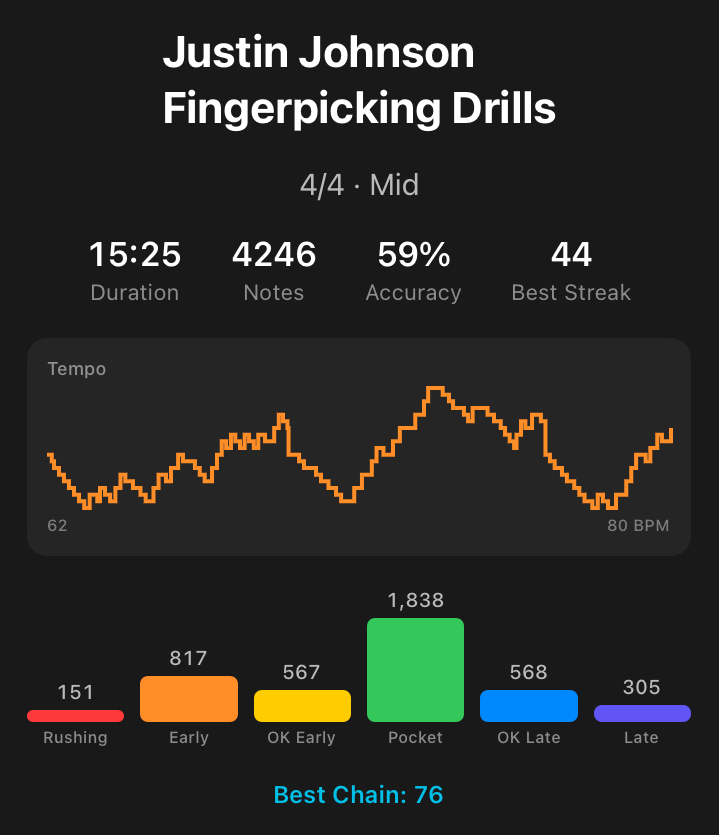
Accuracy Beginner To Pro session summary Same Beat on Easy Medium and Hard session summary Def Leppard Riff session summary Drumming Practice session summary Daily 3 Finger Drill session summary Fingerpicking Songs session summary Fingerpicking Drills session summary

Detailed Session Summary

When you stop, Metronome Hero shows you exactly how the session went.

  • Duration, total hits, and overall accuracy
  • Rating distribution across all 7 zones
  • Tempo progression graph showing every level change
  • Accuracy, consistency, and difficulty settings
  • Practice calendar stored on iCloud — tap on your phone on the way to work, clap on your iPad, play MIDI guitar on your Mac, and it all ends up in the same place

Play any instrument. Three ways in.

Tap the screen, use your microphone or audio interface, or connect a MIDI controller.

🖐

Tap

Tap the screen, click the mouse, or press keyboard keys. Perfect for percussion fundamentals and warming up anywhere.

🎤

Audio

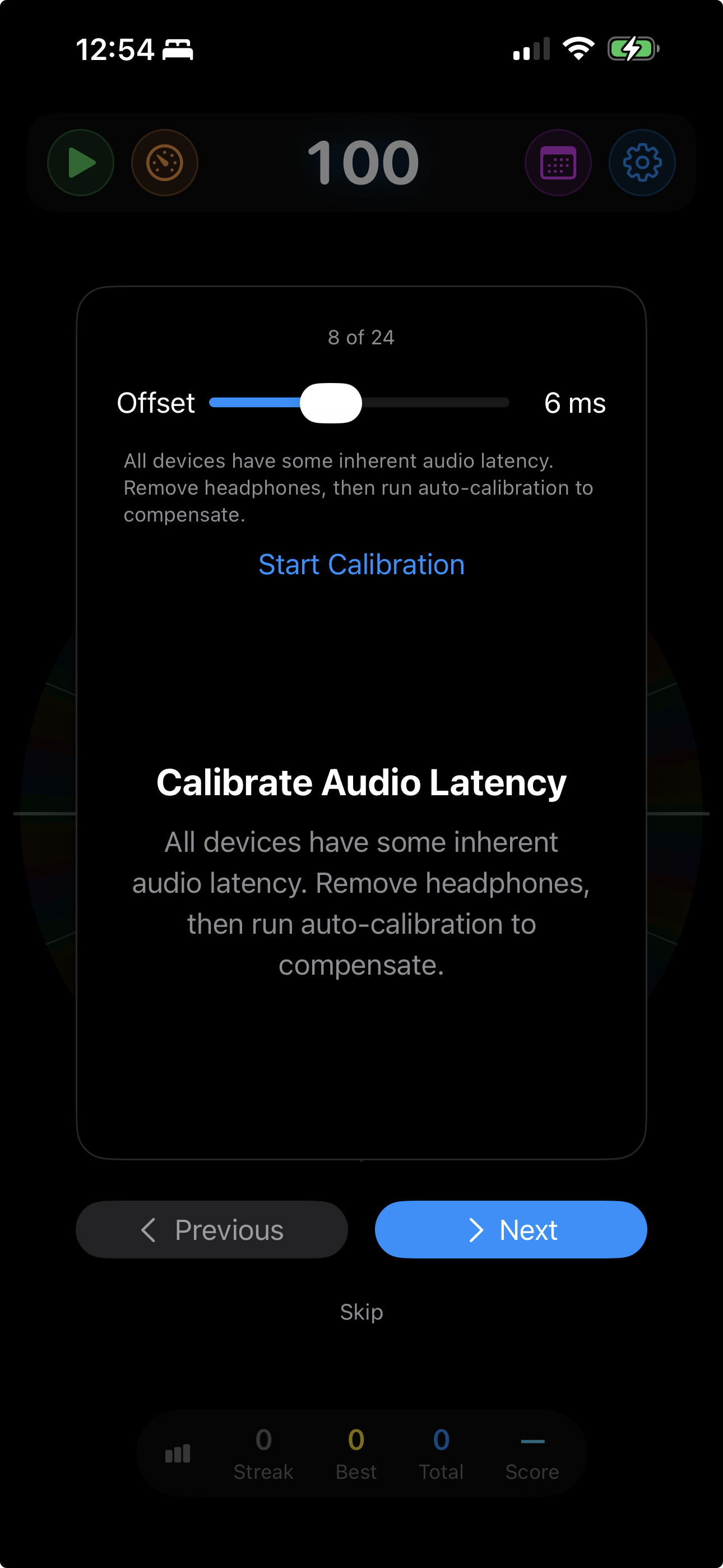
Use the built-in microphone or plug in your audio interface. Play drums, guitar, piano, voice — anything with a clear attack. Adaptive auto-gain handles sensitivity automatically, and latency calibration helps line up what you hear with what gets scored.

🎹

MIDI

Connect any MIDI controller via Bluetooth or USB. Keyboards, drum pads, electronic kits — play your own instrument and let Metronome Hero score your timing with the most direct input path.

Challenges that build real musicians

Professional practice techniques built right into the app.

Play / Mute Cycling

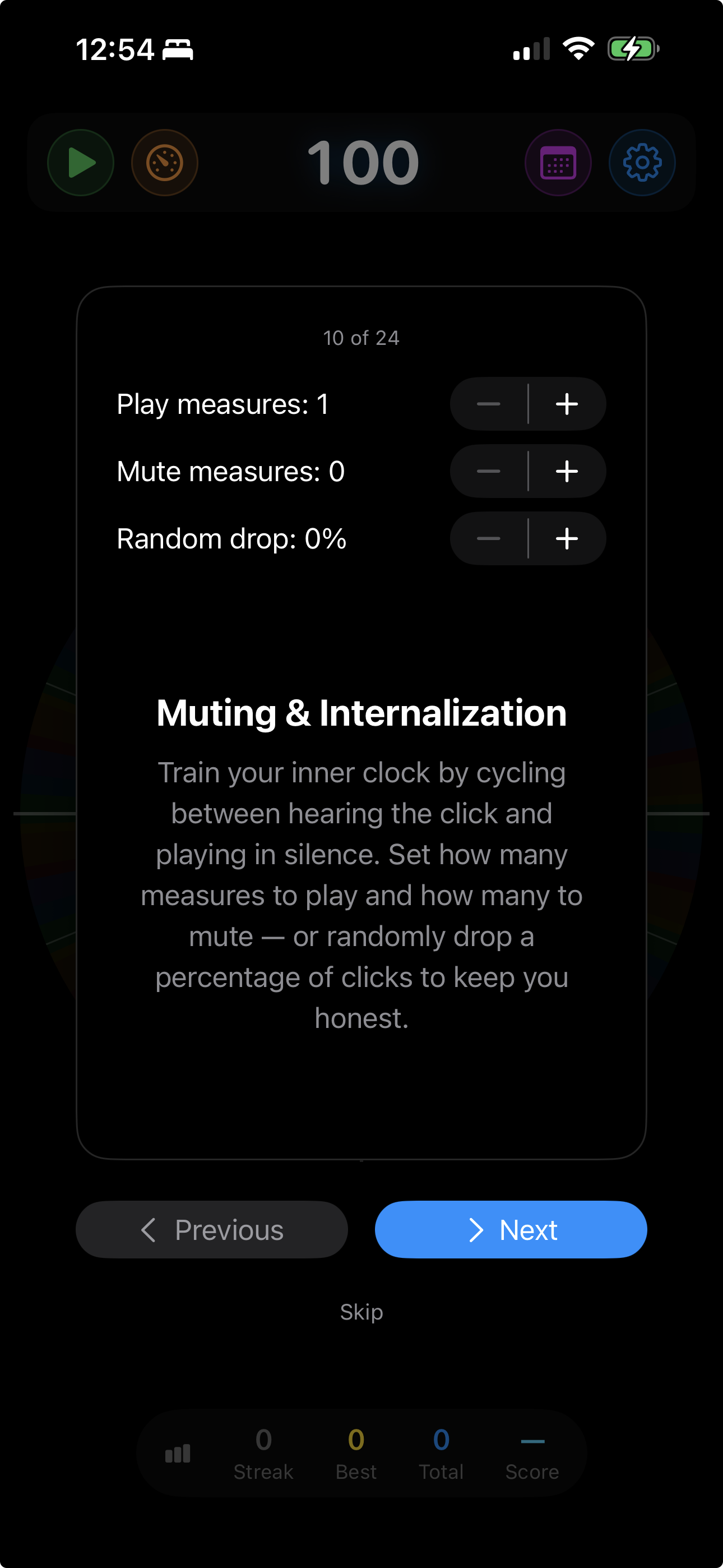
Alternate between measures with clicks and measures of silence. When the clicks come back, are you still in time?

Backbeat Only

In 4/4, only beats 2 and 4 play. The pocket. The groove. Train what matters most.

Random Click Drop

Up to 50% of beats go silent. Can you hold steady when the safety net disappears? Forces you to internalize the pulse.

Progressive Click Drop

Each level-up removes more clicks from the pattern. Combined with auto-tempo, a practice session that evolves with you.

One app. Every Apple device.

Metronome Hero meets you wherever you practice. All your sessions are stored on iCloud, so every device shares the same practice history.

Metronome Hero on iPhone in landscape showing Scrolling History view

iPhone, iPad & Mac

Full-featured rhythm training with touch, audio, or MIDI input. Portrait and landscape. Session recording with camera overlay on iPhone. Native Mac app with keyboard, mouse, and MIDI input.

Metronome Hero on Apple Watch showing circular visualization

Apple Watch

A fully independent rhythm trainer on your wrist. All six visualizations, digital crown controls, and its own level meter.

Connect with your whole setup

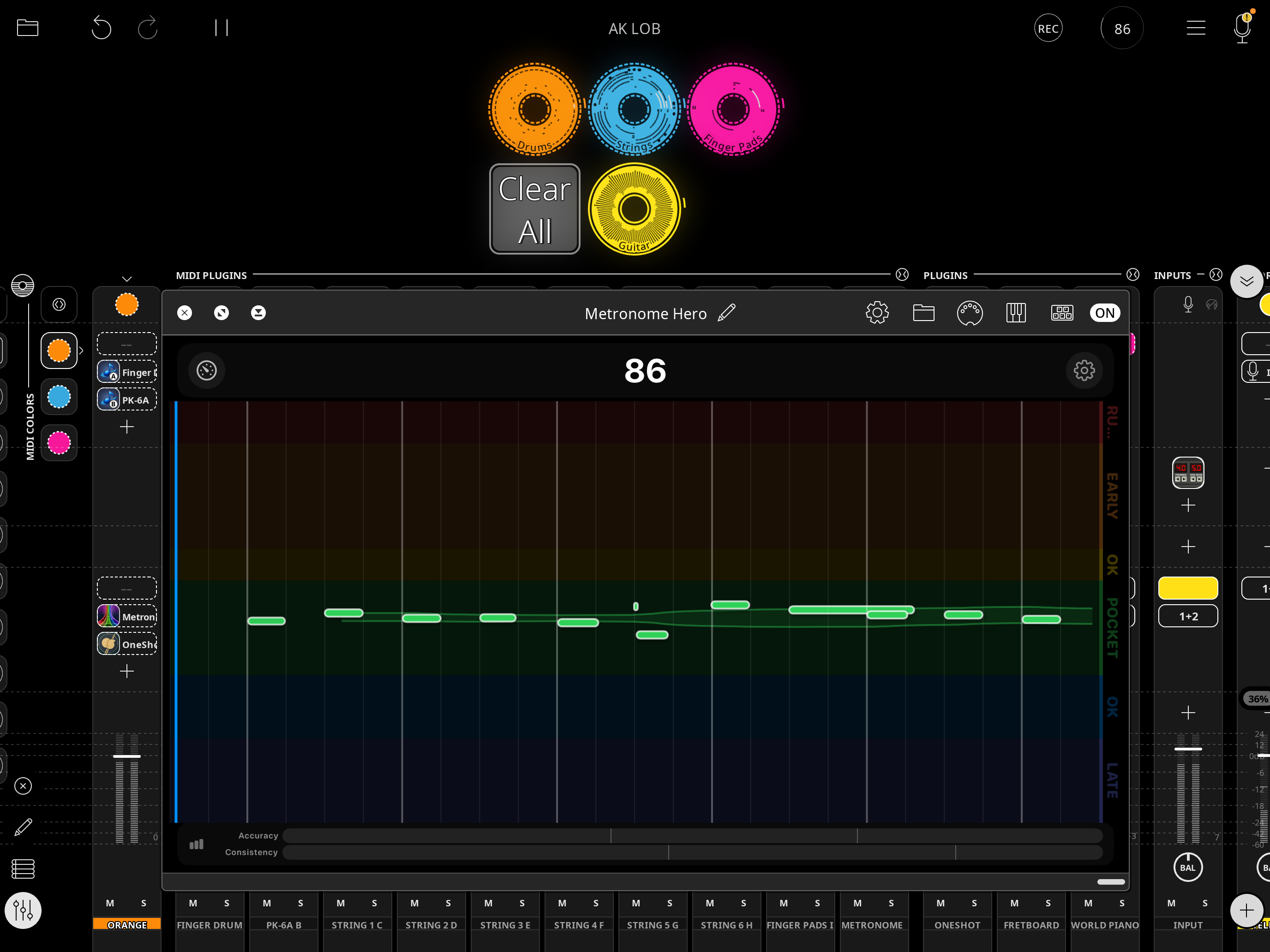
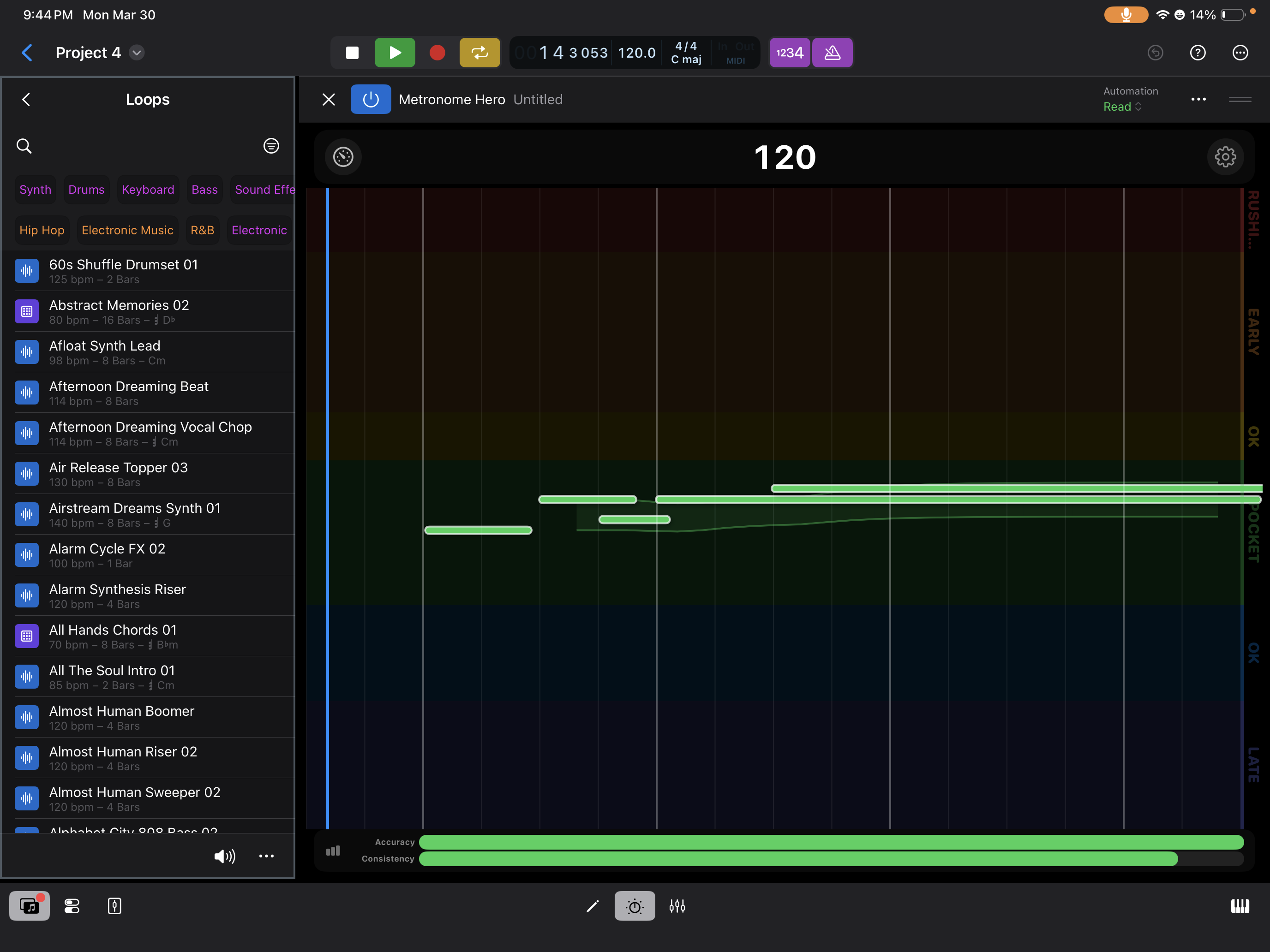
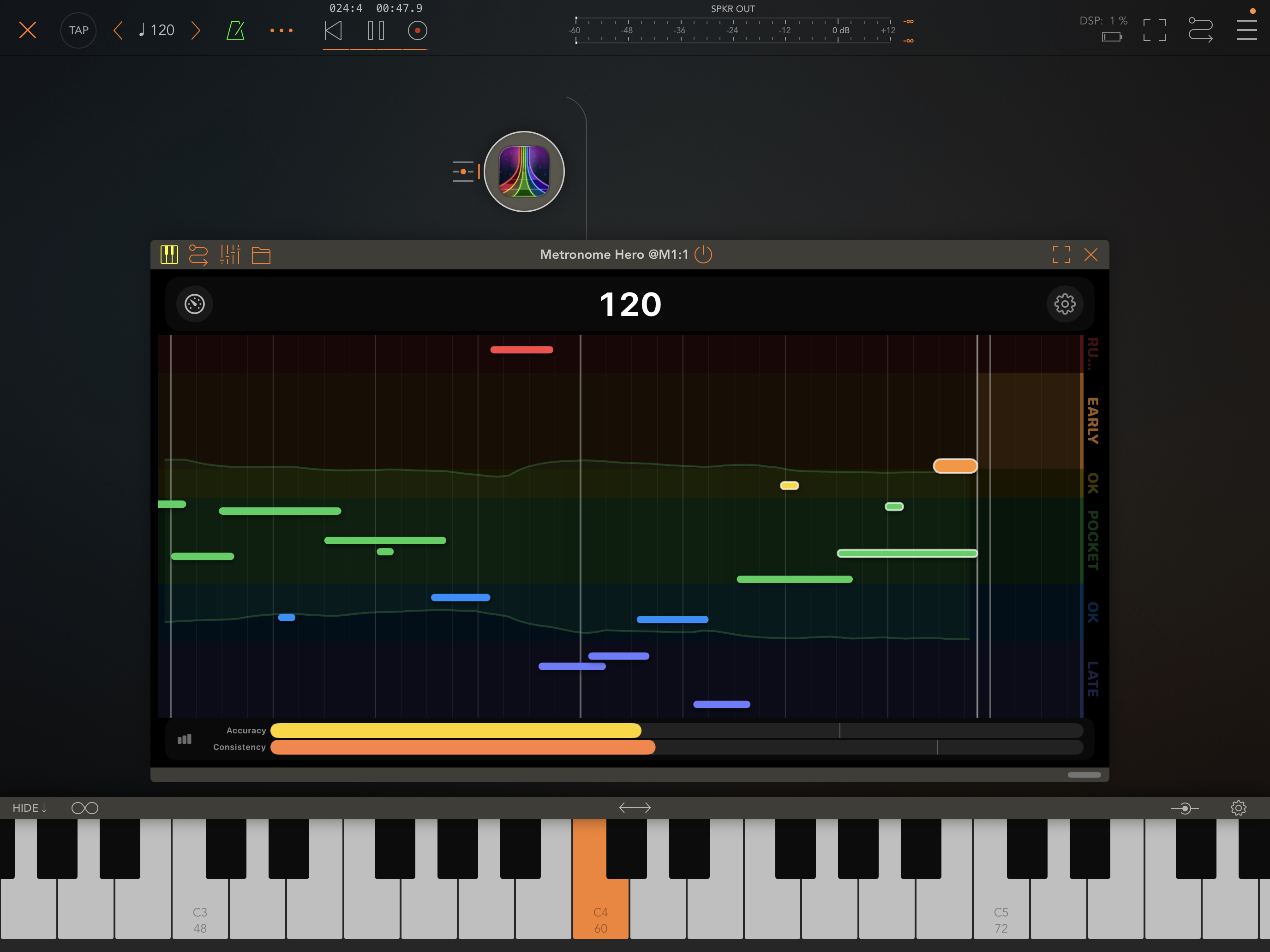
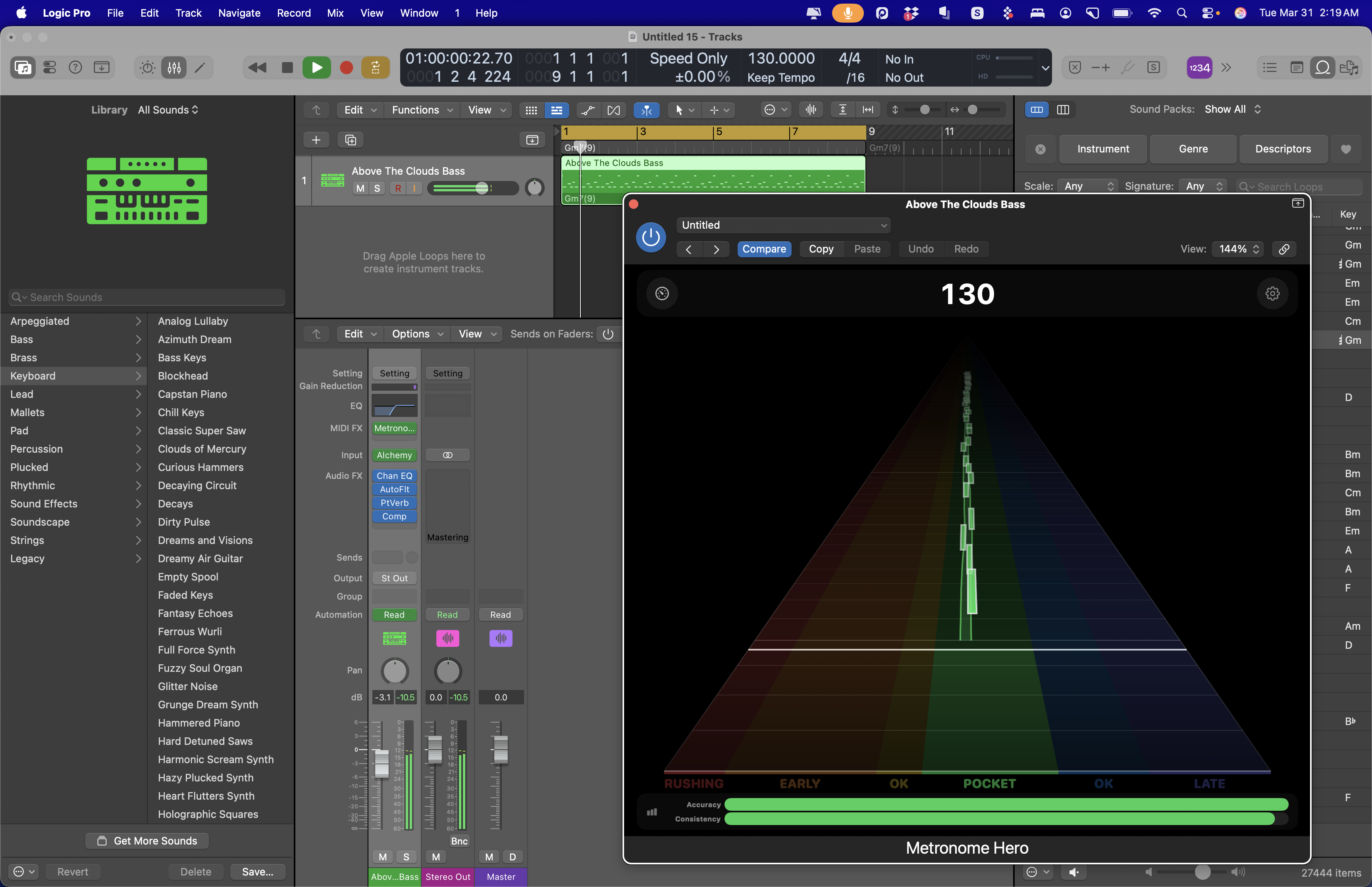
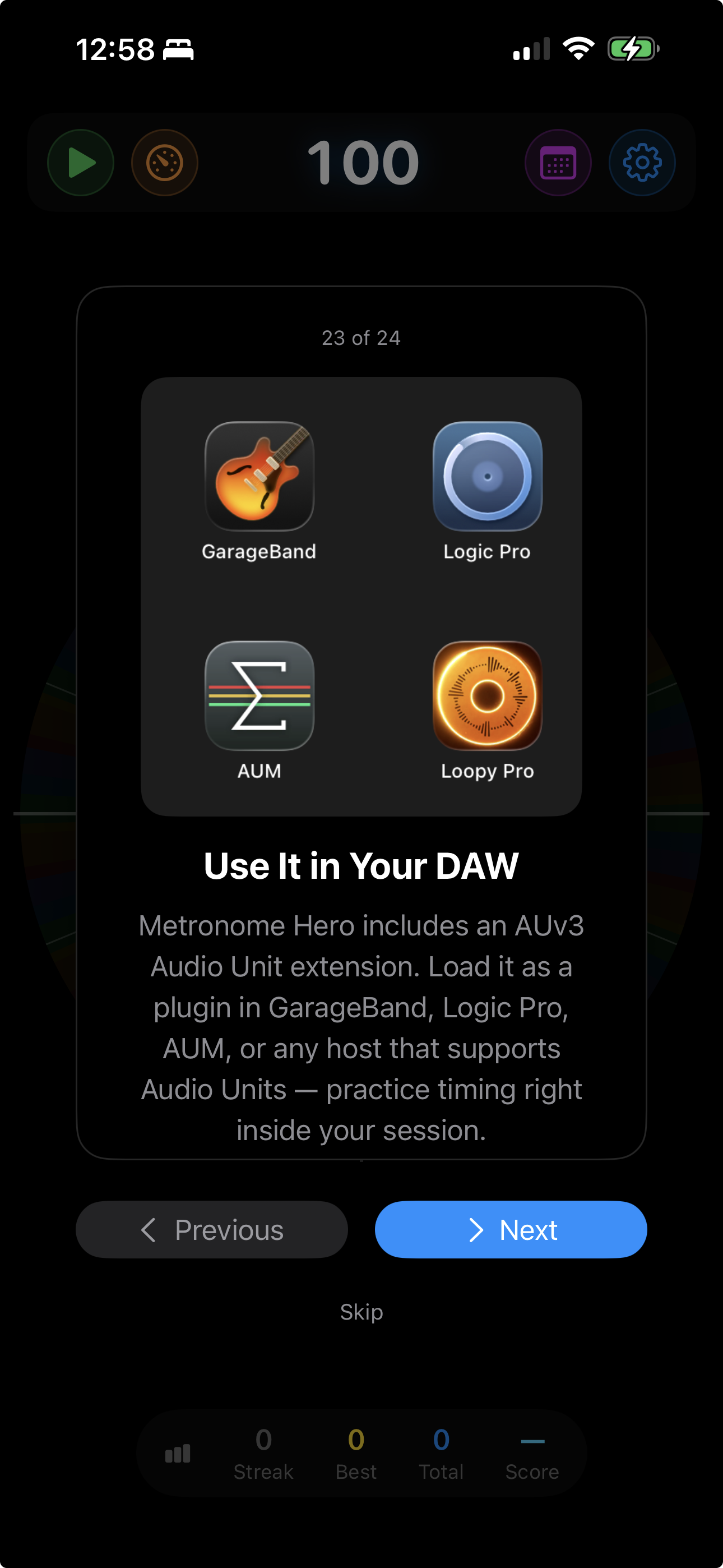
Load Metronome Hero as an Audio Unit plugin in your DAW, hit play on a backing track, and practice with host-synced timing feedback. The plugin follows the host transport and scores incoming MIDI performance.

Metronome Hero AUv3 plugin running inside Loopy Pro Metronome Hero AUv3 plugin running inside Logic Pro on iPad Metronome Hero AUv3 plugin running inside AUM Metronome Hero AUv3 plugin running inside Logic Pro on Mac

Loopy Pro

Compatible DAW hosts: GarageBand, Logic Pro, AUM, Loopy Pro

Works with Logic Pro, GarageBand, AUM, Loopy Pro, and other Audio Unit hosts that support the plugin format.

Ableton Link

Sync tempo across every app on your network with Ableton Link. When Metronome Hero changes tempo — auto level-up, level-down, or manual — every connected app follows instantly.

Practice together. Score together.

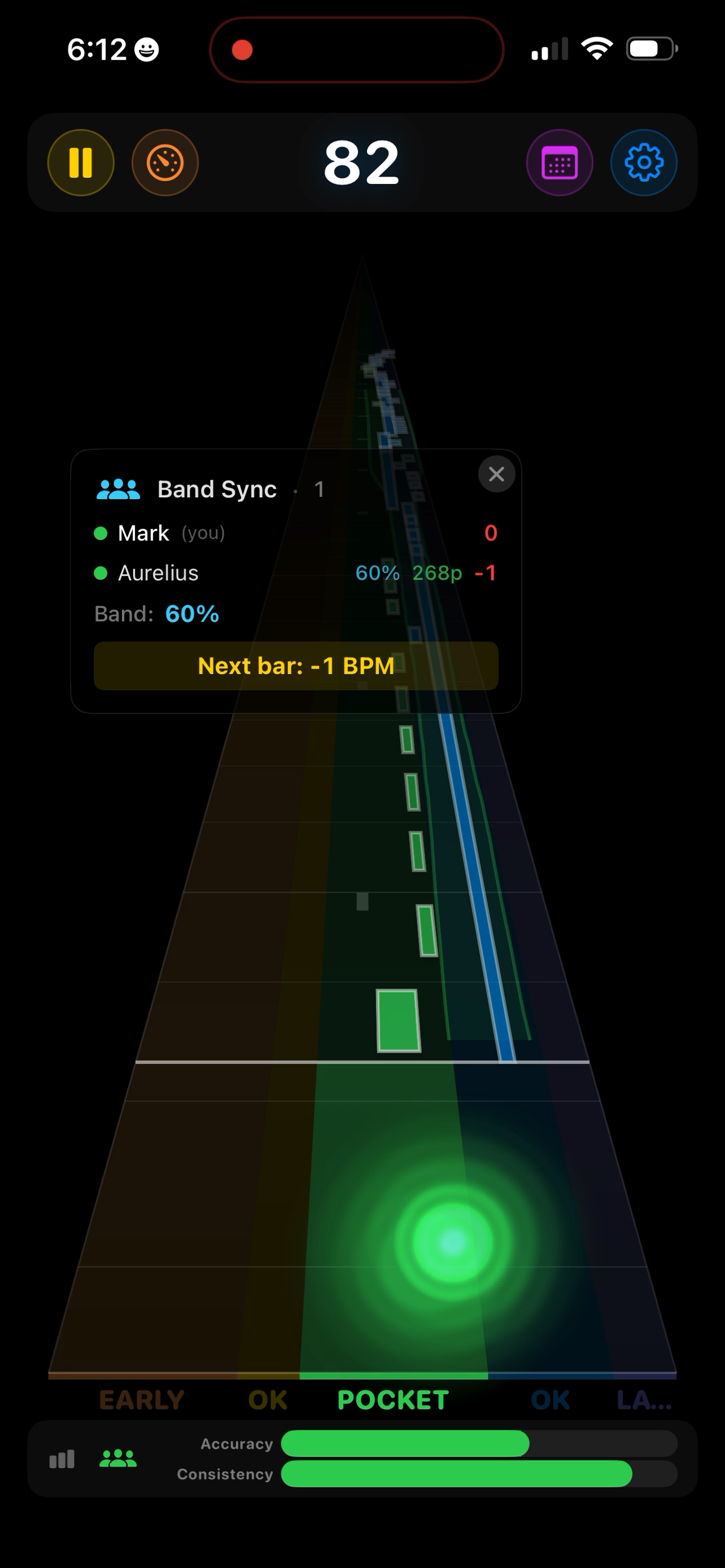
Connect multiple devices on the same local network and practice as a band — everyone stays on the same tempo grid and gets scored individually. On iPhone and iPad, Band Sync uses Ableton Link for timing.

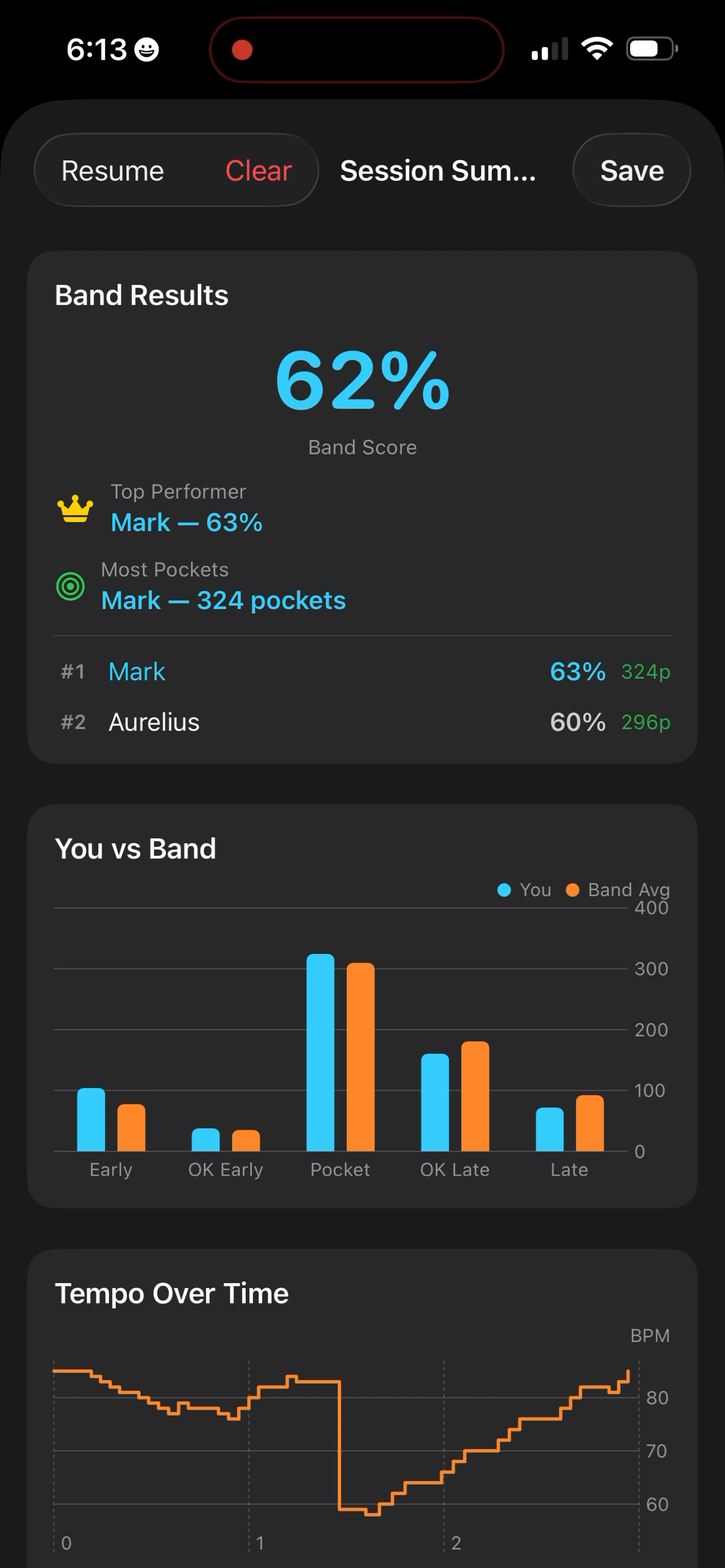
Band Sync session in progress with Note Highway visualization Band Results showing scores, rankings, and You vs Band chart
Band Session Results

After a band session, see how everyone performed — individually and as a group.

  • Band score based on the group’s combined accuracy
  • Individual rankings with pocket counts
  • “You vs Band” comparative chart across all timing zones
  • Top performer and most-in-the-pocket awards

Who is this for?

🥁

Drummers who want objective feedback on timing consistency

🎸

Guitarists & bassists training to lock in with a drummer or click track

🔁

Loopers who need every layer tight — one sloppy pass and the whole loop drifts

🎹

Pianists working on rhythmic independence between hands

🏫

Music teachers who want to show students how using a metronome can be fun

🎓

Music students preparing for auditions and ensemble placements

🎤

Vocalists practicing diction, consonant attacks, and lip/tongue exercises right on the beat

💃

Dancers training rhythmic precision — especially styles with clapping like flamenco

Learn as you play
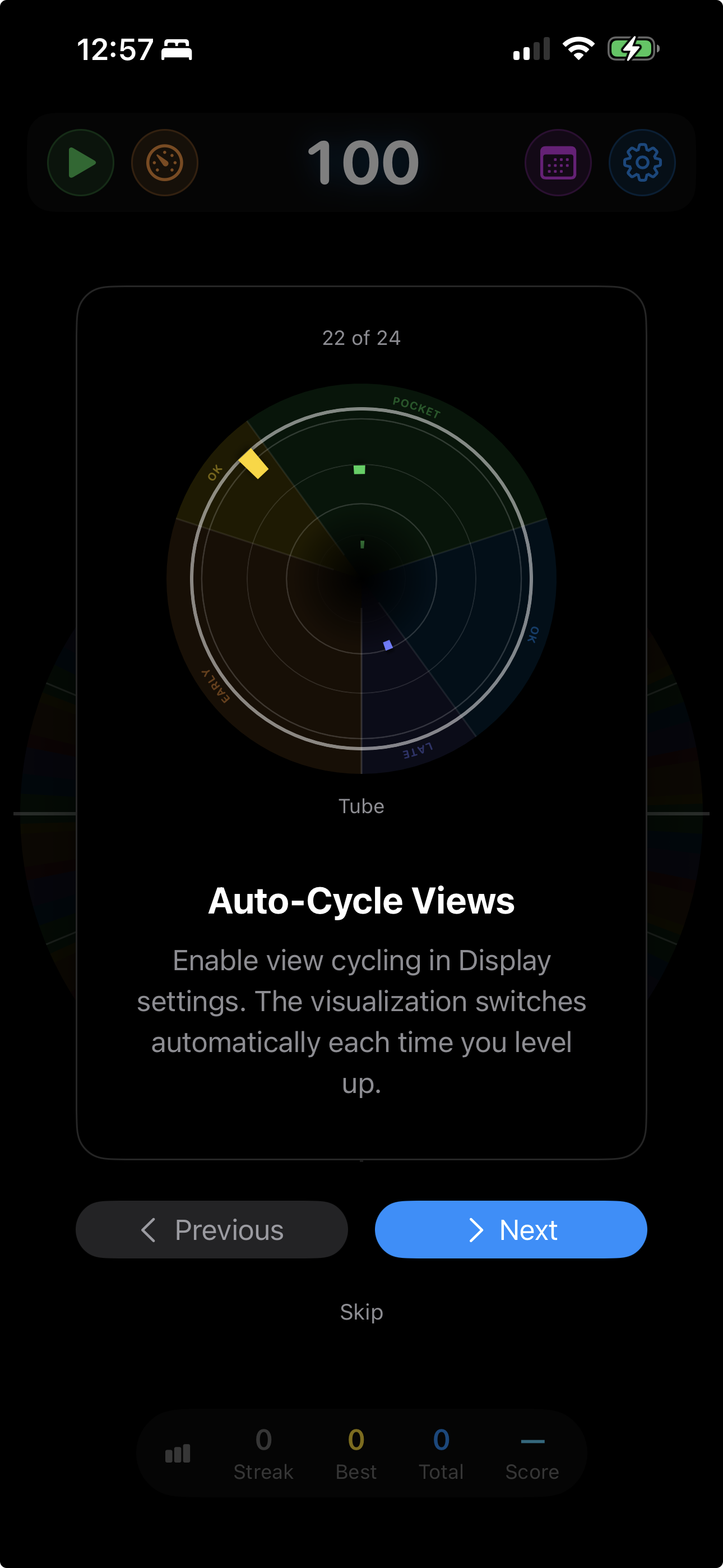
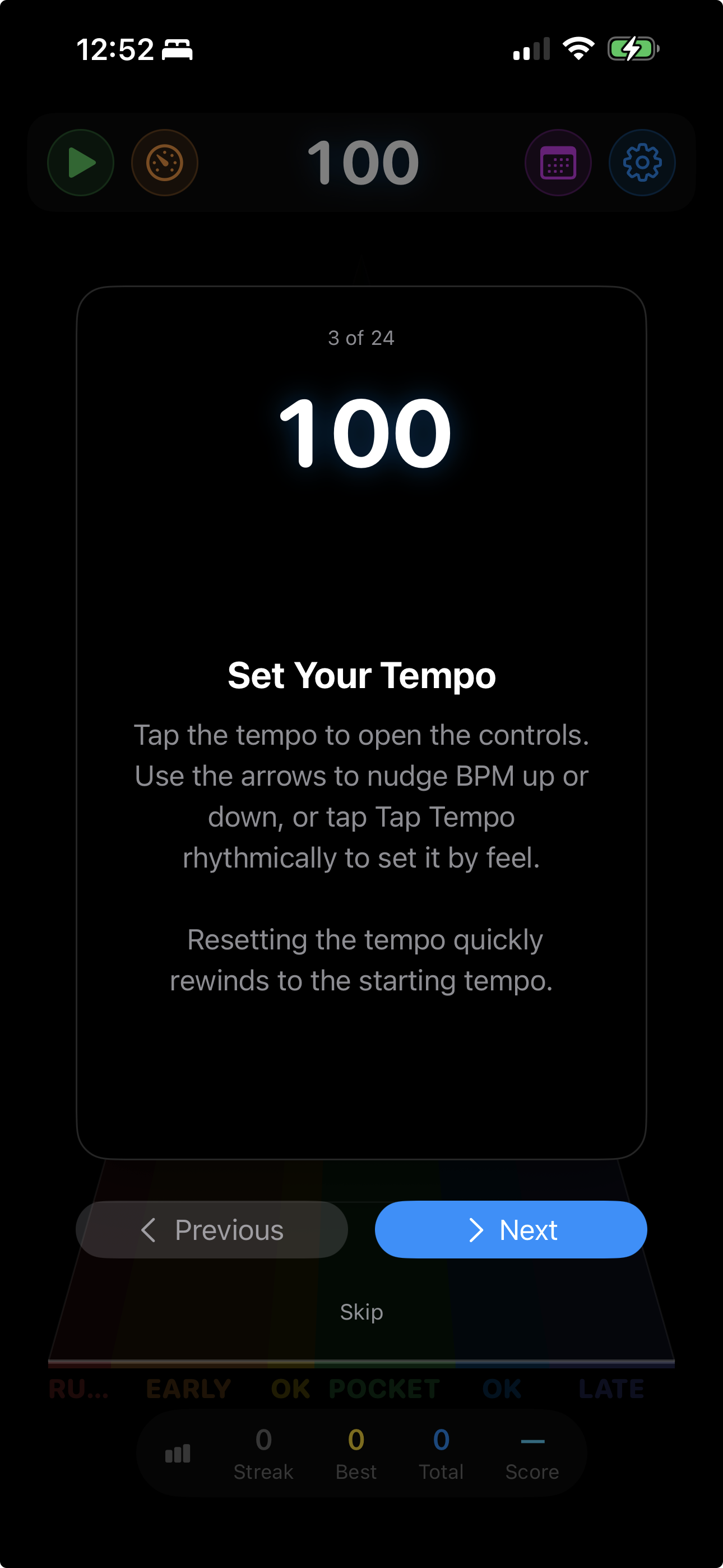
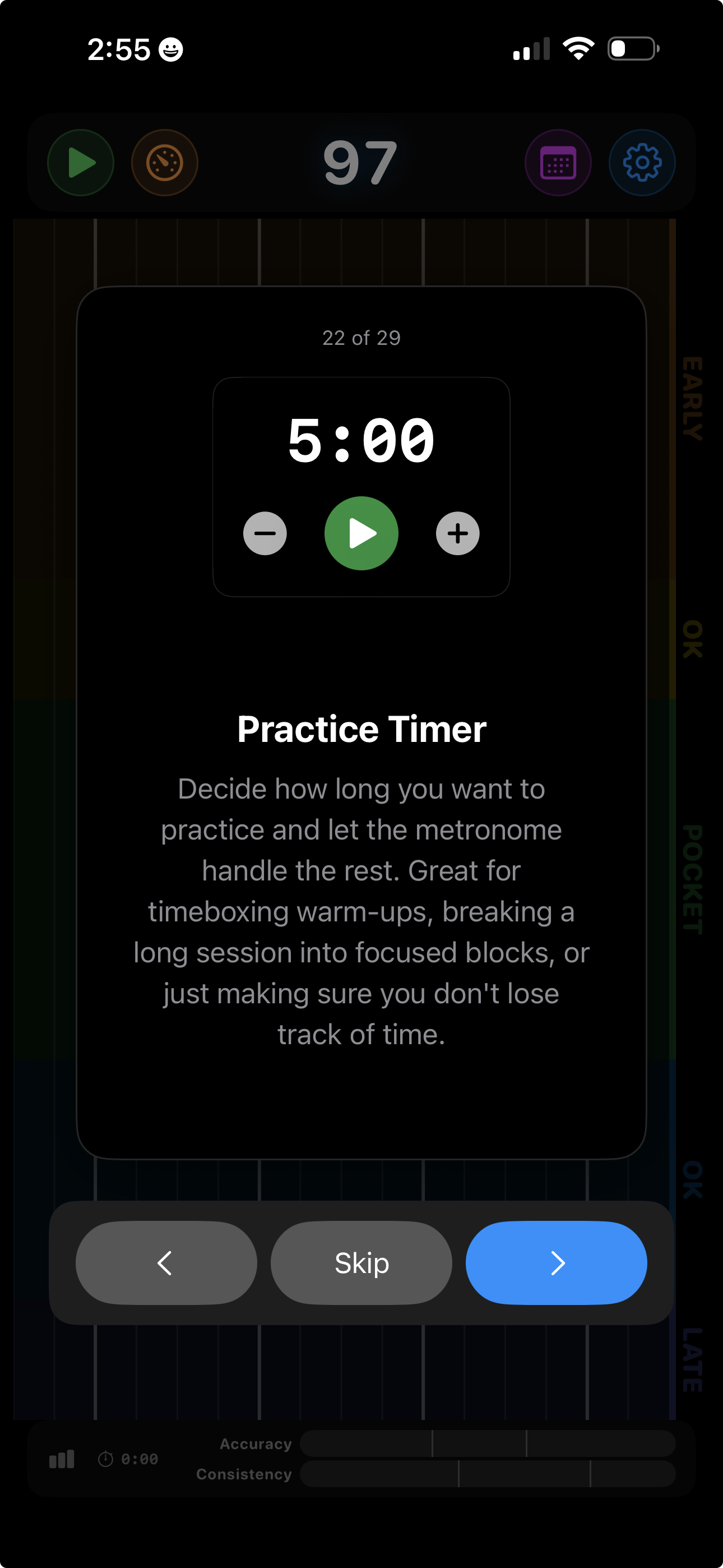
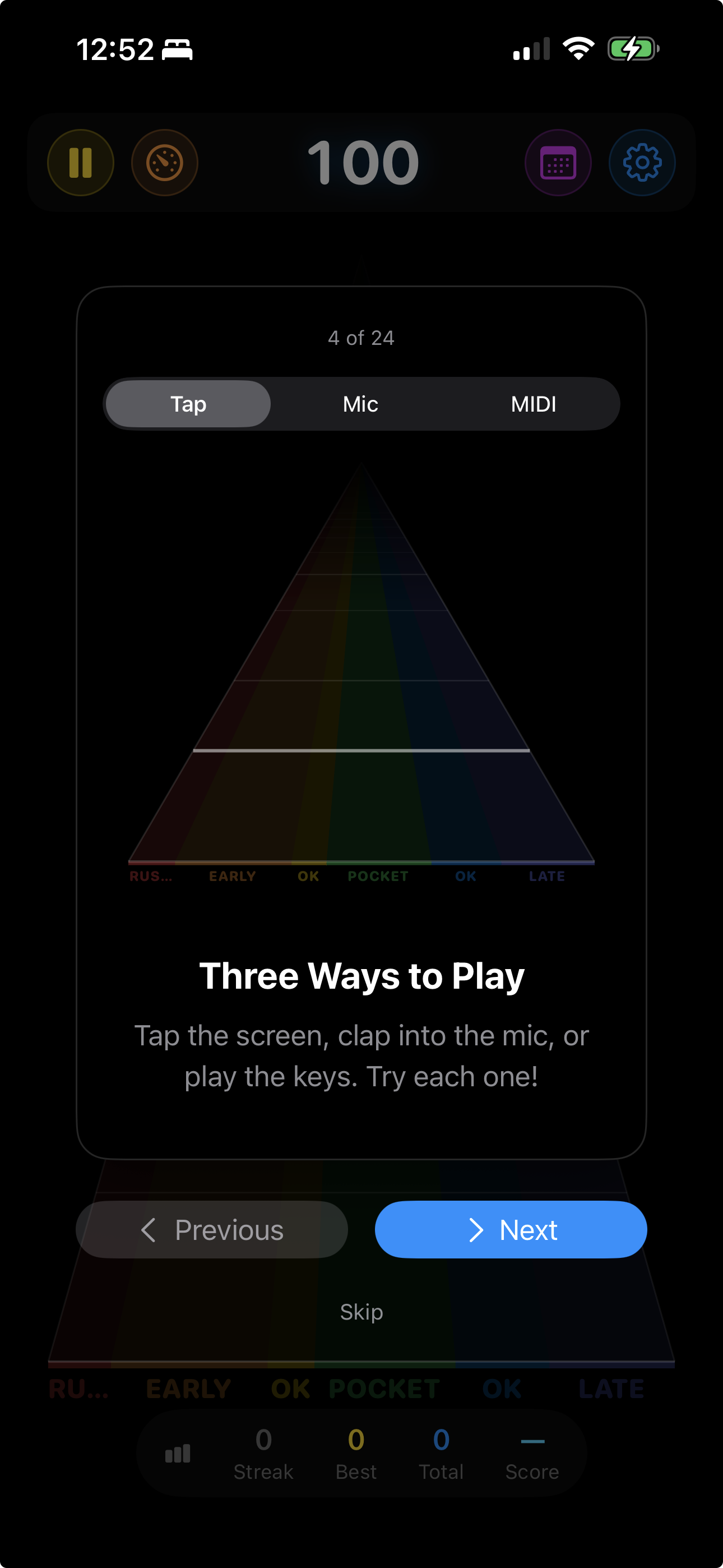
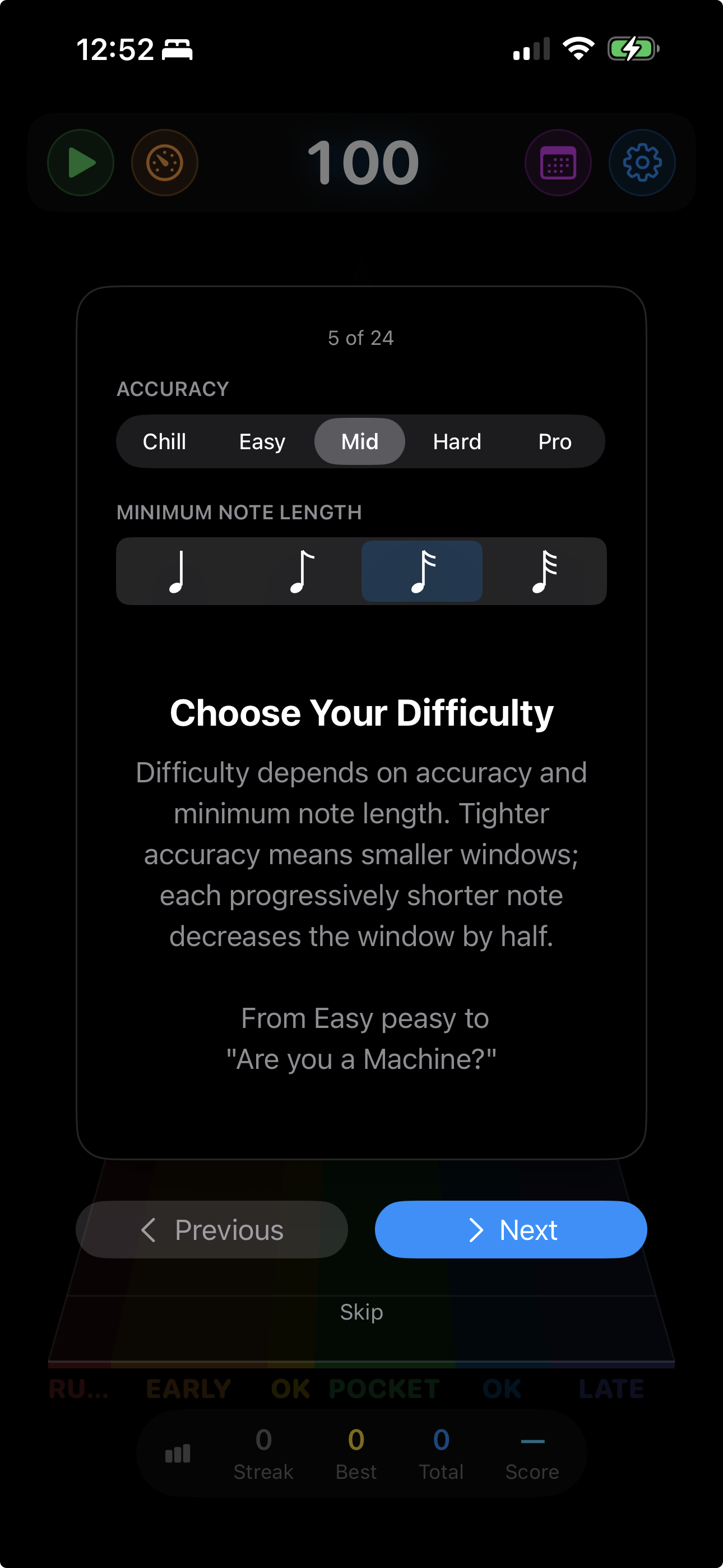
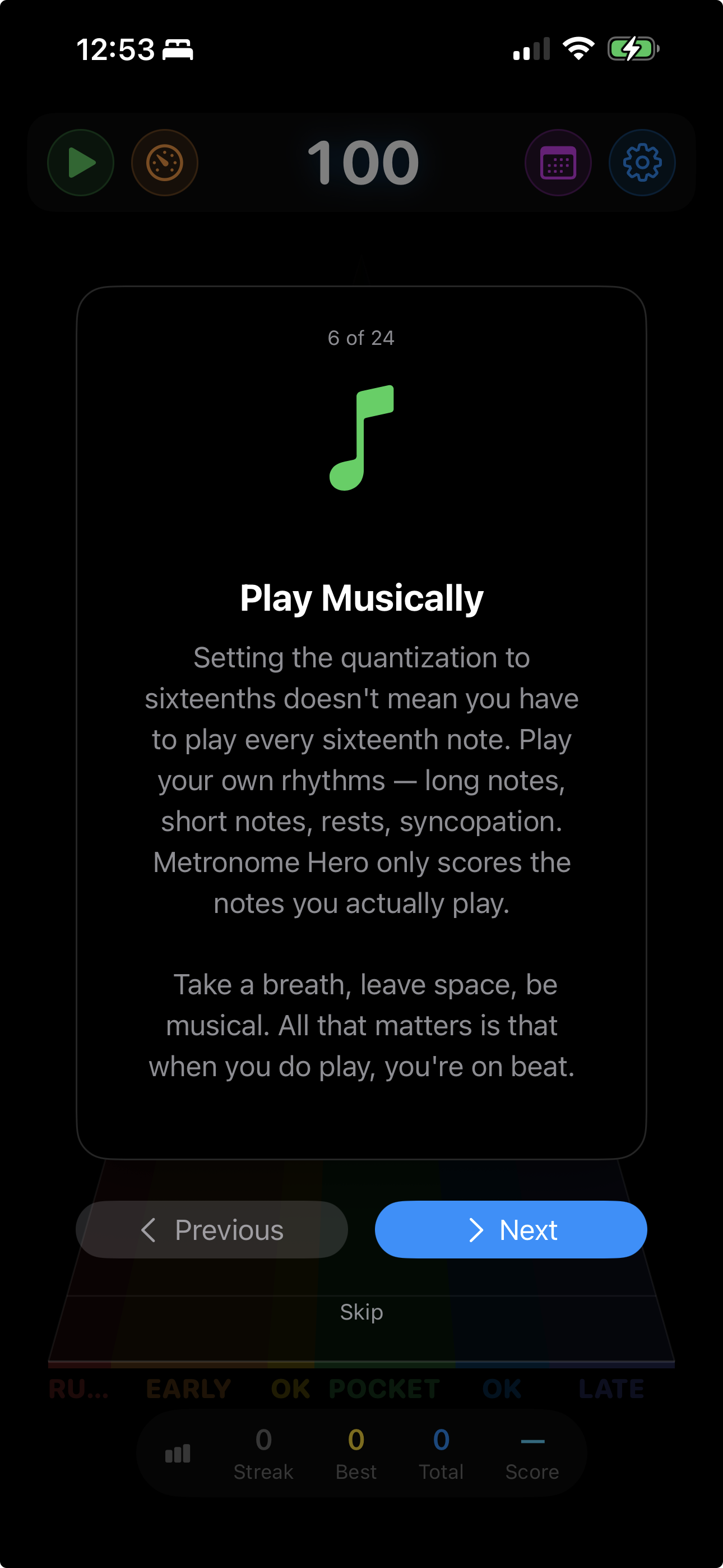
Built-in tip cards cover difficulty levels, time signatures, swing feel, DAW integration, and more. Tap through them at your own pace.
Getting Started

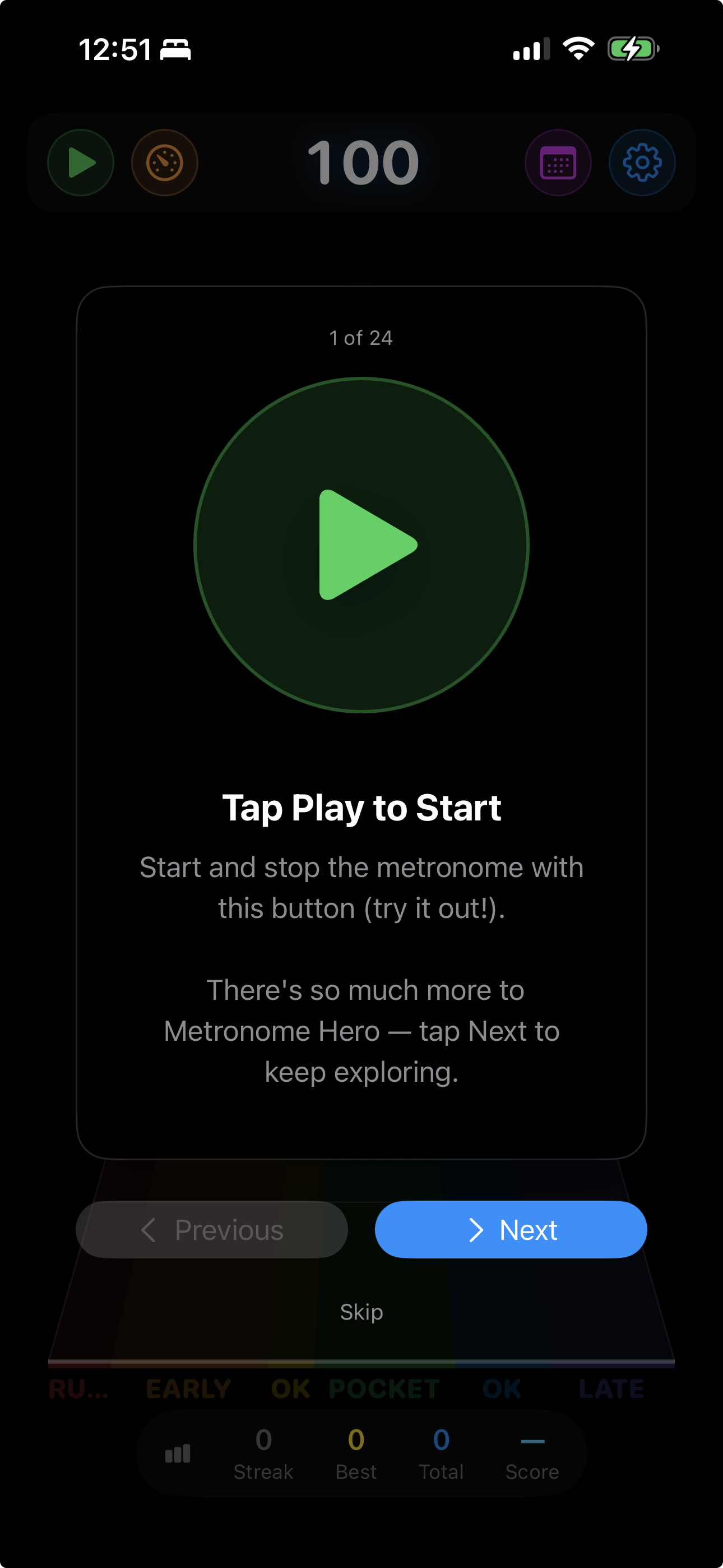
  • Tap Play to Start
  • See Your Timing
  • Set Your Tempo
  • Three Ways to Play
  • Choose Your Difficulty
  • Play Musically
  • Calibrate Audio Latency

Practice Tools

  • Six Visualizations
  • Auto-Cycle Views
  • Muting & Internalization
  • Level Up Automatically
  • Level Down on Slumps
  • Time Signatures
  • Subdivisions
  • Swing Feel

Customize & Connect

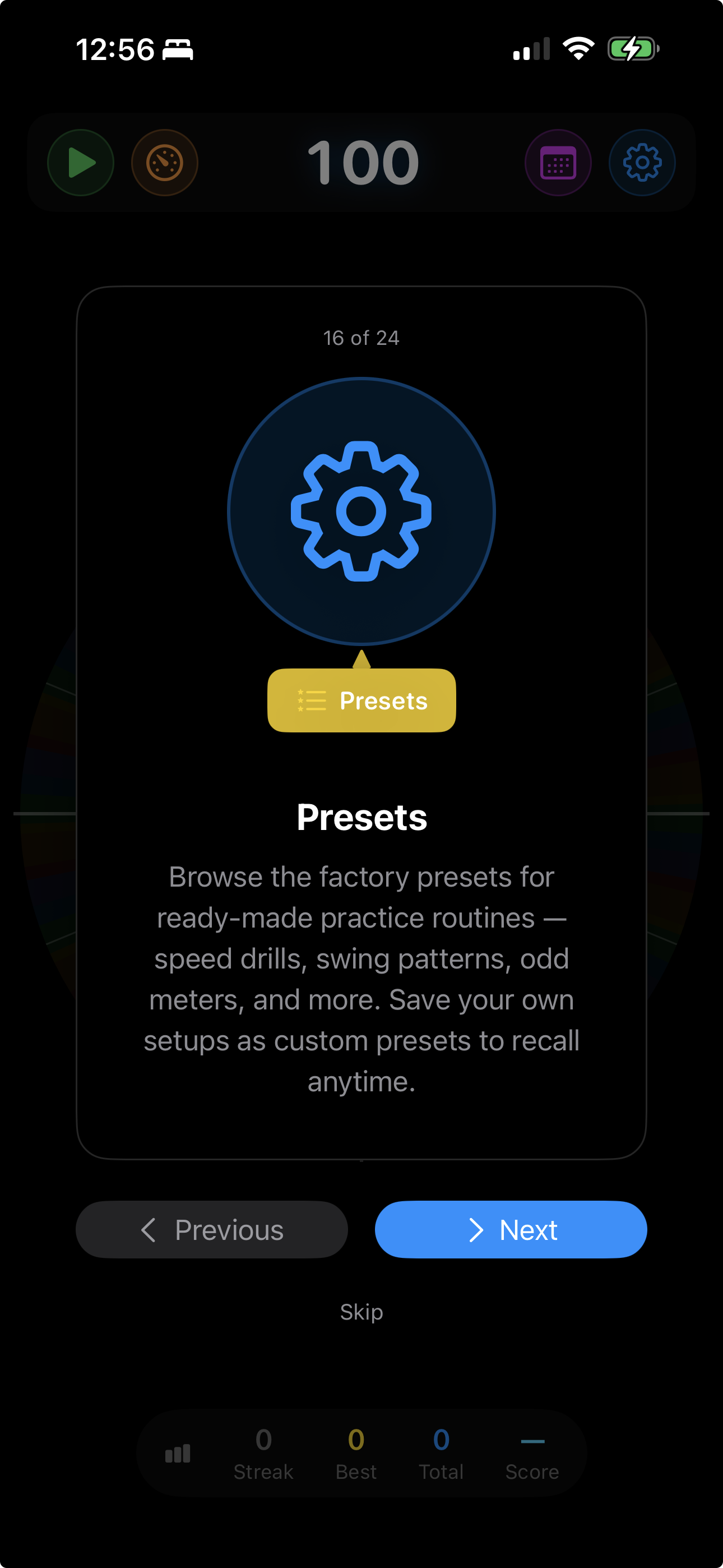
  • Presets
  • Sounds & Instruments
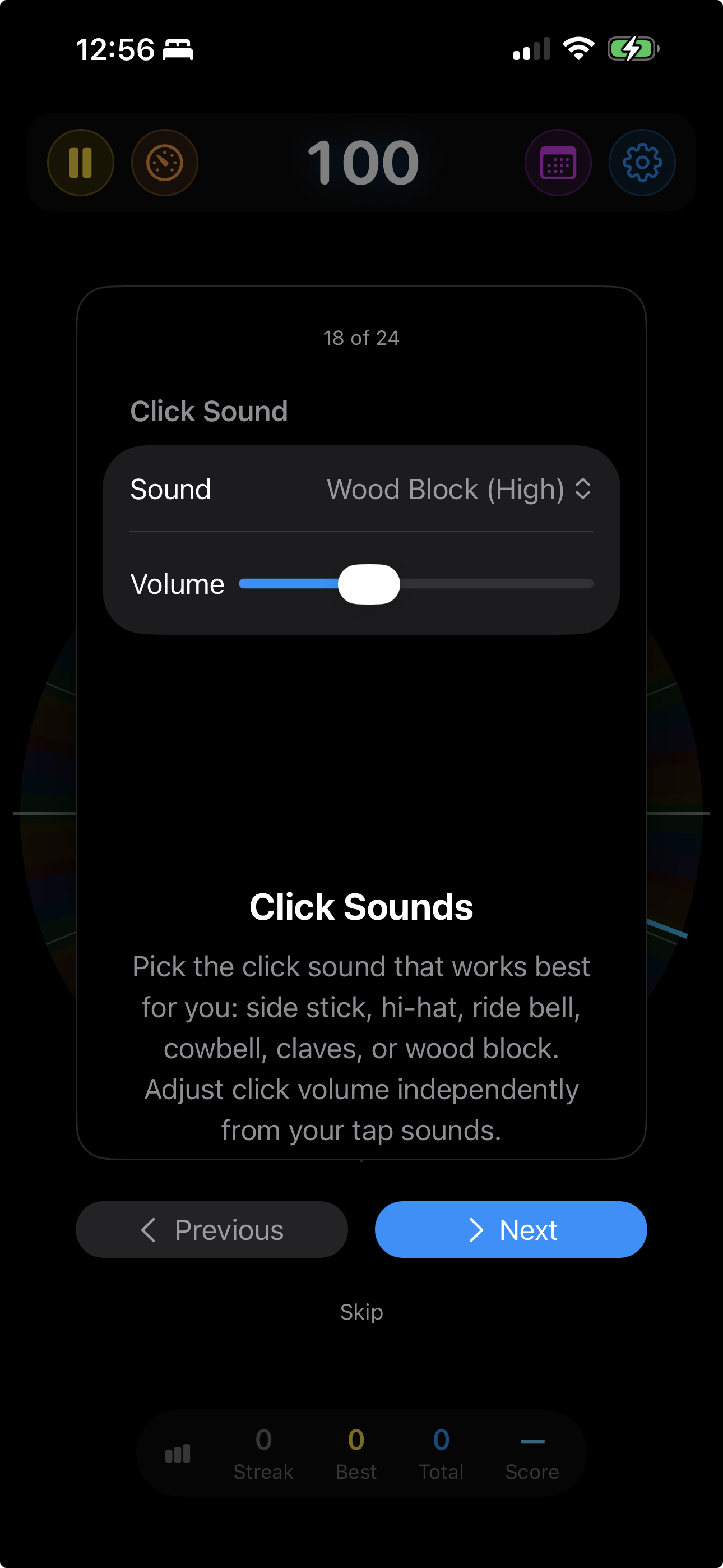
  • Click Sounds
  • Share Your Sessions
  • Session History
  • Use It in Your DAW
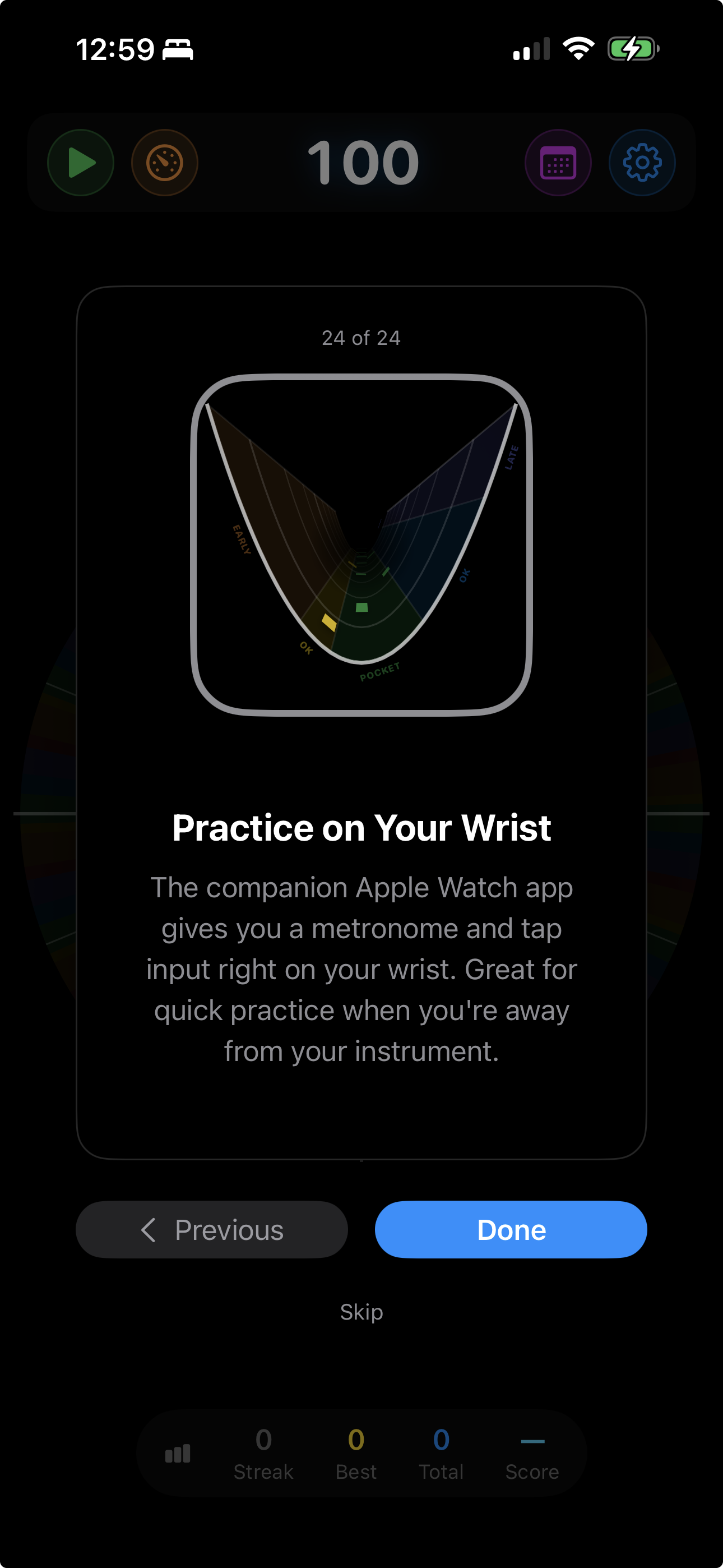
  • Practice on Your Wrist

Video Tutorial

A complete walkthrough of every feature — from your first tap to advanced practice tools.

Built for serious practice

Sub-millisecond beat timing via mach_absolute_time

Selectable click sounds and 10 curated instrument voices for tap feedback

Preset system — save complete practice configurations

Time signatures: 1/4 through 5/4, plus 6/8 through 16/8

Swing control: 0–33% for jazz, Latin, and shuffle styles

Adaptive audio auto-gain for built-in mics and audio interfaces, with manual latency calibration when needed

iCloud session sync across all devices

Pause and resume — review mid-session, then continue

Metronome Hero

Practice with precision. Level up for real.

iPhone, iPad, Mac, Apple Watch, and AUv3 plugin. Includes a 7-day trial; subscription unlocks full app features and AUv3 access.

Download on the App Store